
35 Free Aesthetic Christmas Wallpapers for Your Phone and Desktop
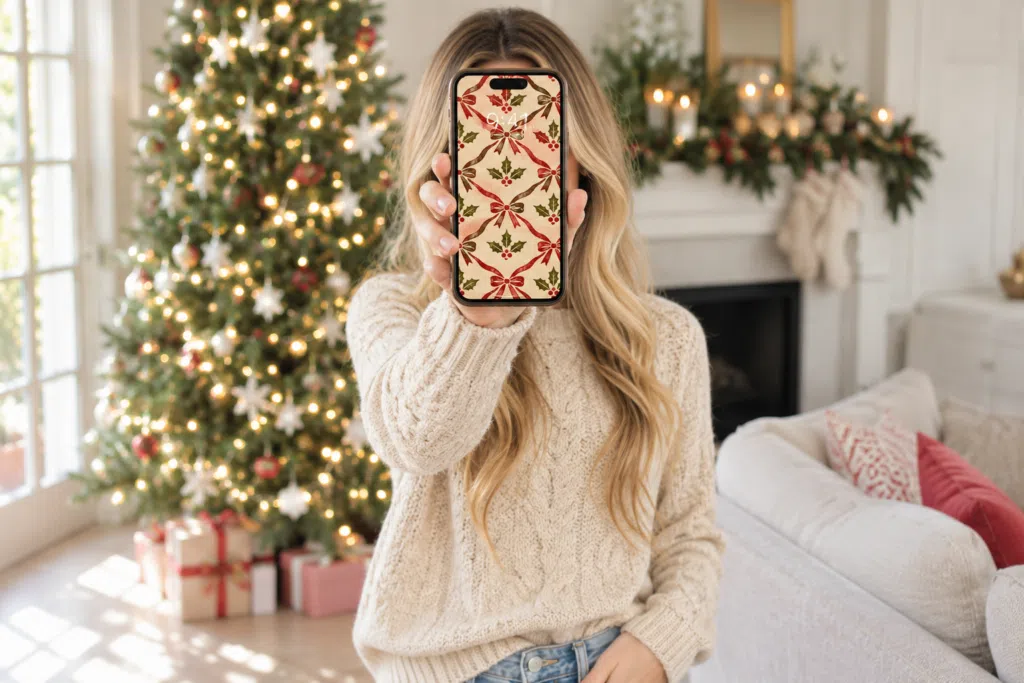
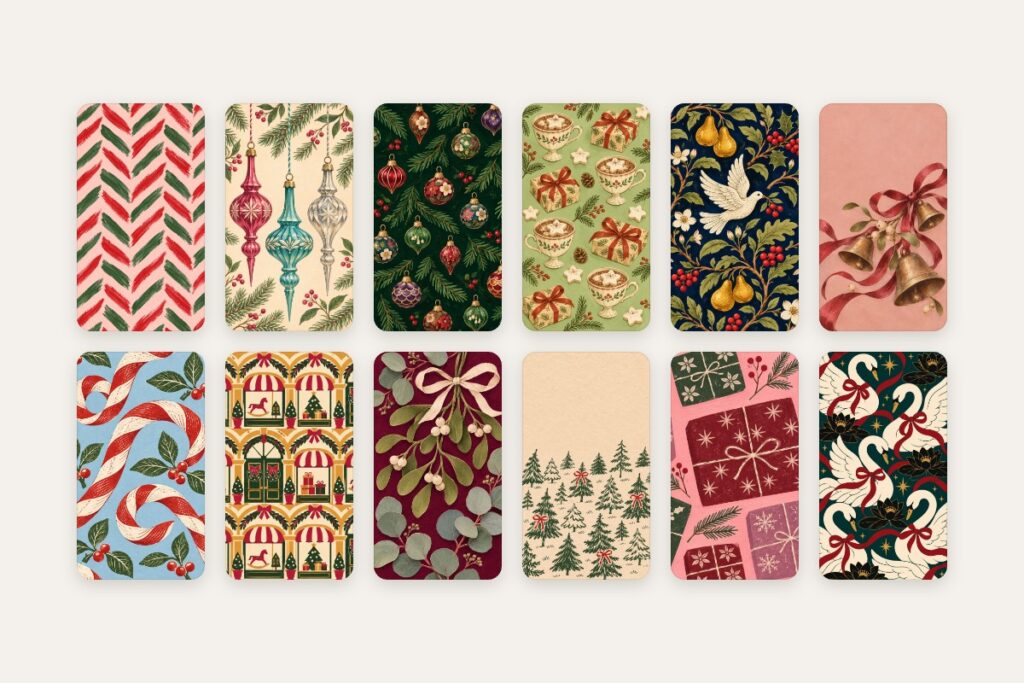
I designed 35 Christmas wallpapers this year, and every single one comes in two sizes: a tall one for your phone and a wide one for your laptop or desktop, so your lock screen and your computer can match all December. These Christmas wallpapers are free, there’s nothing to sign up for, and the styles run from preppy pink bows to a quiet pencil-sketch nativity.
I’m a family photographer, so I think a lot about where things sit in a frame, and a phone screen is a tricky frame. The clock covers the top, widgets cover more, and on your Home Screen the app icons cover nearly everything else. As I sorted these, I noted which ones are all-over patterns that look good no matter what sits on top of them, and which ones leave the top of the screen open for your clock.
Sometimes we just need a little bit of holiday cheer. We decorate the house and I pull out my holiday clothes every year, and these wallpapers are one more little thing to decorate, a small taste of the holidays on your phone or desktop that helps you settle into the season. Right now I have Winter Citrus on both.
The short version:
- 35 designs, each with a matching phone version and desktop version
- Free for personal use, with no email to enter
- Tap any wallpaper to open the full-size file, then save it
- Want room for your Lock Screen clock? Start with the simple and minimalist set
Jump to a style:
- Cute and cozy (7)
- Preppy and pink (5)
- Vintage (7)
- Folk art patterns (4)
- Dark and moody (4)
- Simple and minimalist (8)
- How to set a wallpaper on iPhone, Android or a Mac or PC
How to Download These Christmas Wallpapers
On your phone: scroll to a style you like and tap the phone version of a design. The full-size image opens in a new tab. Touch and hold it, then tap Save to Photos (on an Android phone, tap Download image).
On a computer: click the desktop version, then right-click the image and choose Save Image As. You can also save a phone version on your computer and AirDrop or email it to yourself.
The phone wallpapers are tall 9:16 images at 1440 x 2560 pixels, and the desktop wallpapers are wide 16:9 images in 4K (3840 x 2160), so they stay sharp even on a big monitor. They’re free for personal use on your own phone, tablet and computer. Please don’t sell them or upload them to other sites or apps. If you’d like to share them, send a link to this post instead.
Cute and Cozy Christmas Wallpapers
These are the cute Christmas wallpapers in the set, the ones with hot cocoa and a shop window full of rocking horses. They’re cheerful without tipping into cartoon, and most are all-over patterns, so it doesn’t matter where your clock or app icons land.
Cute Christmas Phone Wallpapers
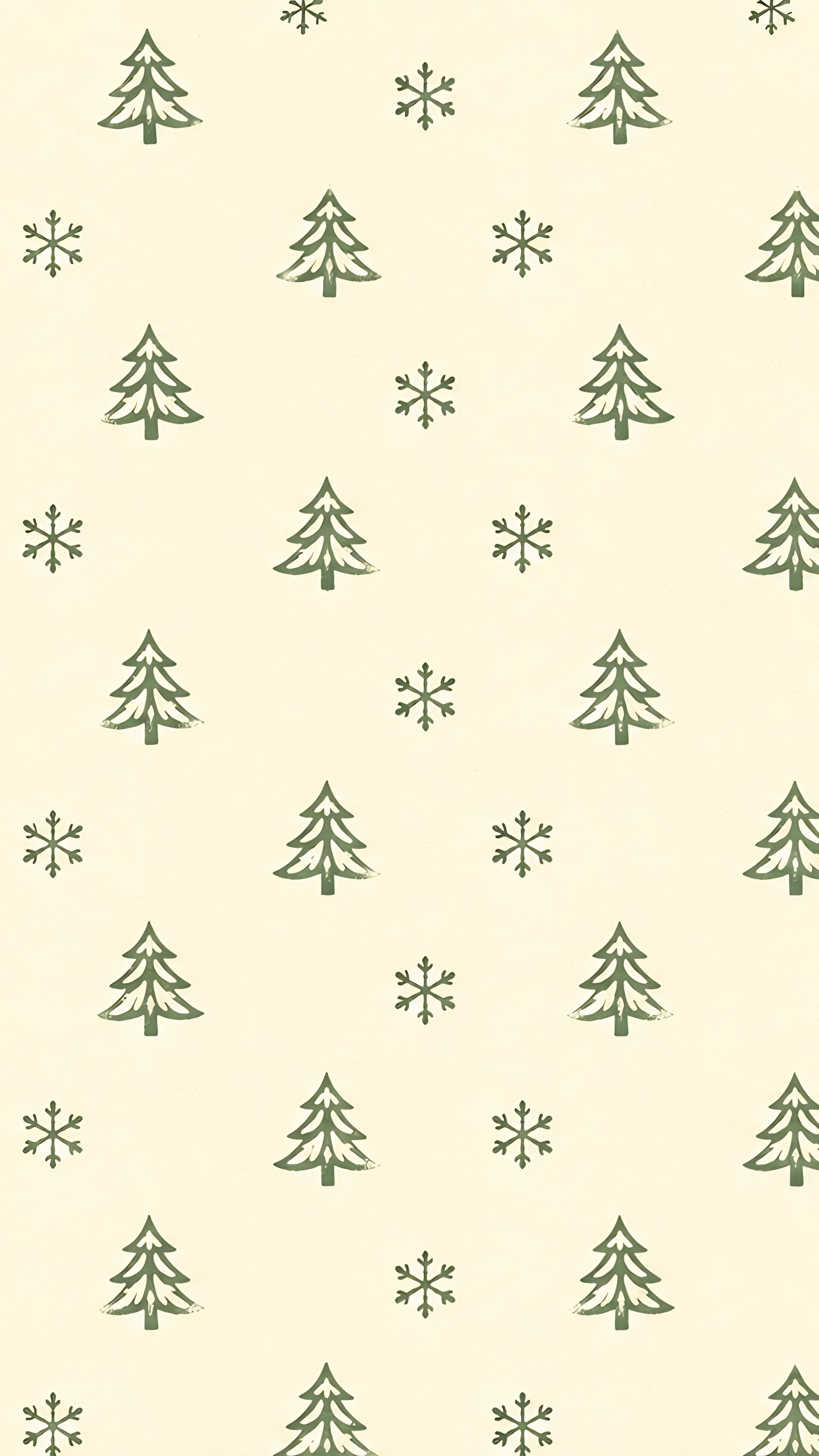
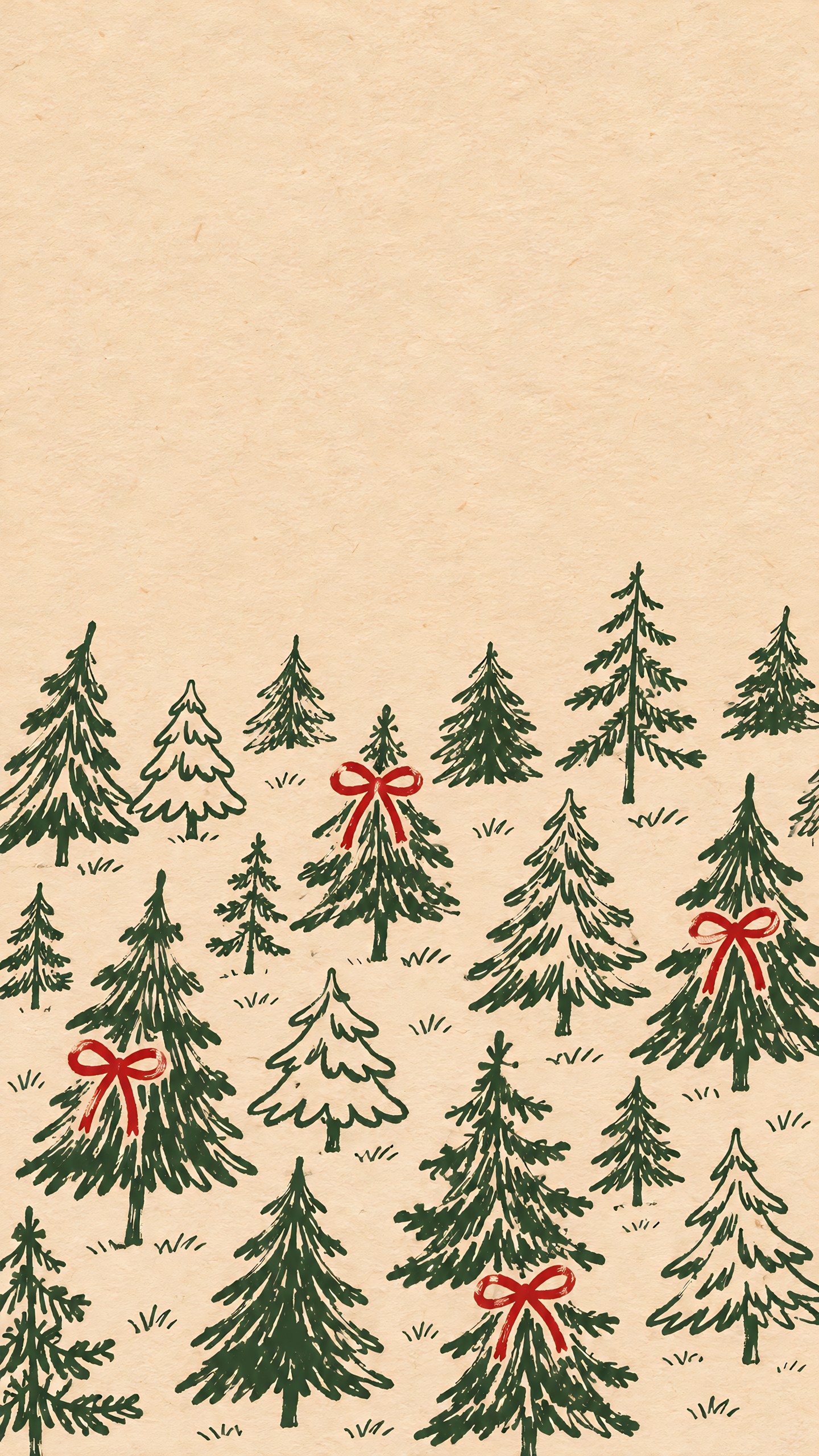
Cute Christmas Desktop Wallpapers
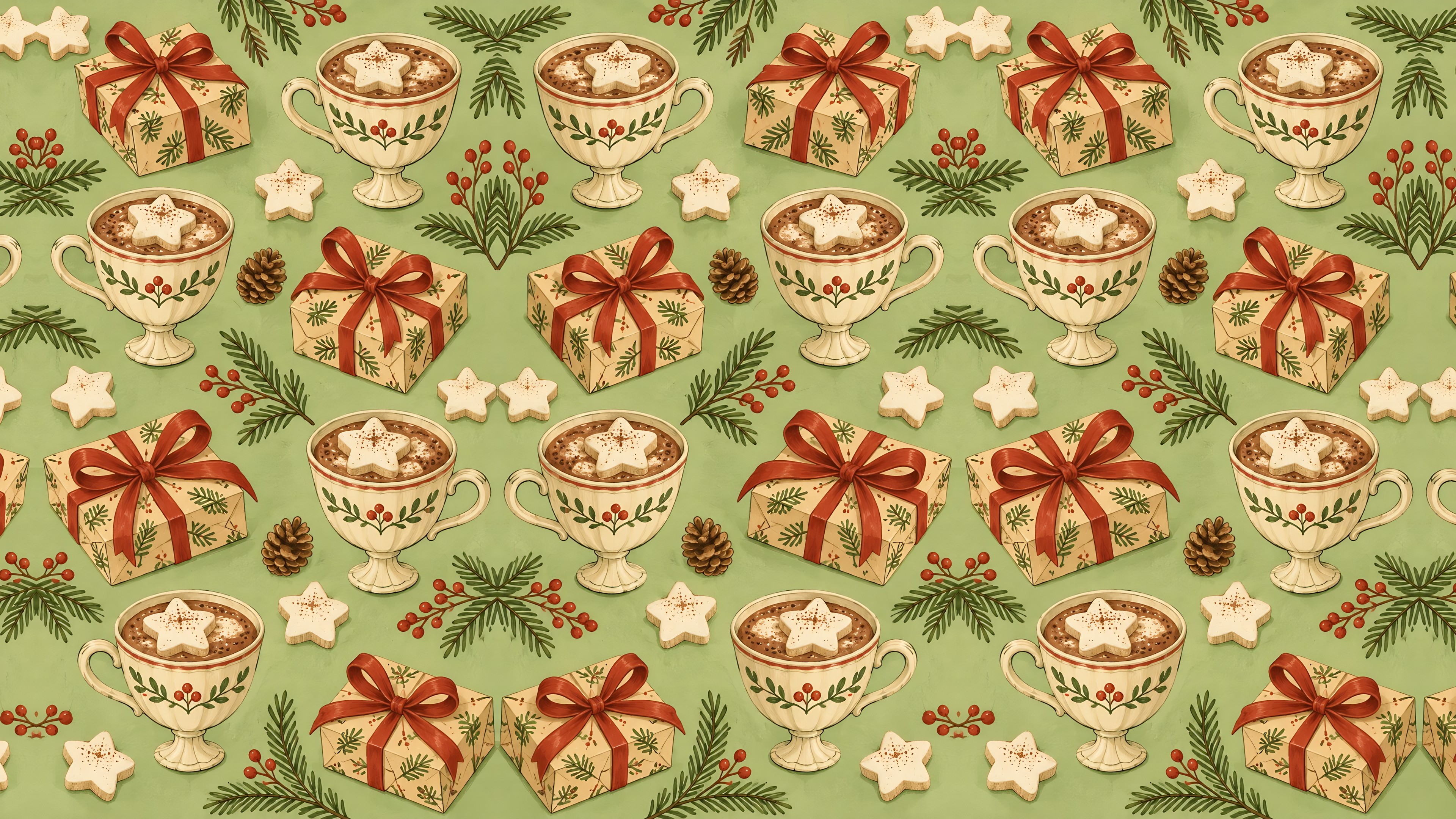
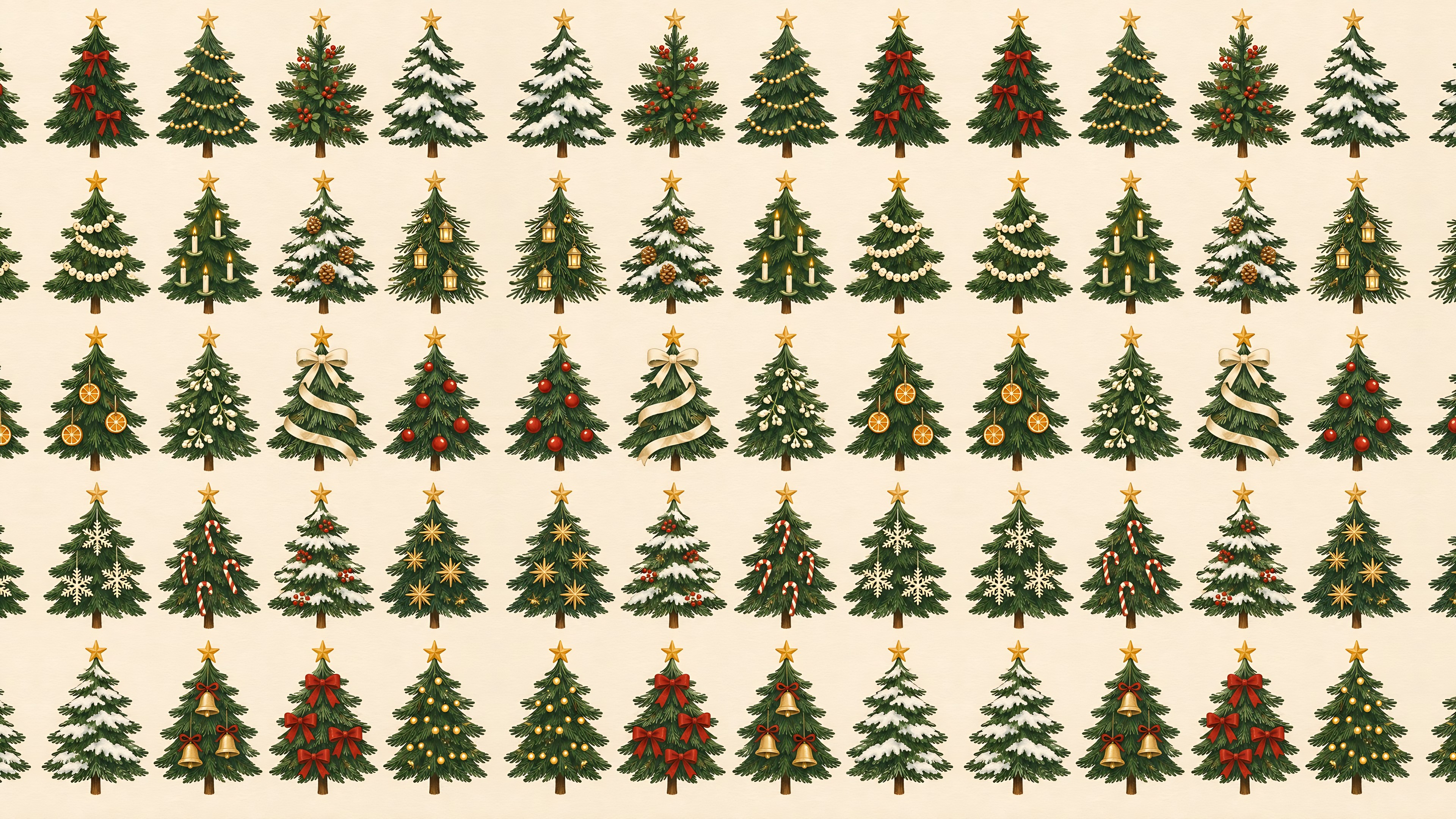
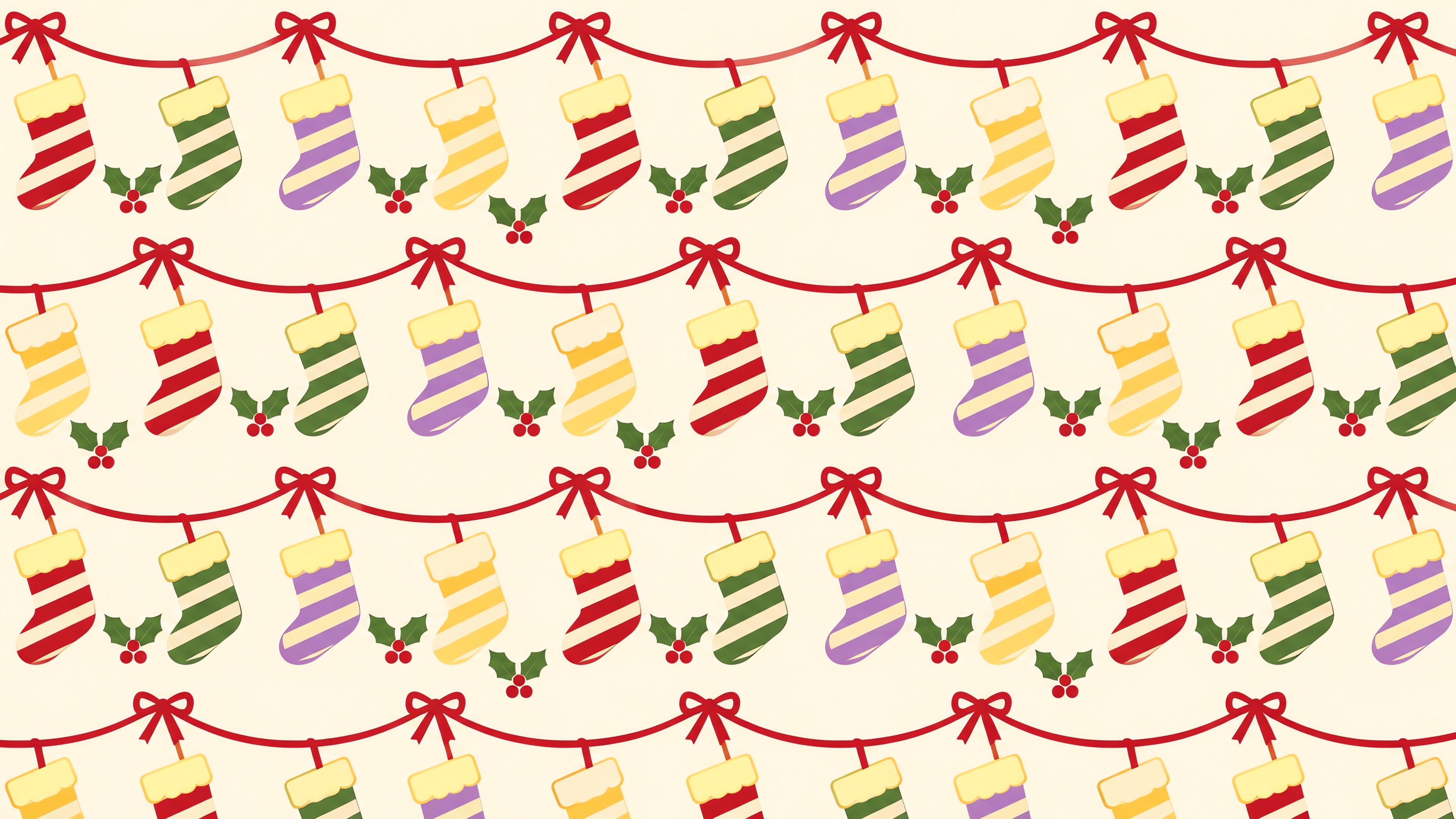
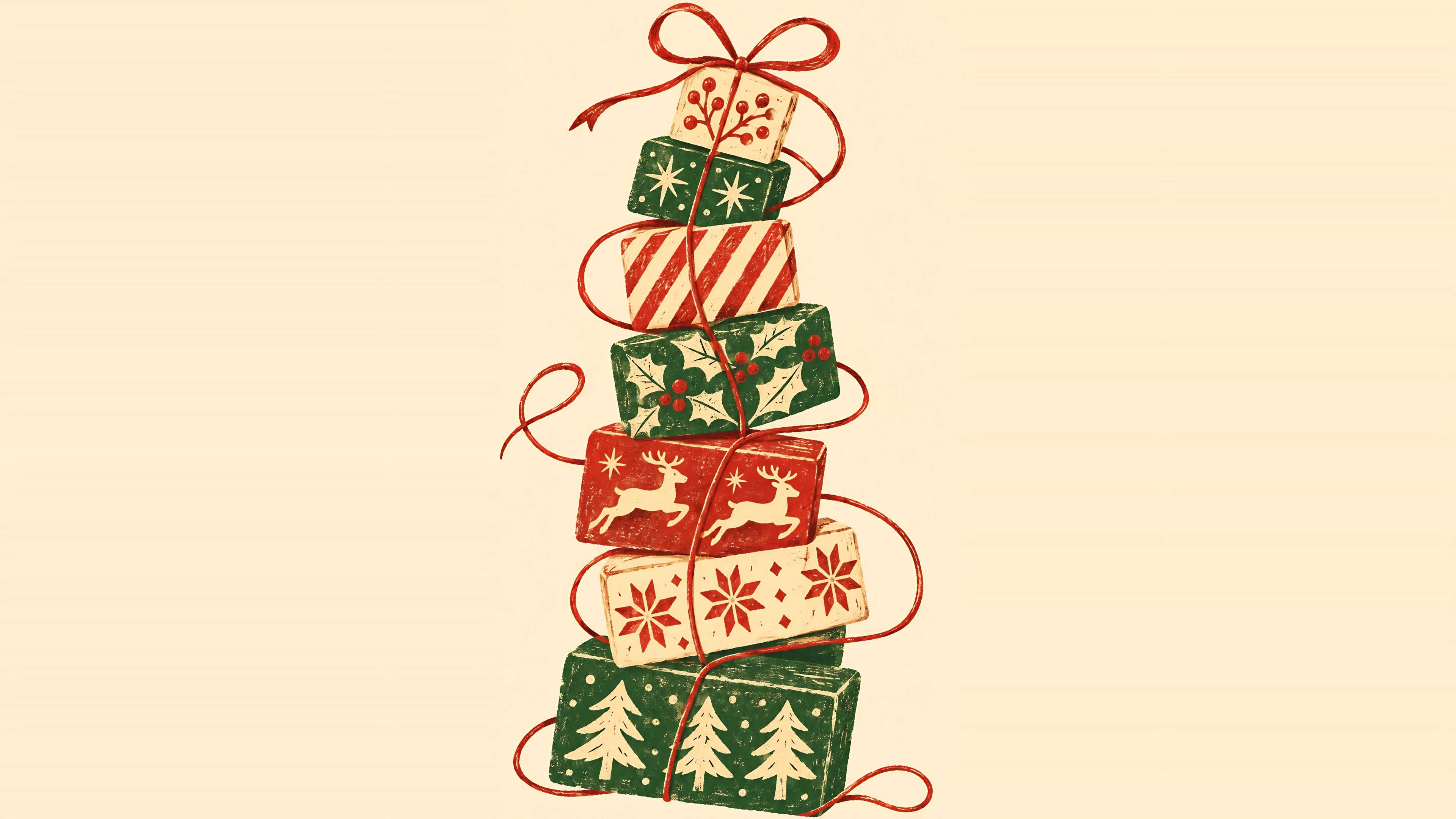
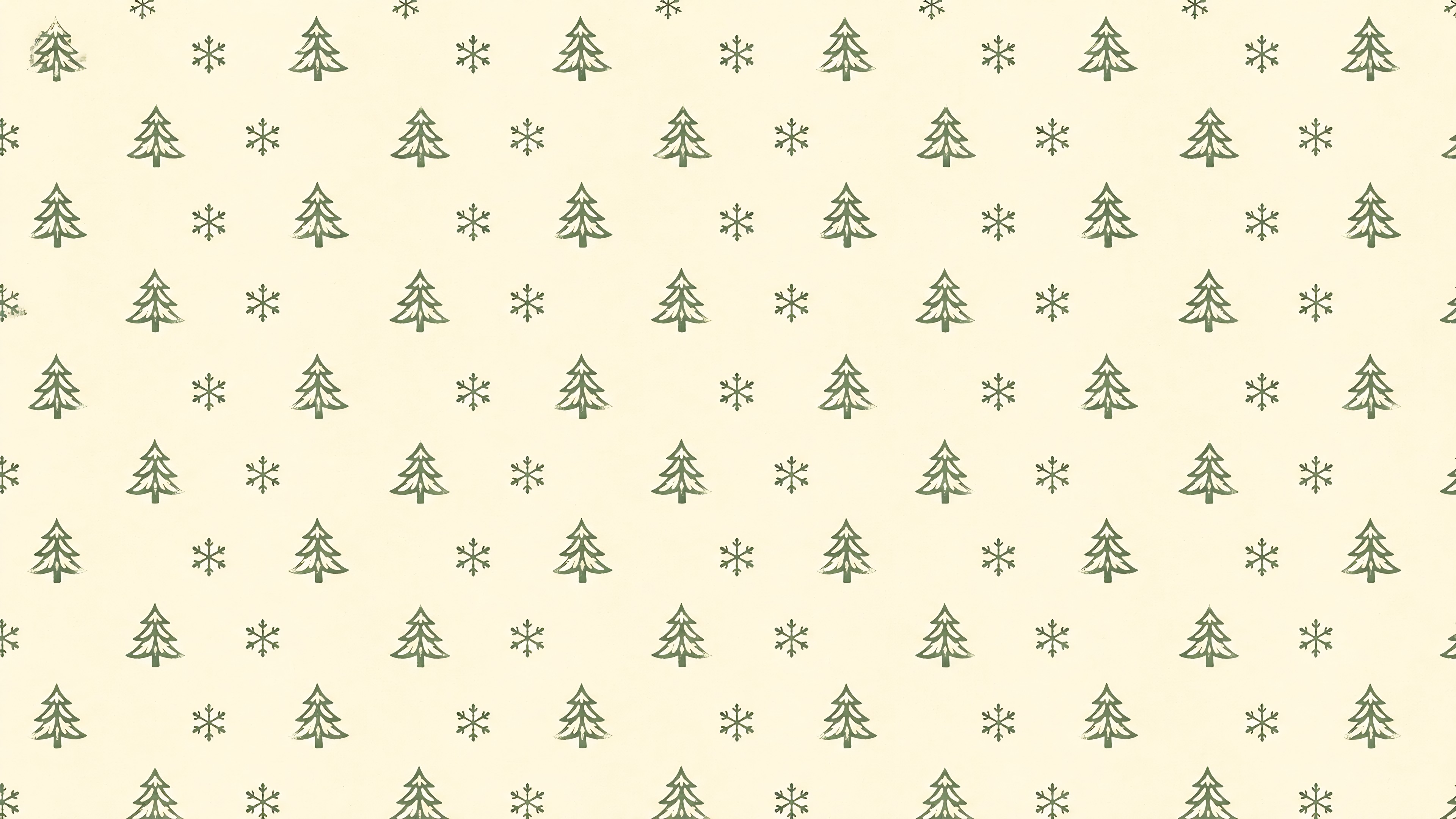
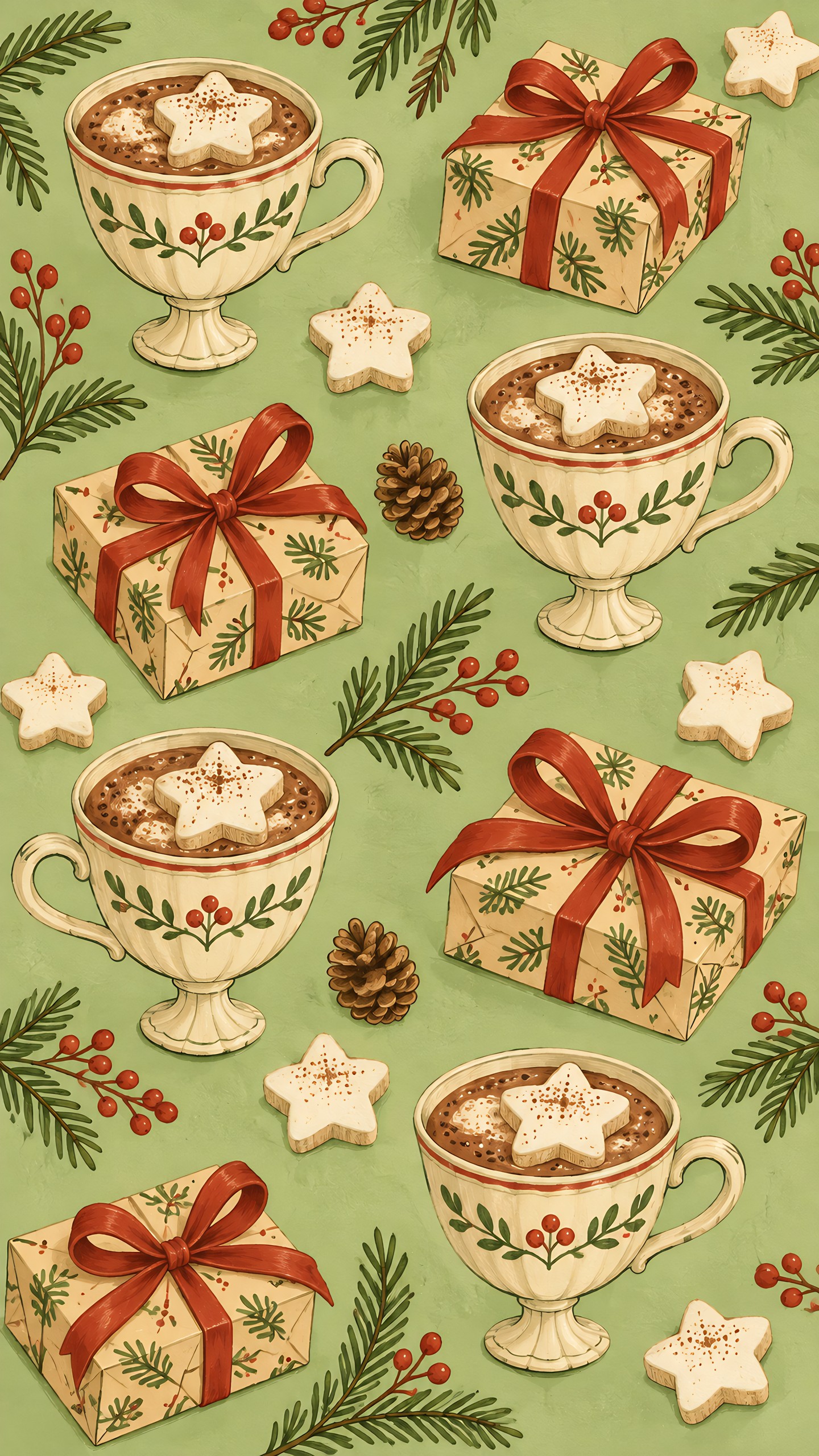
- Cocoa and Presents: teacups of hot cocoa with star marshmallows, wrapped presents and holly on soft sage green. The sage is gentler than a classic red background.
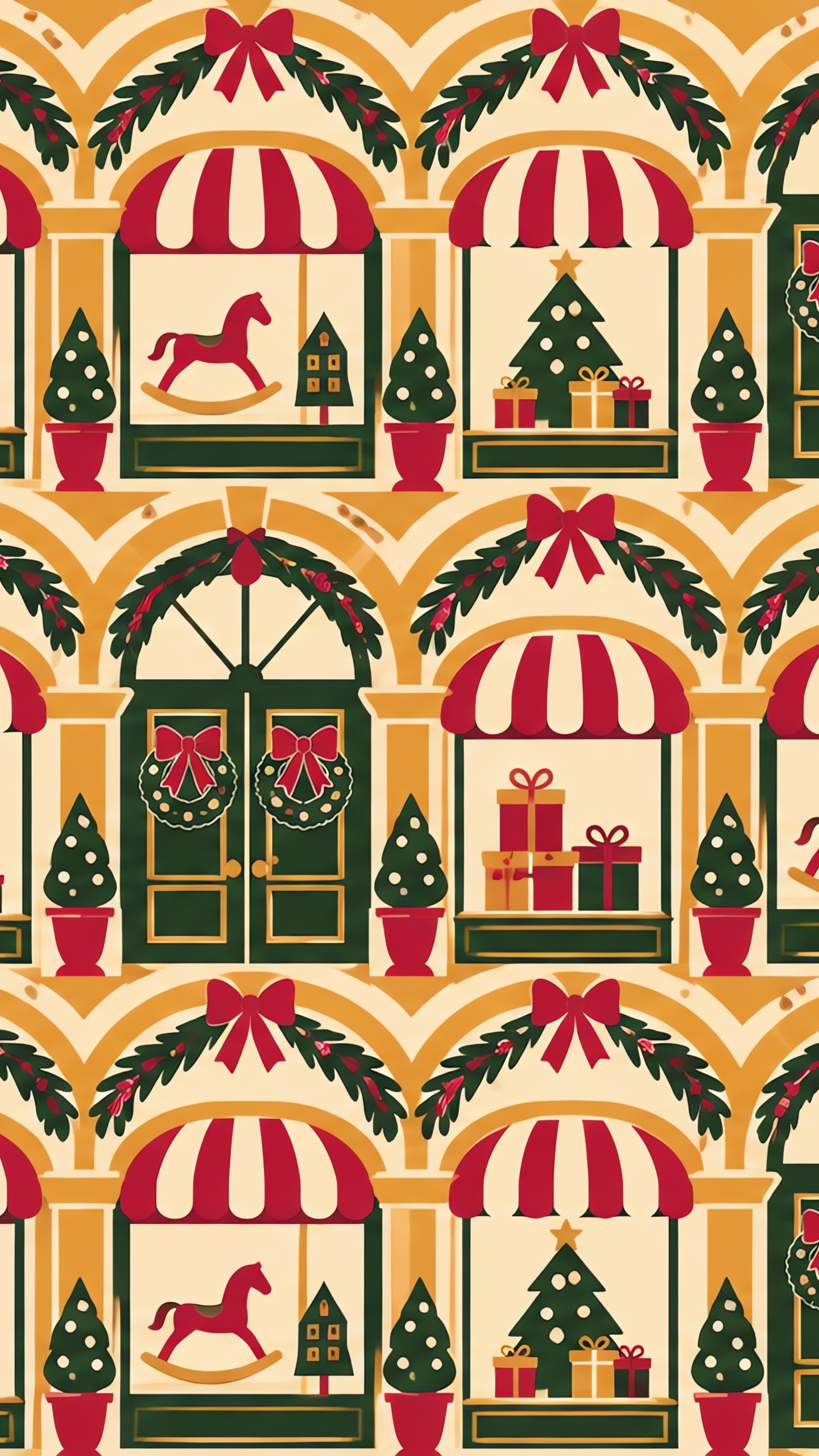
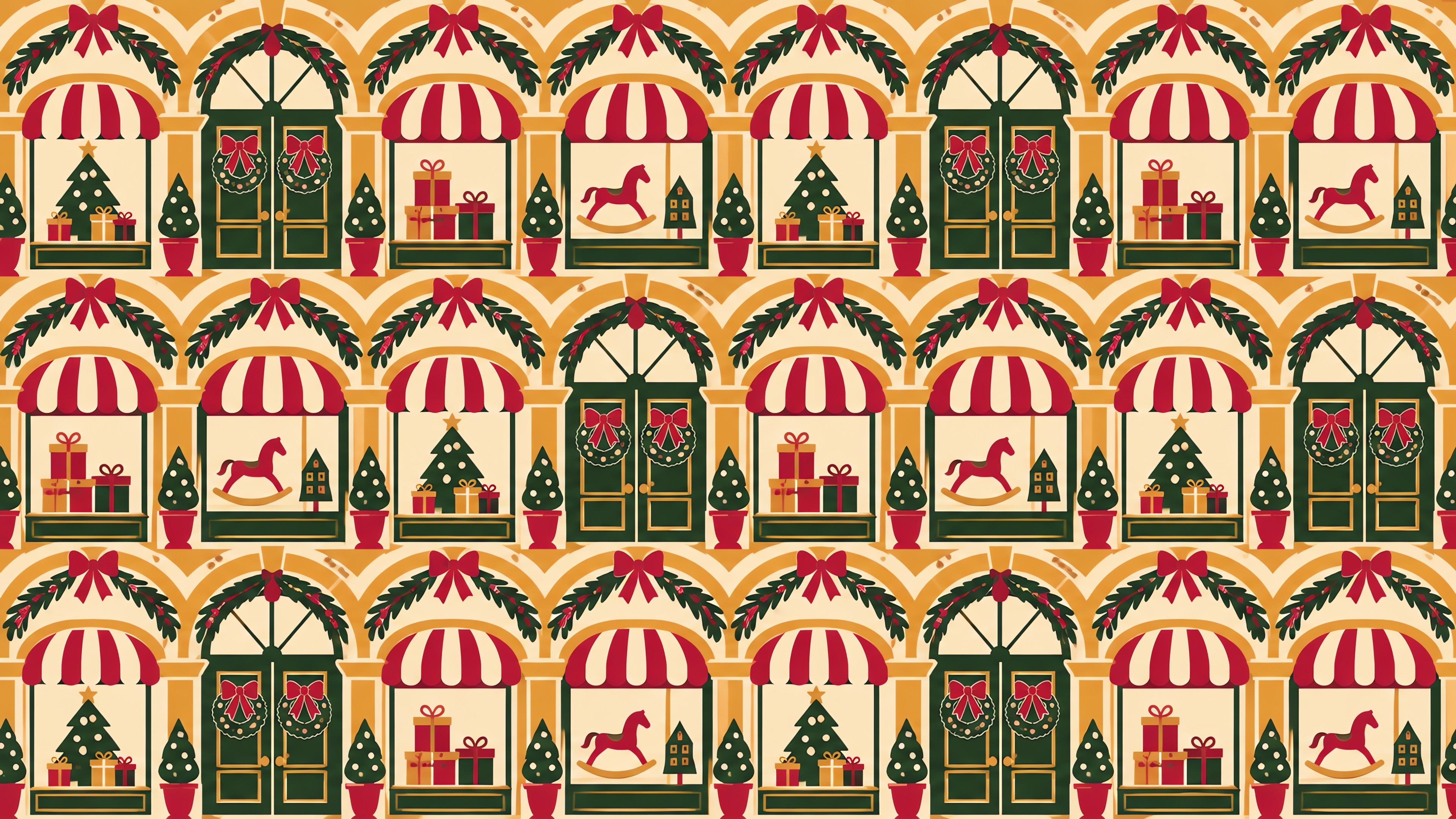
- Christmas Arcade: a row of little shopfronts with striped awnings, wreaths on the doors and rocking horses in the windows. It’s one of the busiest designs here, so it makes a fun Lock Screen next to a calmer Home Screen.
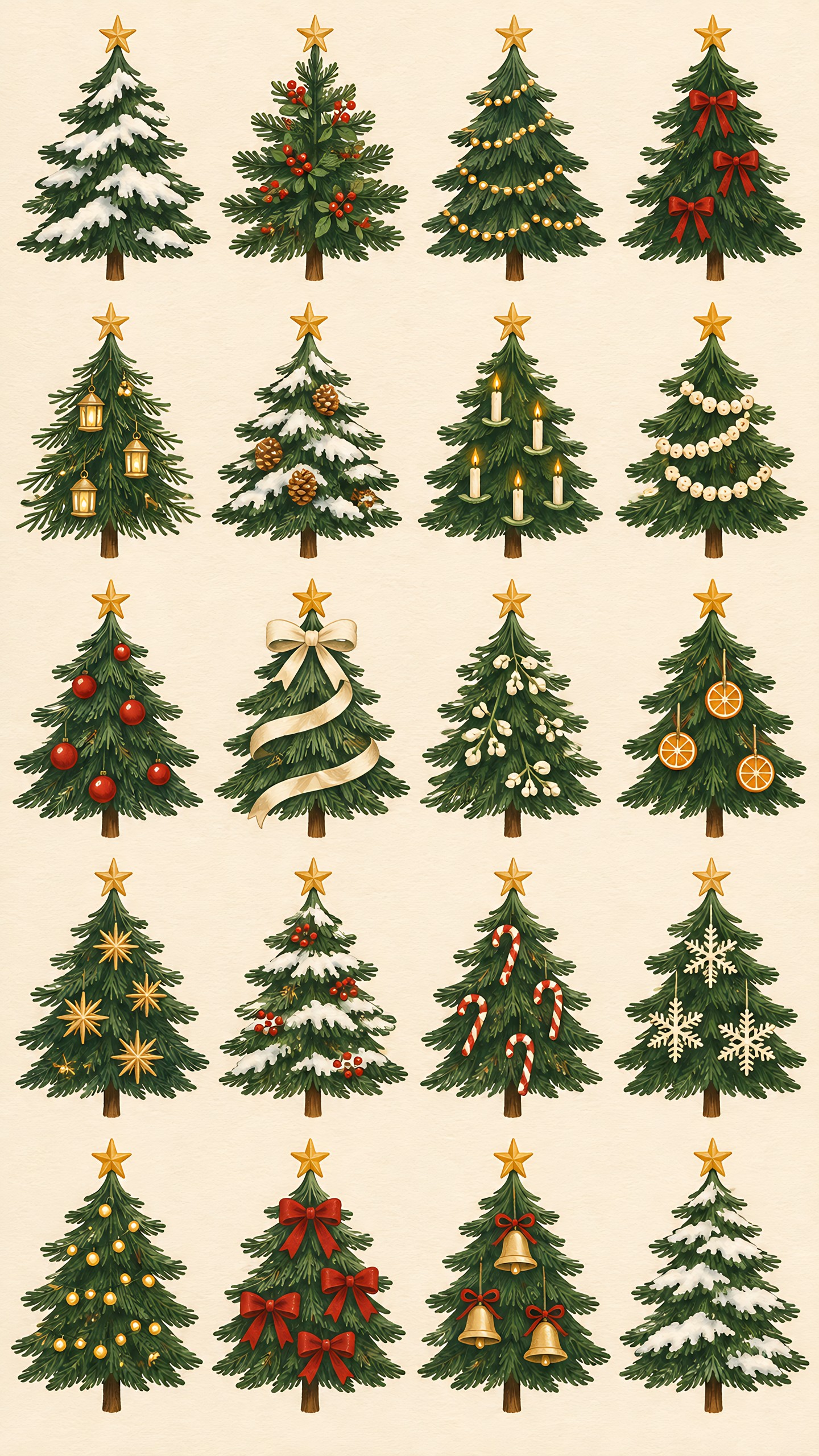
- Fir Tree Sampler: neat rows of tiny decorated trees on cream, like a stitched sampler, with every tree trimmed a little differently.
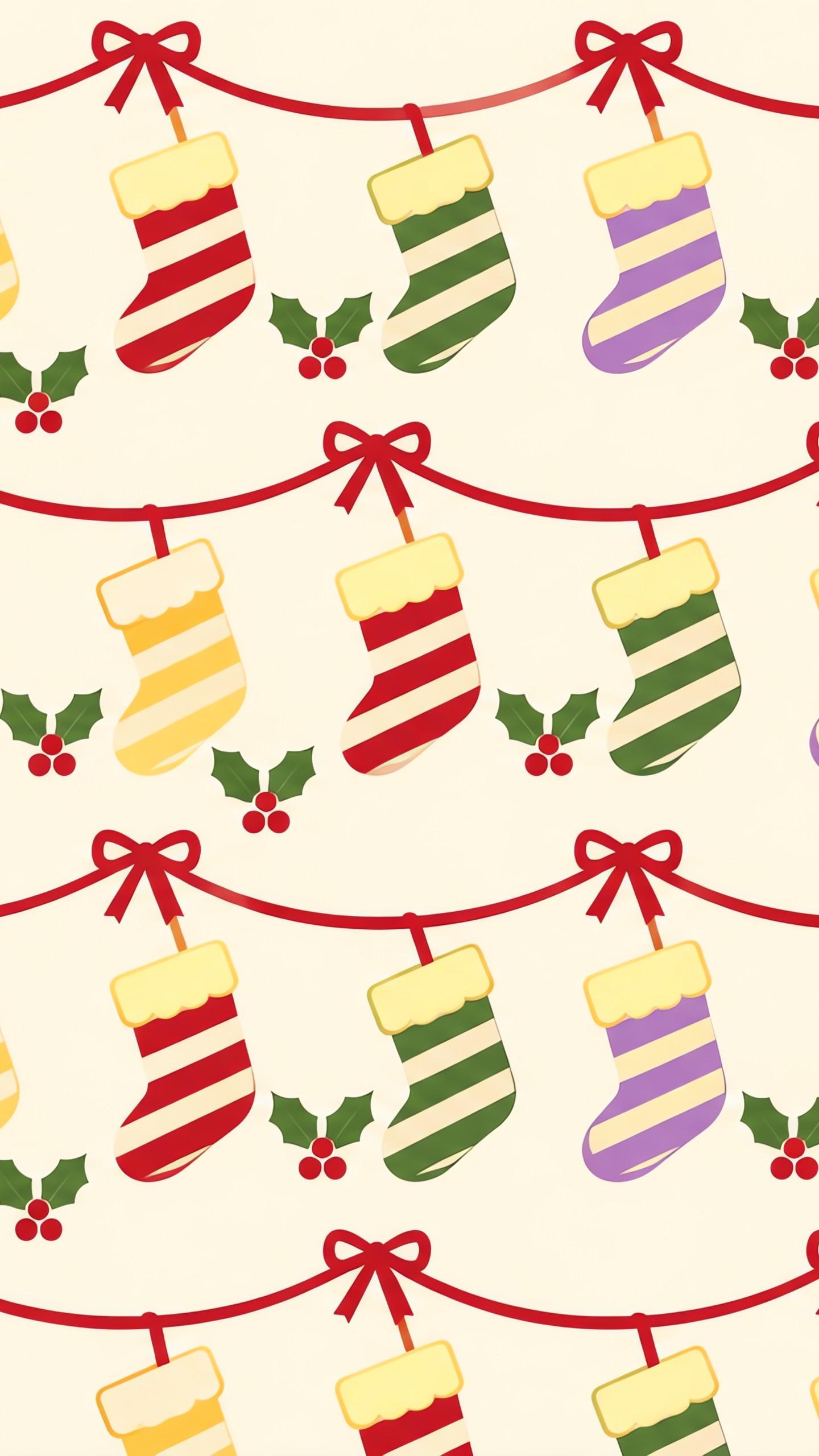
- Striped Stockings: striped stockings in red, green, gold and purple, hung from holly garlands. It has the most kid appeal of the bunch, so it’s a good one for a kid’s tablet.
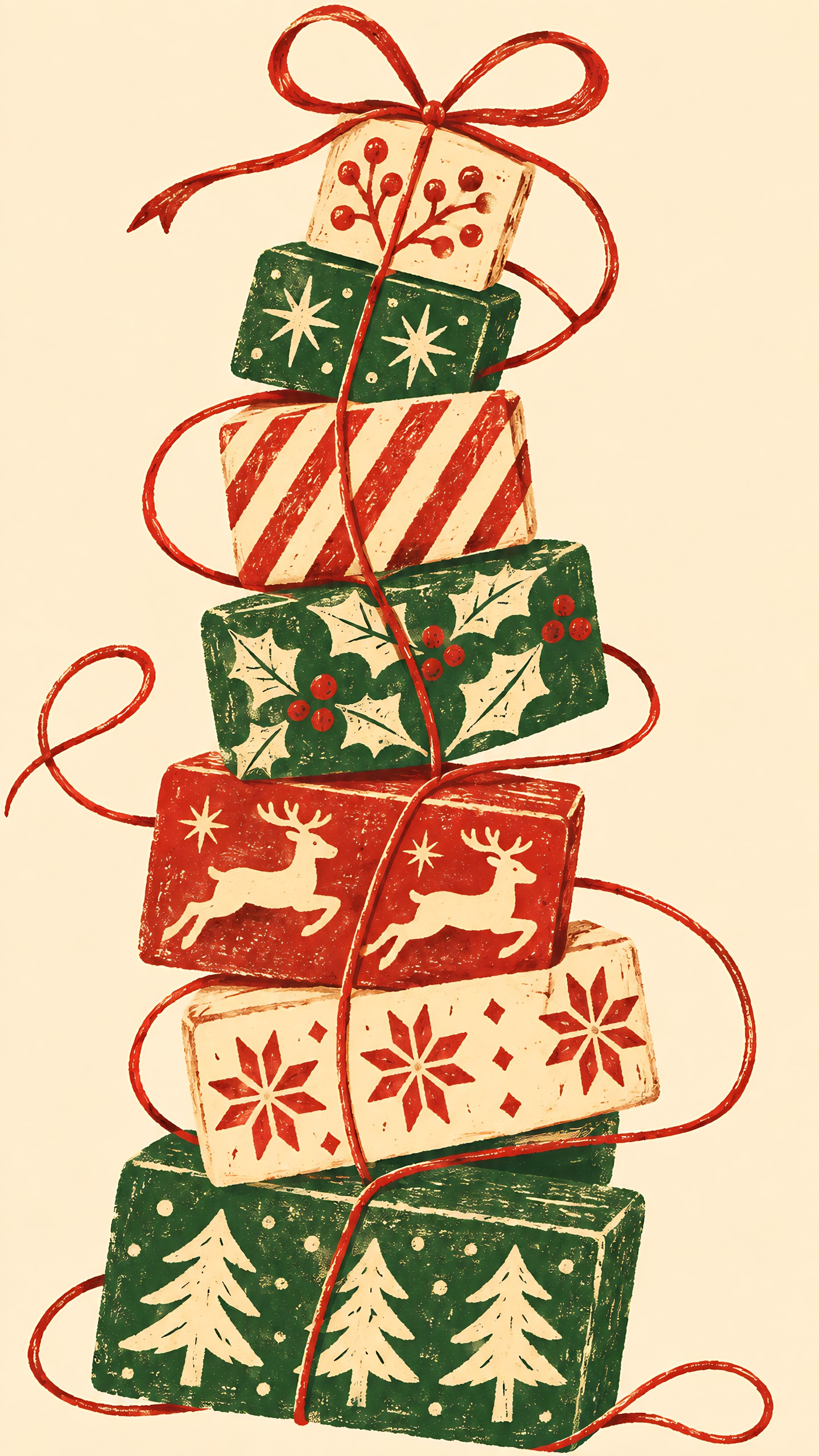
- Parcel Tower: a wobbly stack of wrapped presents tied up in one long red ribbon. The tower runs nearly top to bottom, so it looks best with the compact clock (see the iPhone tips below) or on your Home Screen.
- Snowdrop Fir: tiny green trees and snowflakes scattered across cream. It’s the simplest pattern in the set, and it can stay up long after the decorations come down.
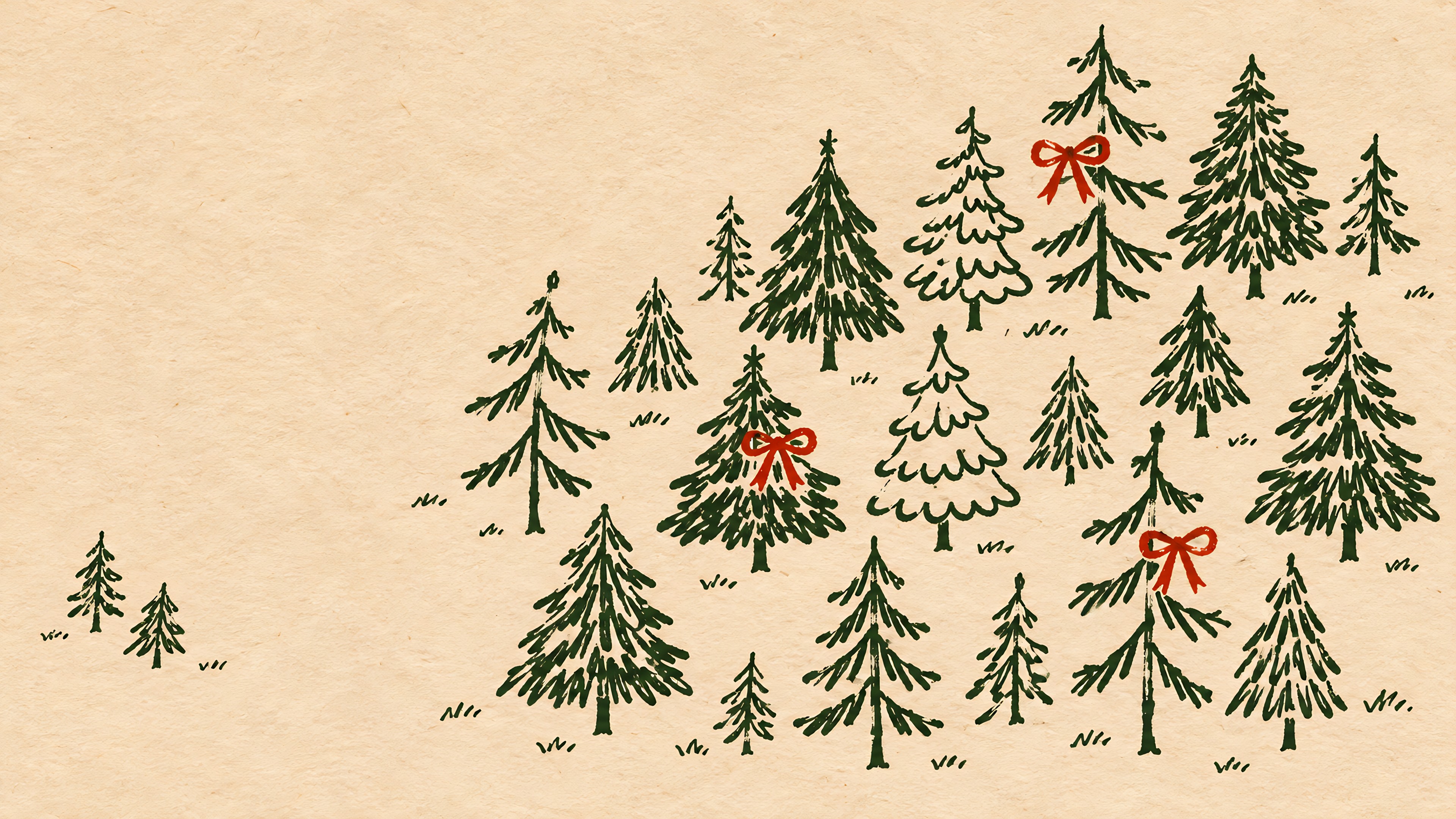
- The Tree Lot: an ink-drawn forest of evergreens on kraft paper, with a few trees tied in red bows. The trees stay in the bottom half, so your clock and date get clear space above them.
Preppy and Pink Christmas Wallpapers
Preppy Christmas mixes pink with red, stripes, plaid and big bows, and preppy and pink are two of the most searched Christmas wallpaper styles. These five lean all the way in.
Preppy and Pink Christmas Phone Wallpapers
Preppy and Pink Christmas Desktop Wallpapers
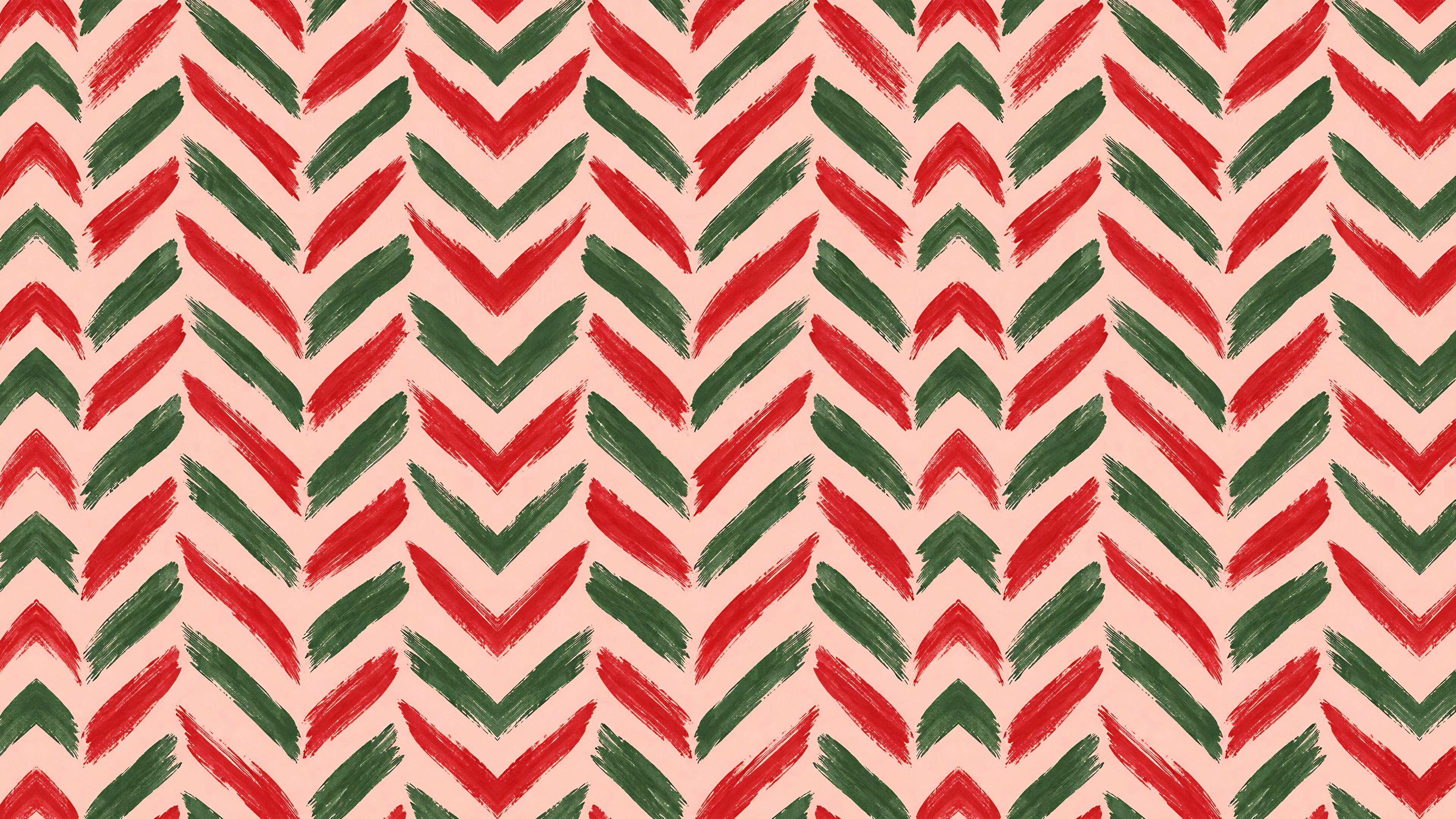
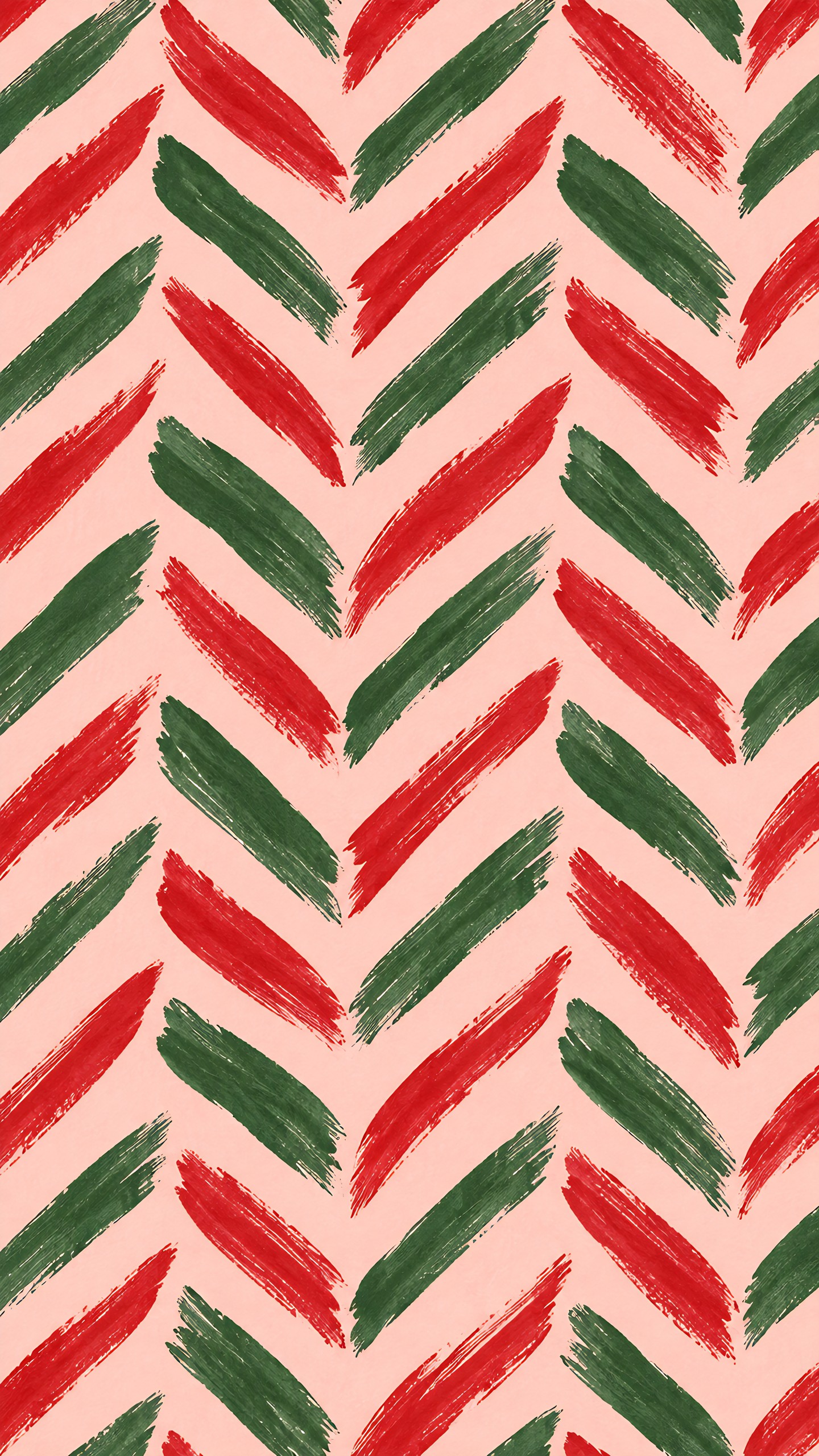
- Peppermint Chevron: painterly red and green chevron stripes on blush pink. It’s a bold pattern, so pair it with something quieter if you use it on your Home Screen.
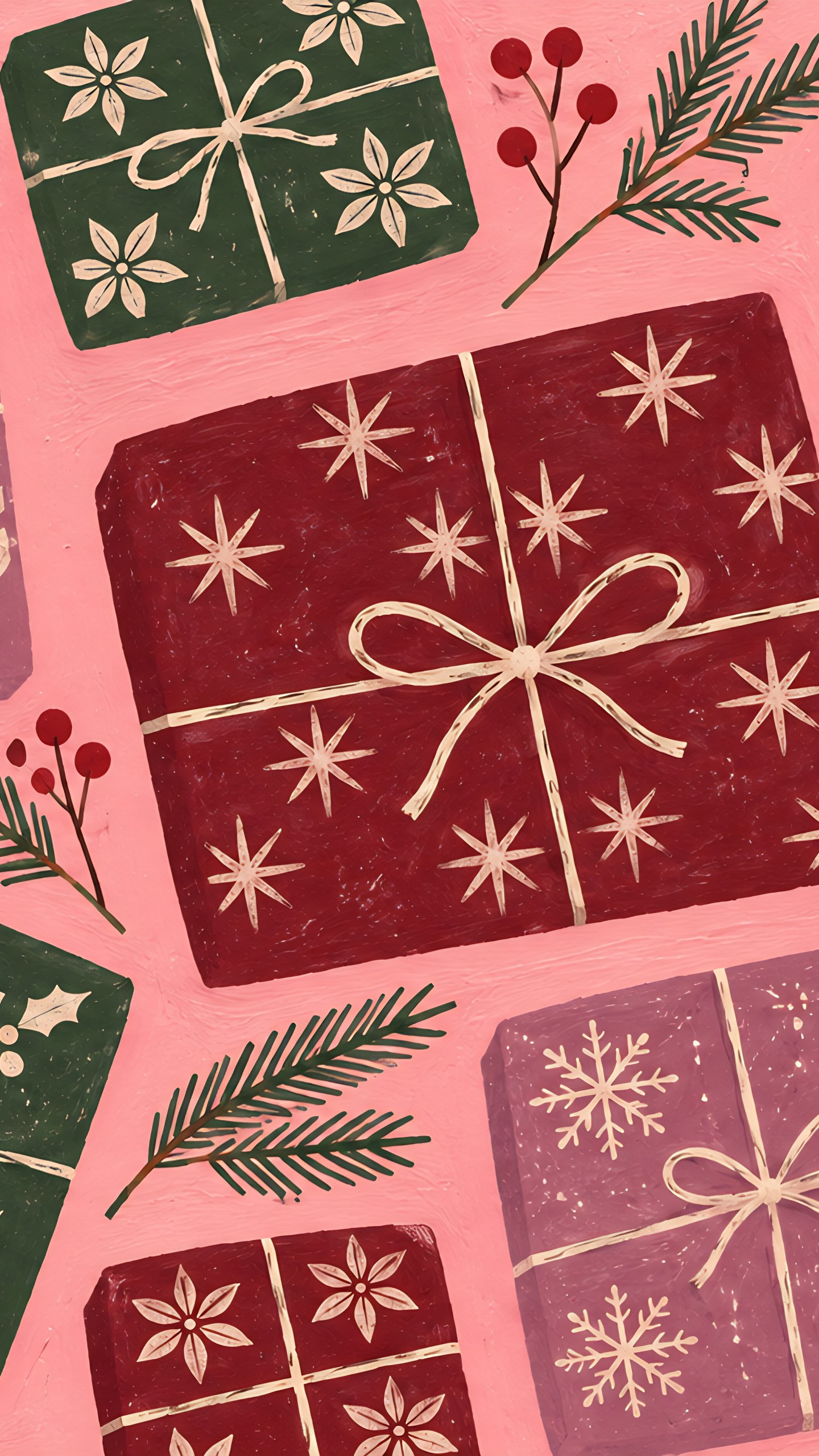
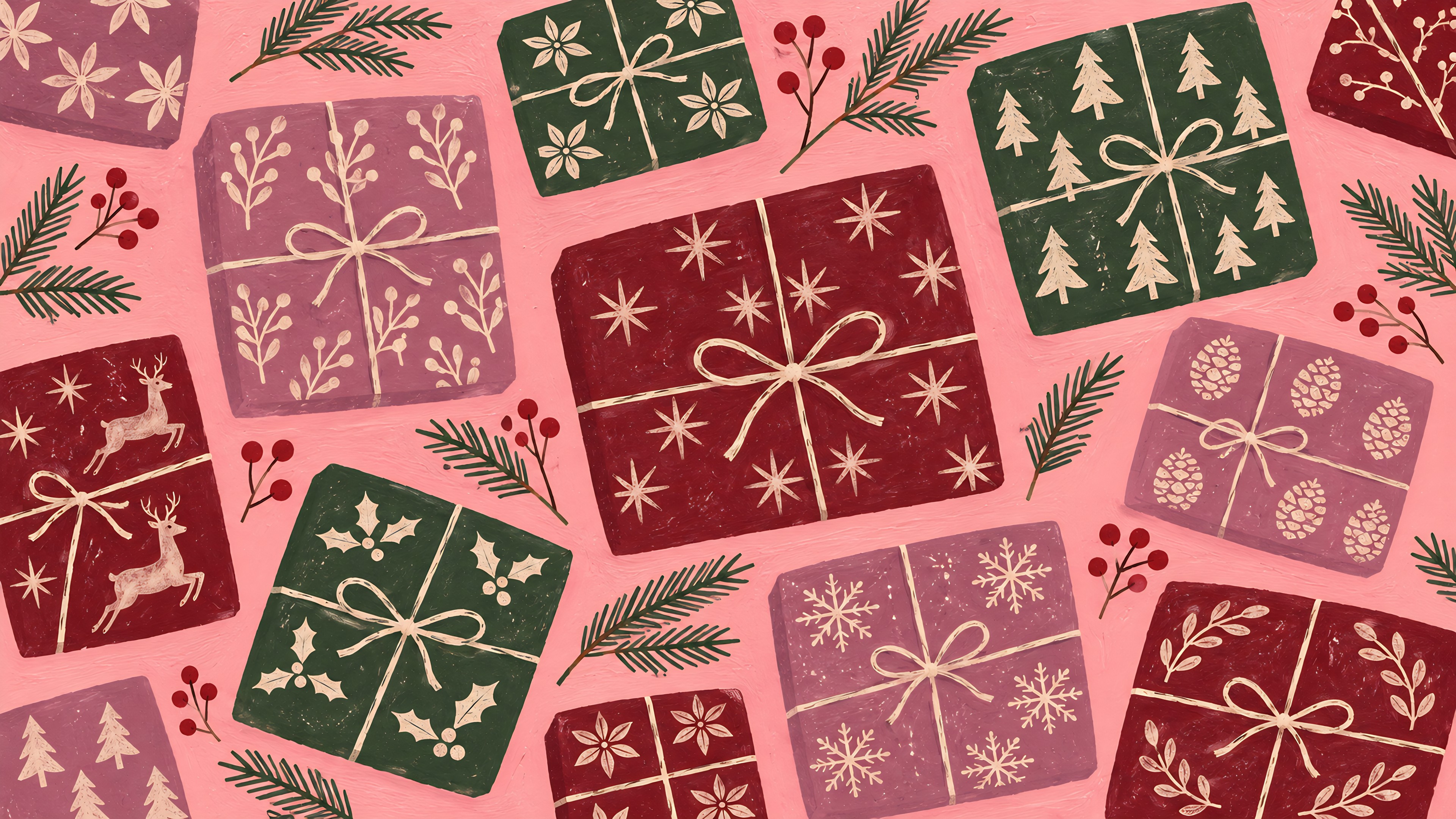
- Hand-Stamped Parcels: burgundy and green gift boxes stamped with stars and snowflakes, tumbling across pink with sprigs of holly and pine. Pink without being sugary.
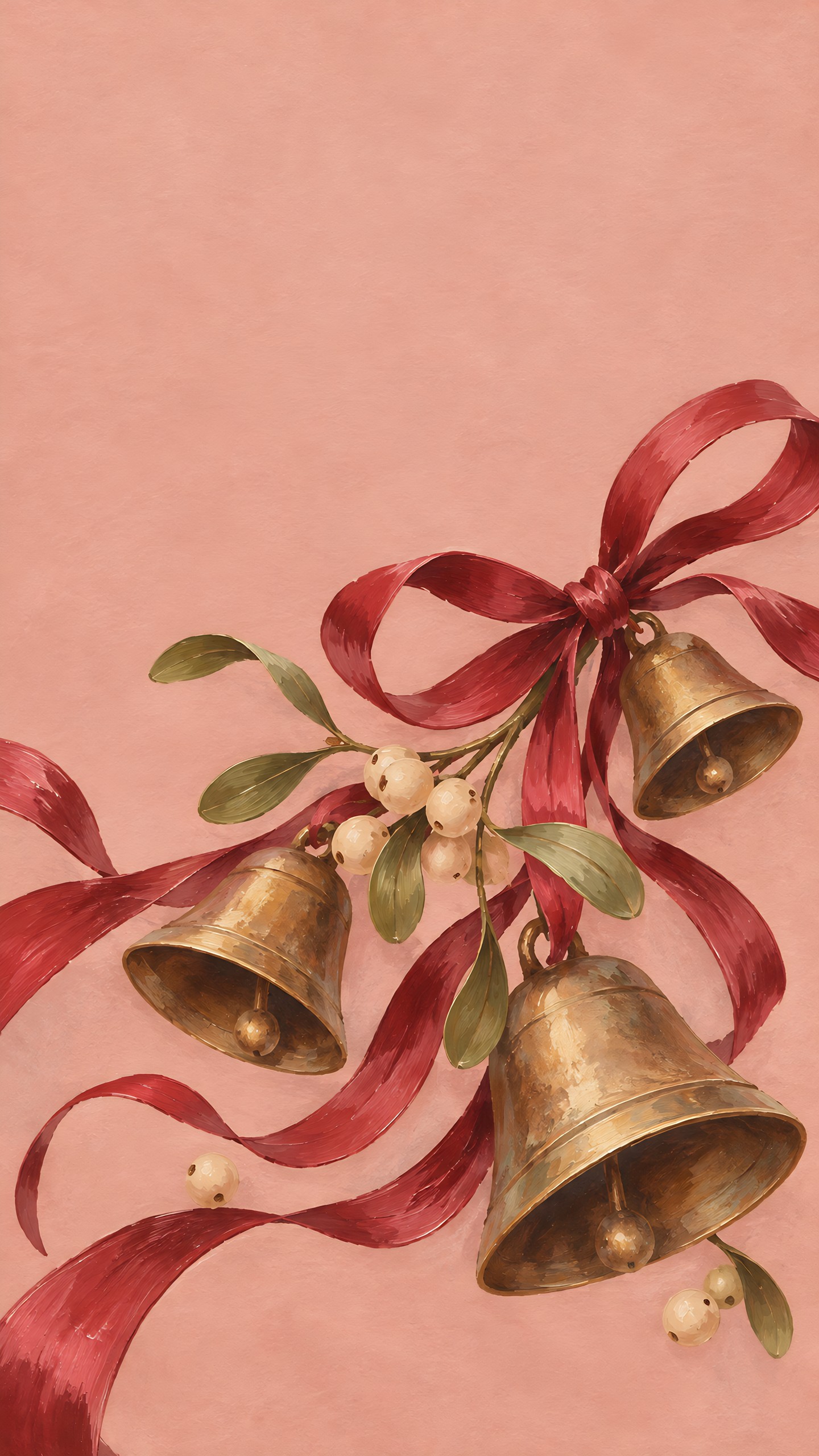
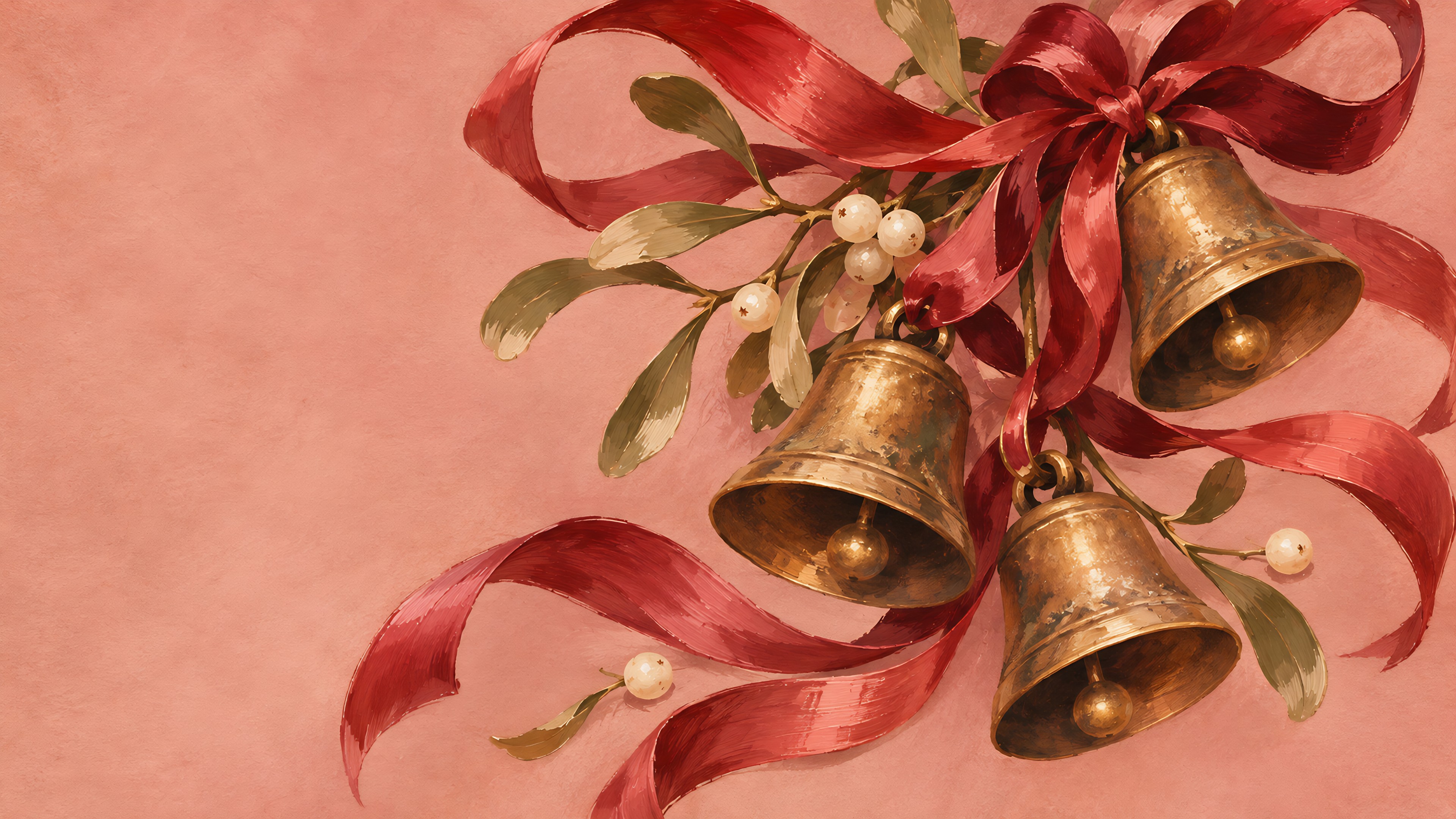
- Ribbon and Bells: brass bells tied with a long red velvet ribbon and a sprig of mistletoe on dusty rose. The bells sit low on the phone version, so the top stays clear for your clock.
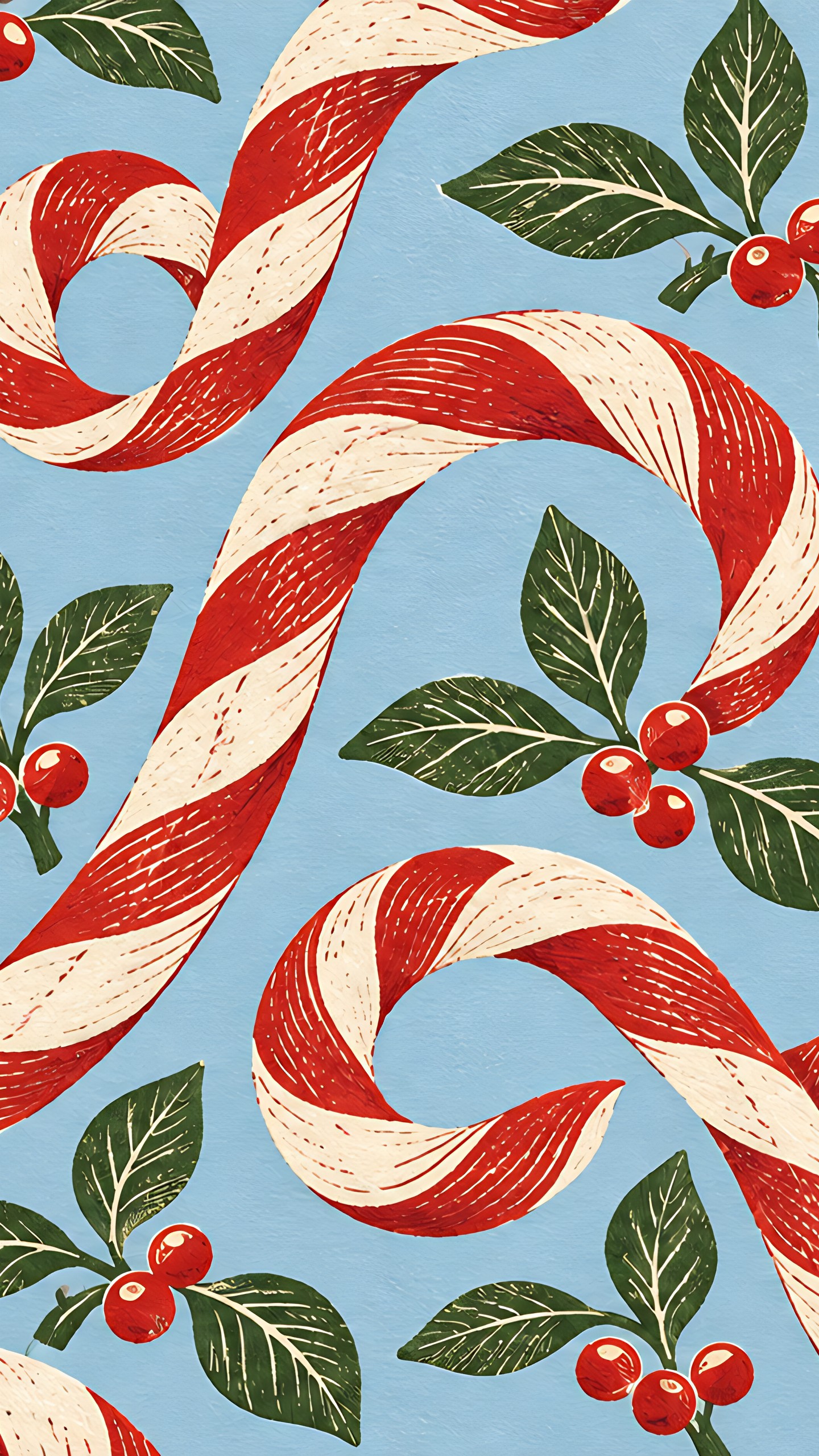
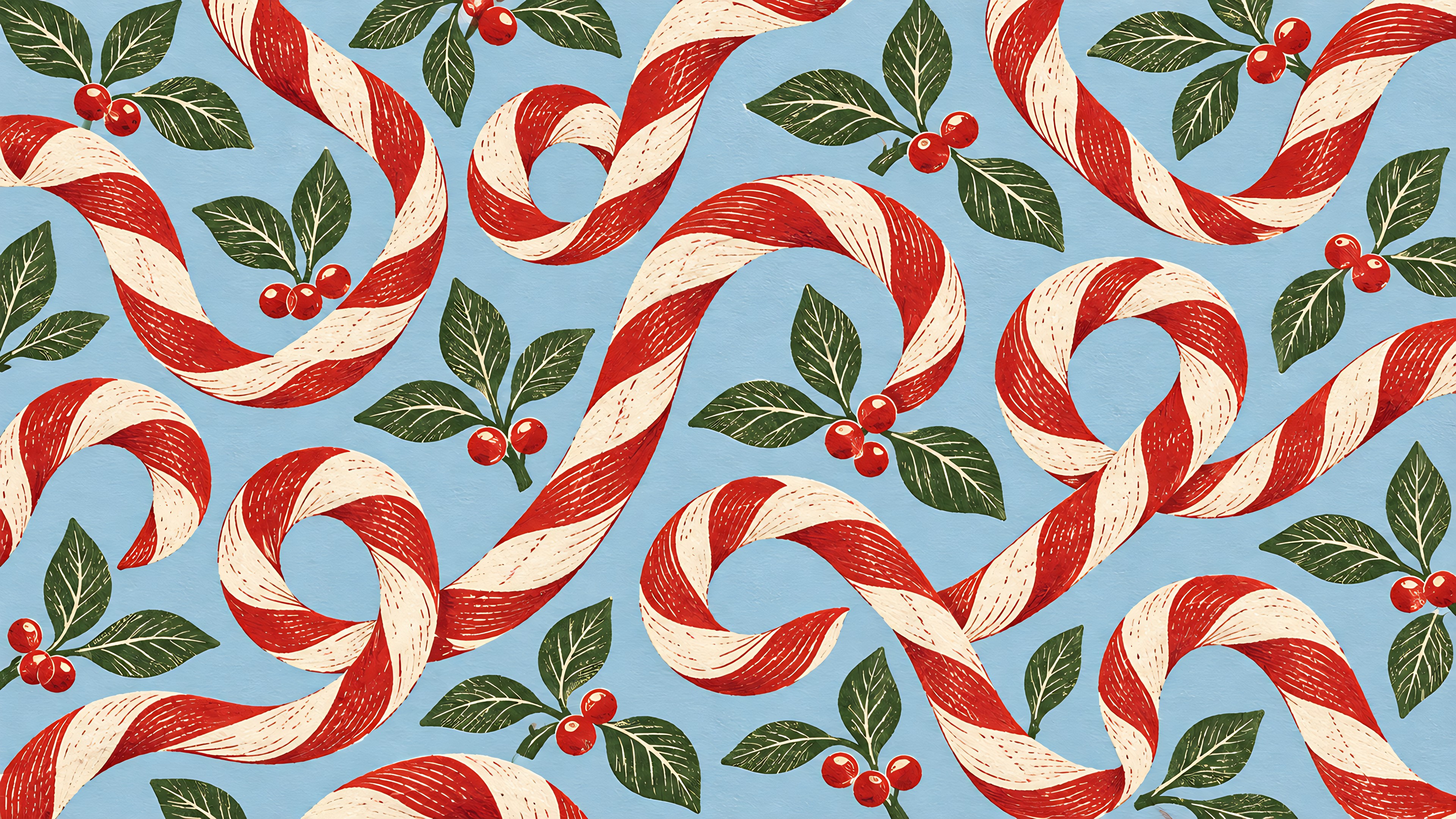
- Wintergreen Twists: big swirling candy canes and holly on icy blue. The blue makes the red and green feel crisp instead of heavy.
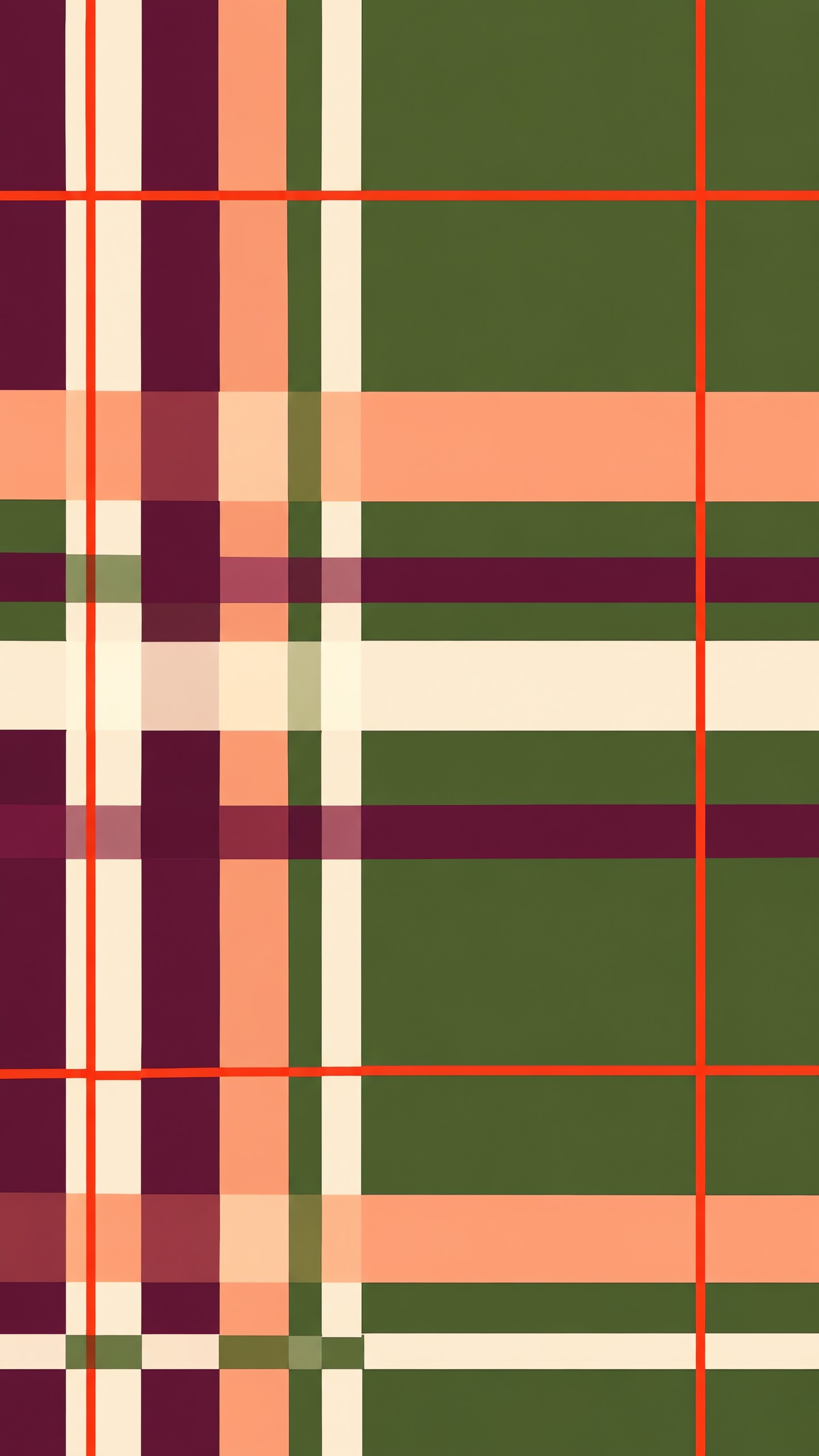
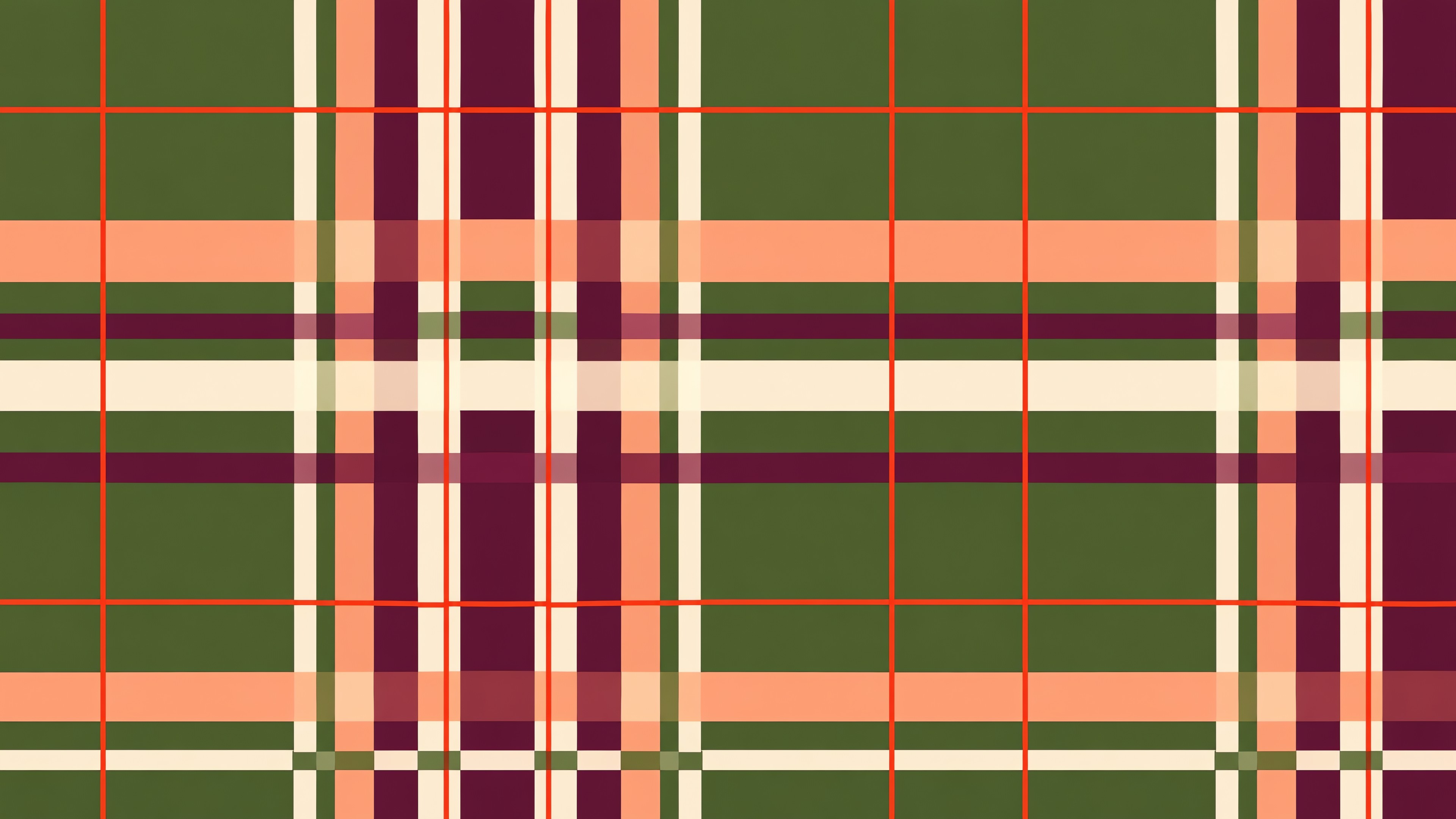
- Willow Tartan: a soft plaid in forest green, burgundy and peach. There are no Santas or ornaments in it, so it works from Thanksgiving through the end of winter.
Vintage Christmas Wallpapers
These vintage Christmas wallpapers look like old wrapping paper and the ornaments that only come out of the tissue paper once a year: glass finials, velvet bows, holly and citrus in warm creams and deep reds. If you love this look for your living room too, here are the Christmas pillows I’d pick.
Vintage Christmas Phone Wallpapers
Vintage Christmas Desktop Wallpapers
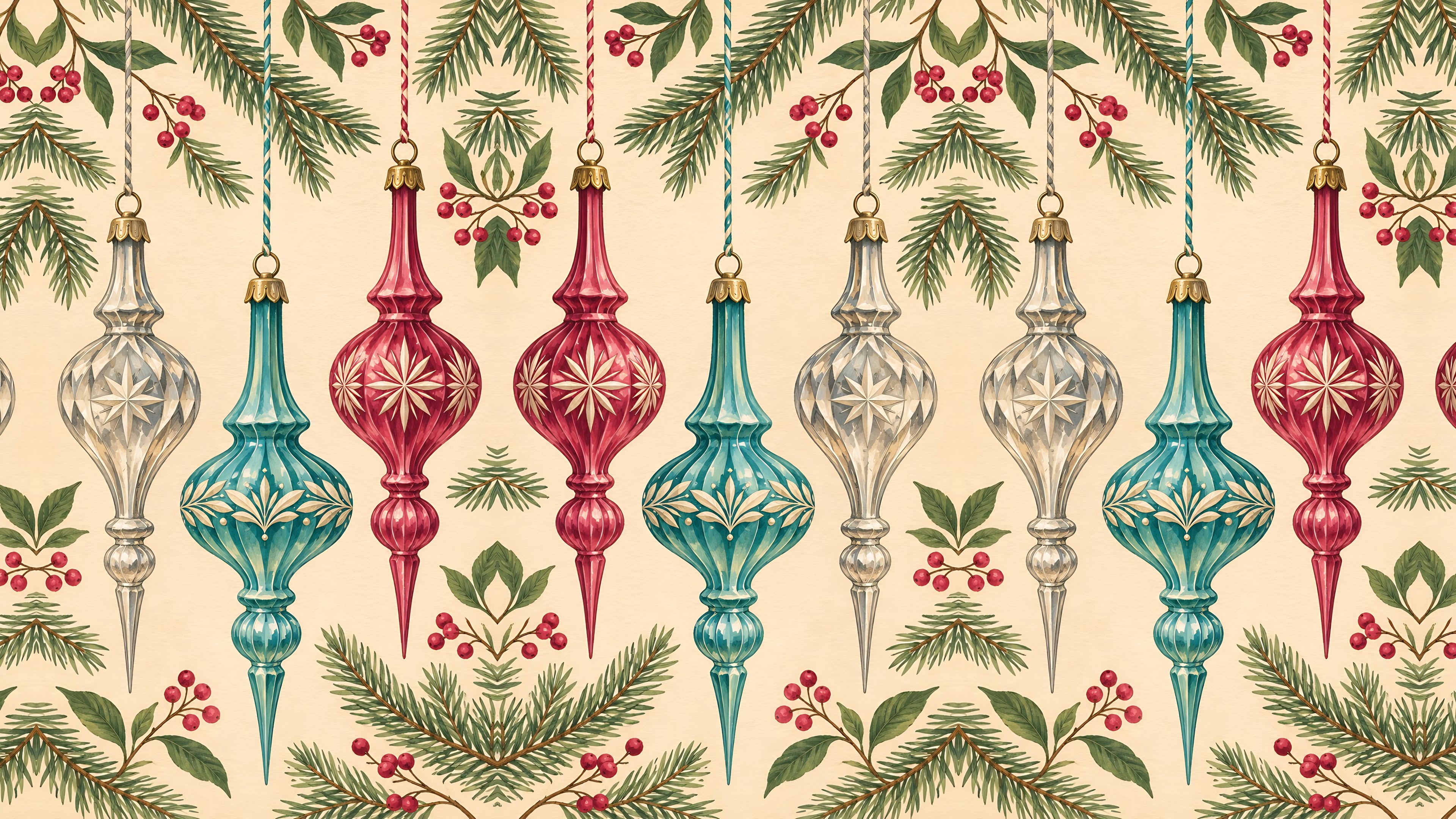
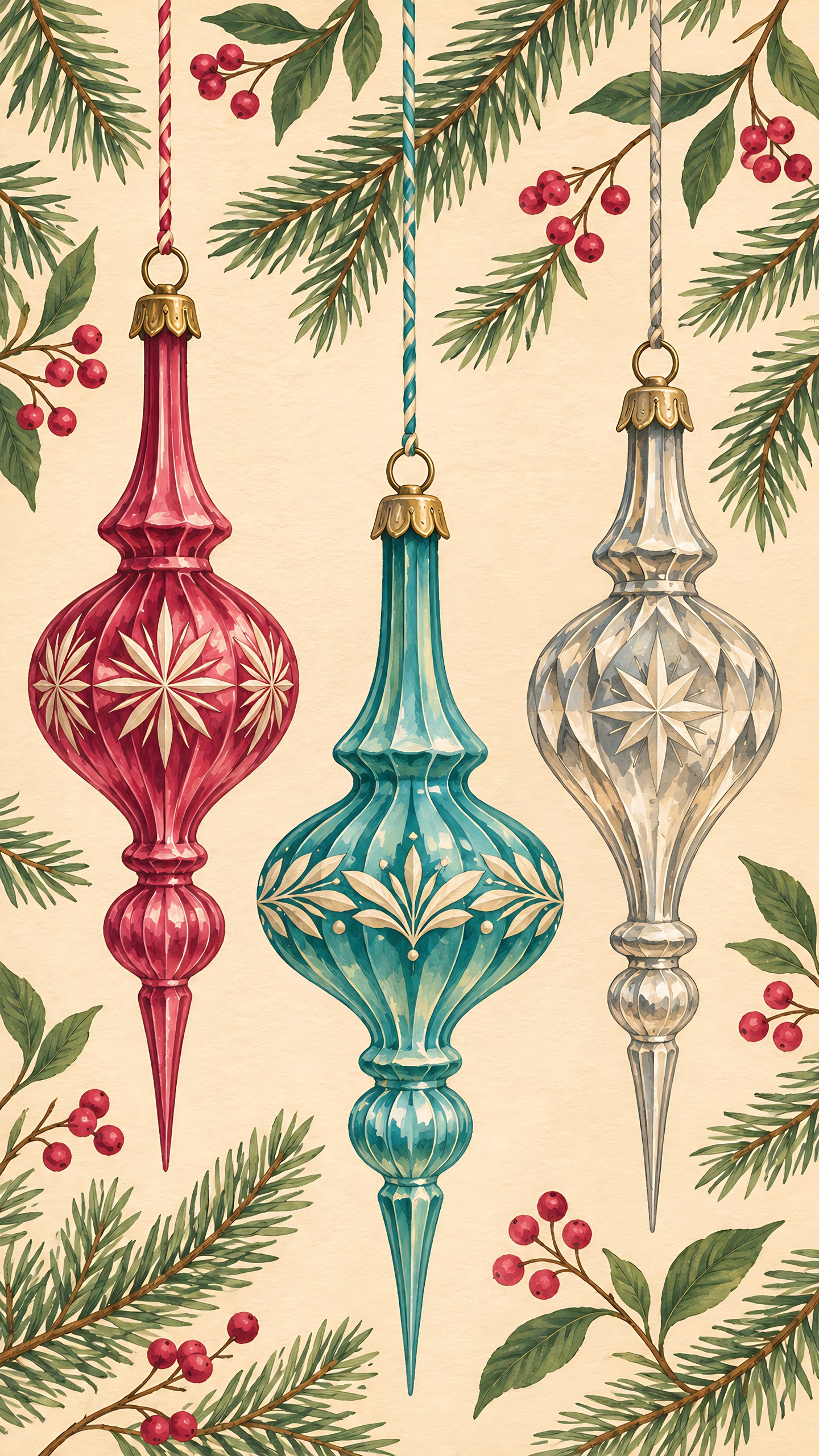
- Heirloom Finials: glass finial ornaments in cranberry, teal and silver hanging from a pine garland on cream.
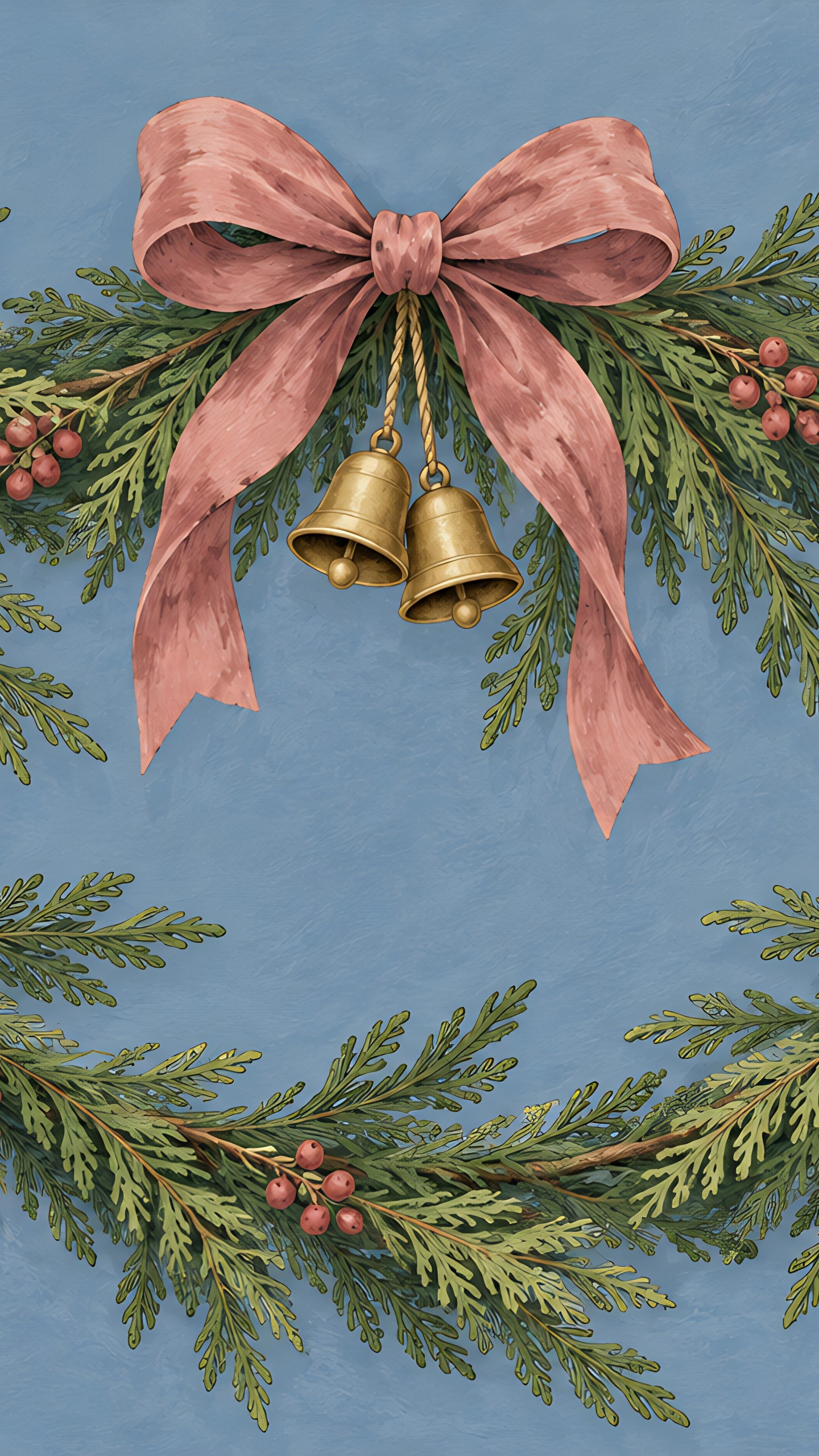
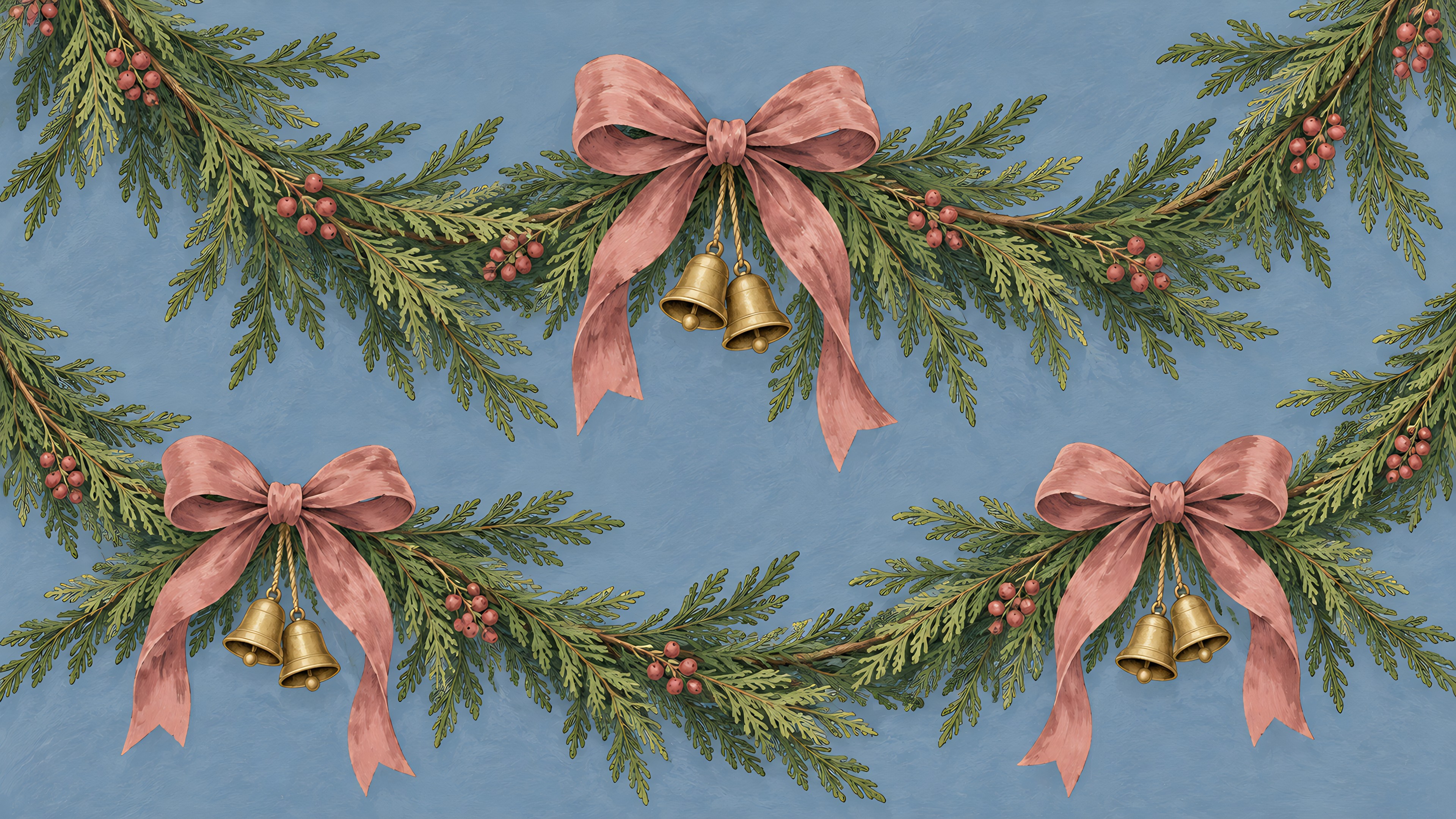
- French Blue Garland: pine garland swagged across French blue and finished with dusty pink bows and brass bells. If you like your Christmas a little less red, start here. I’m a soft summer, and this is the design closest to my colors.
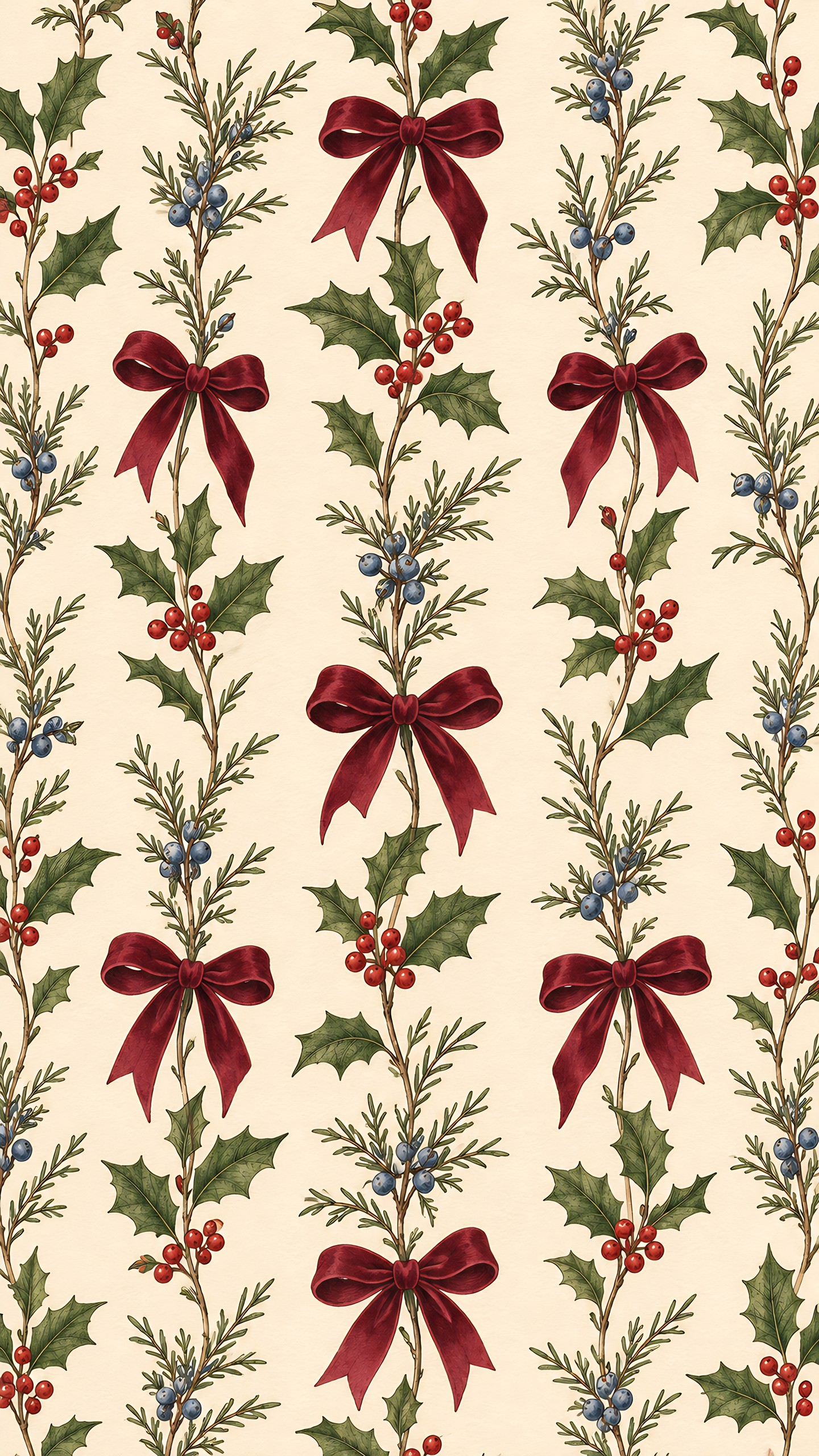
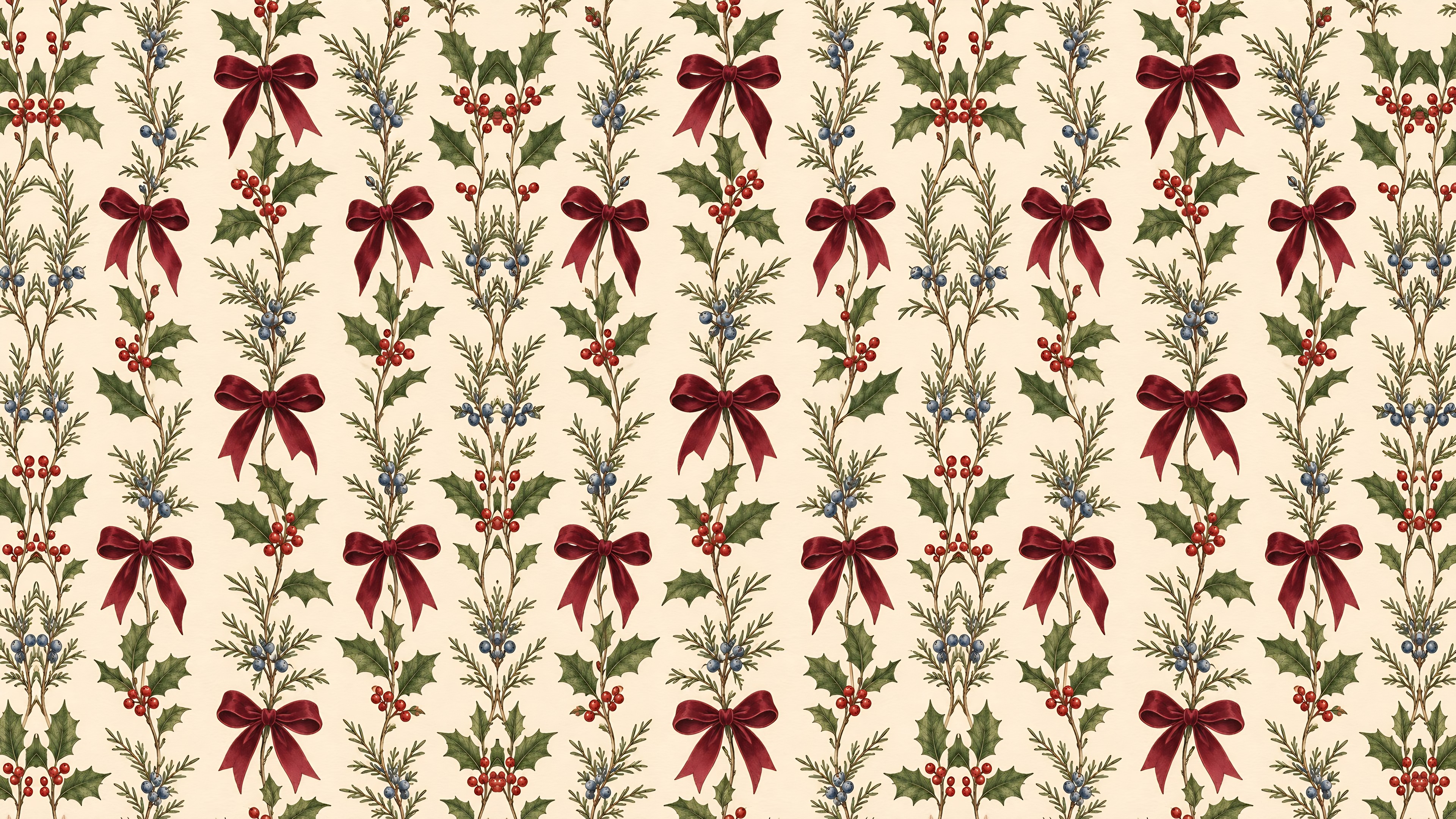
- Velvet Holly: long garlands of holly and berries tied with burgundy velvet bows, running top to bottom on cream. As traditional as this set gets.
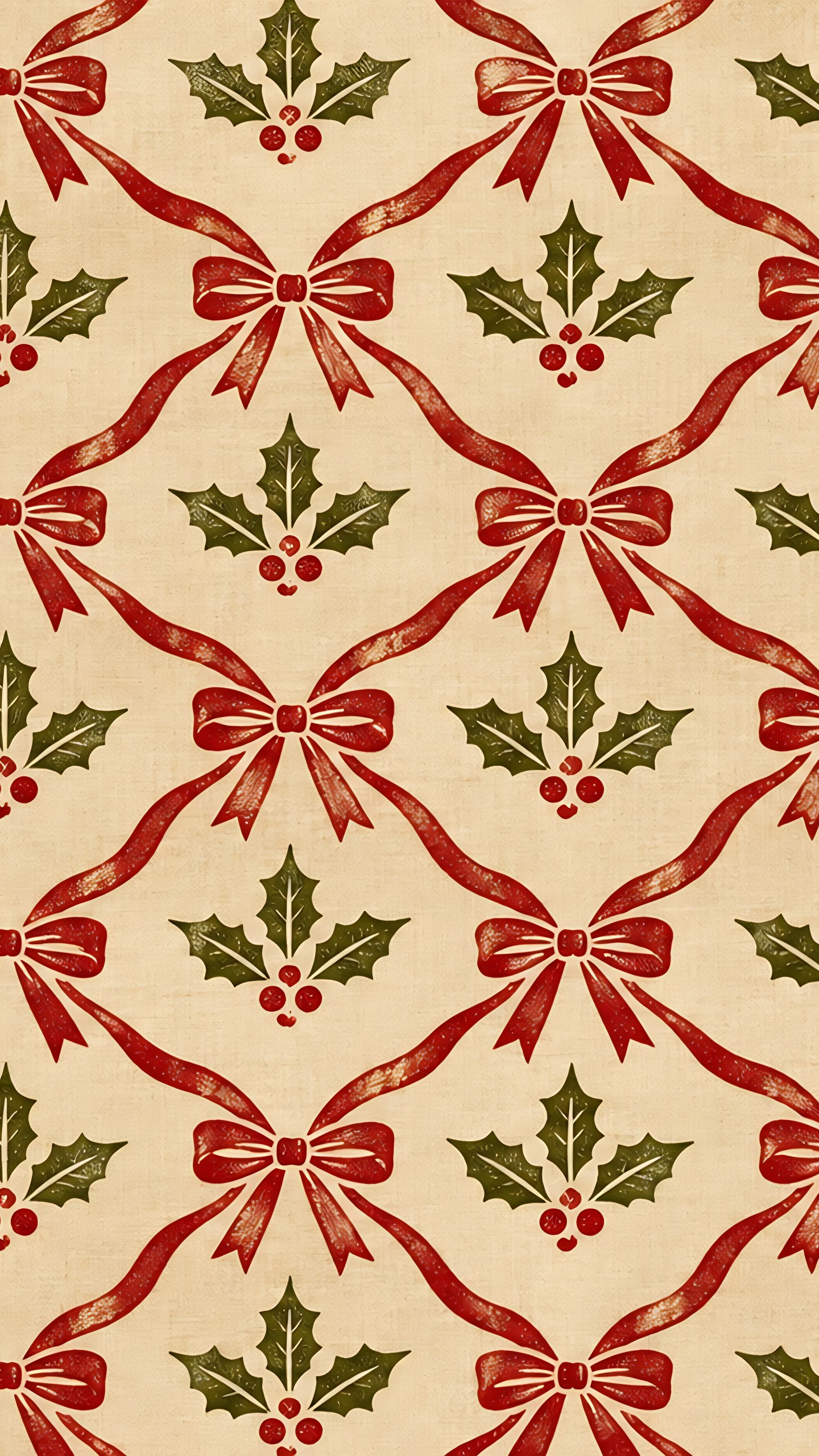
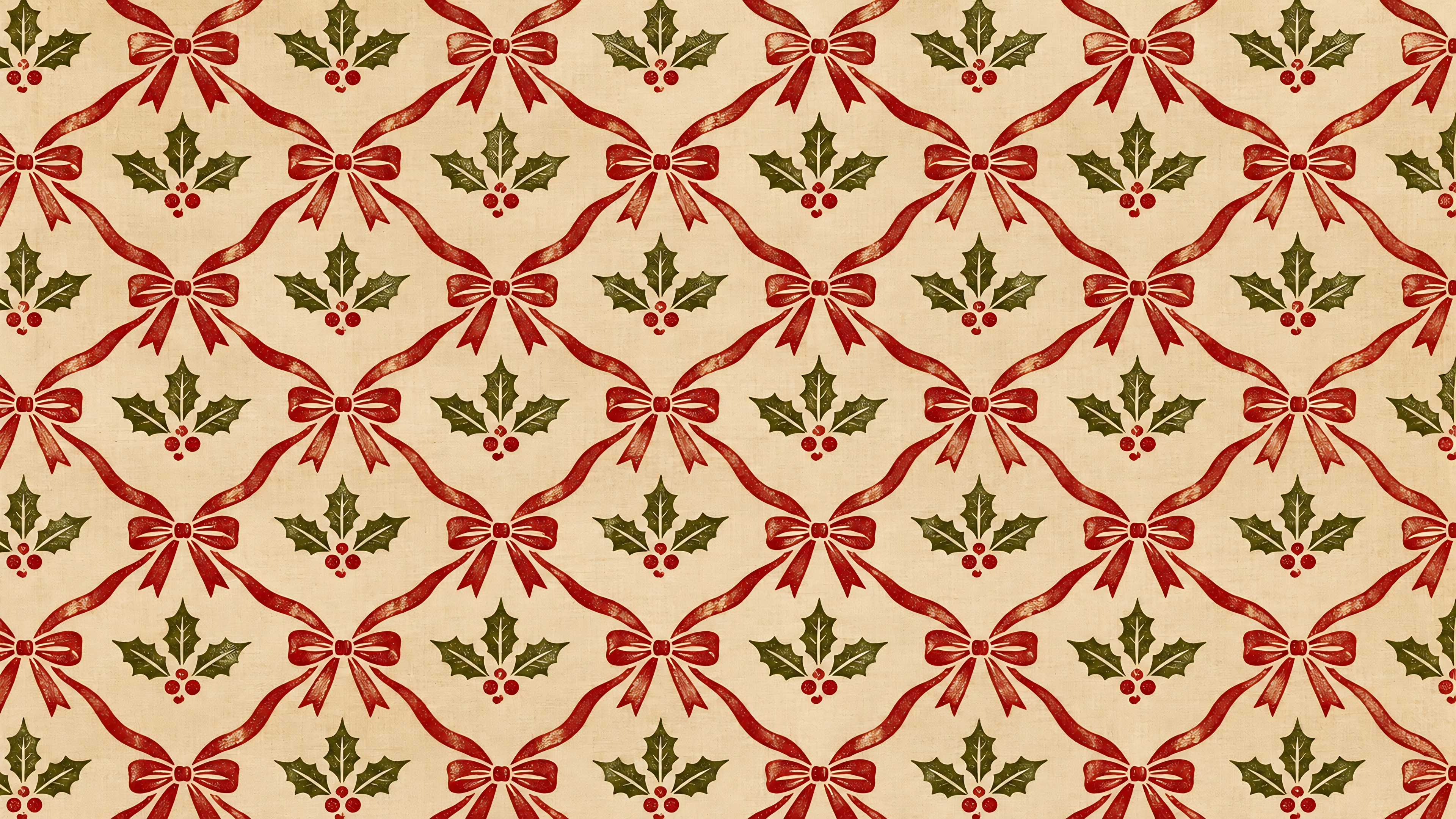
- Madder Ribbon Trellis: a red ribbon trellis with holly at every crossing. Small repeats like this look the same on a phone and a laptop, so it’s an easy one to match across screens.
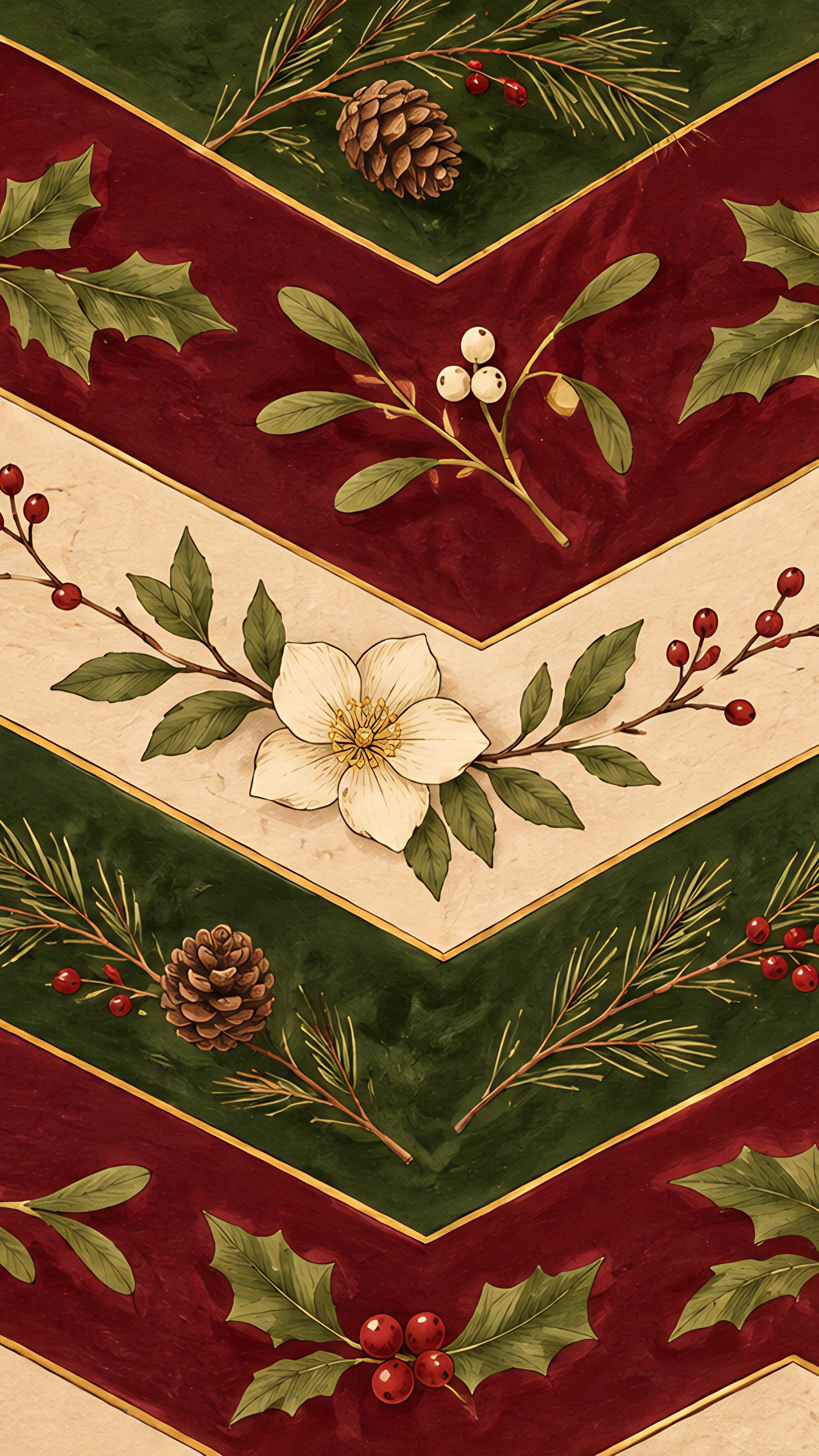
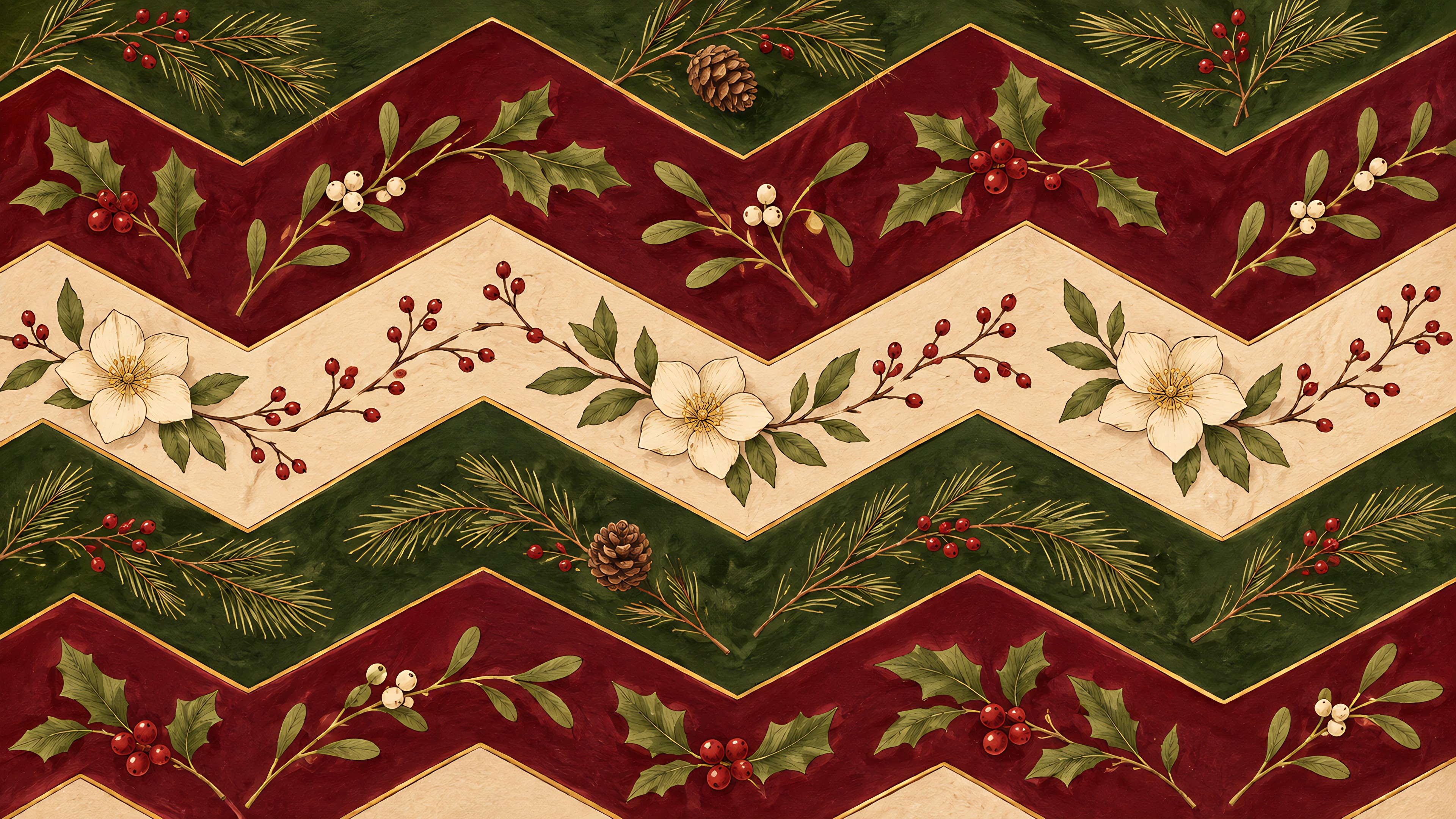
- Botanical Chevron: wide burgundy and cream chevron bands filled with pine, holly, pinecones and white hellebores. It’s the most detailed pattern in the set and looks like very expensive wrapping paper.
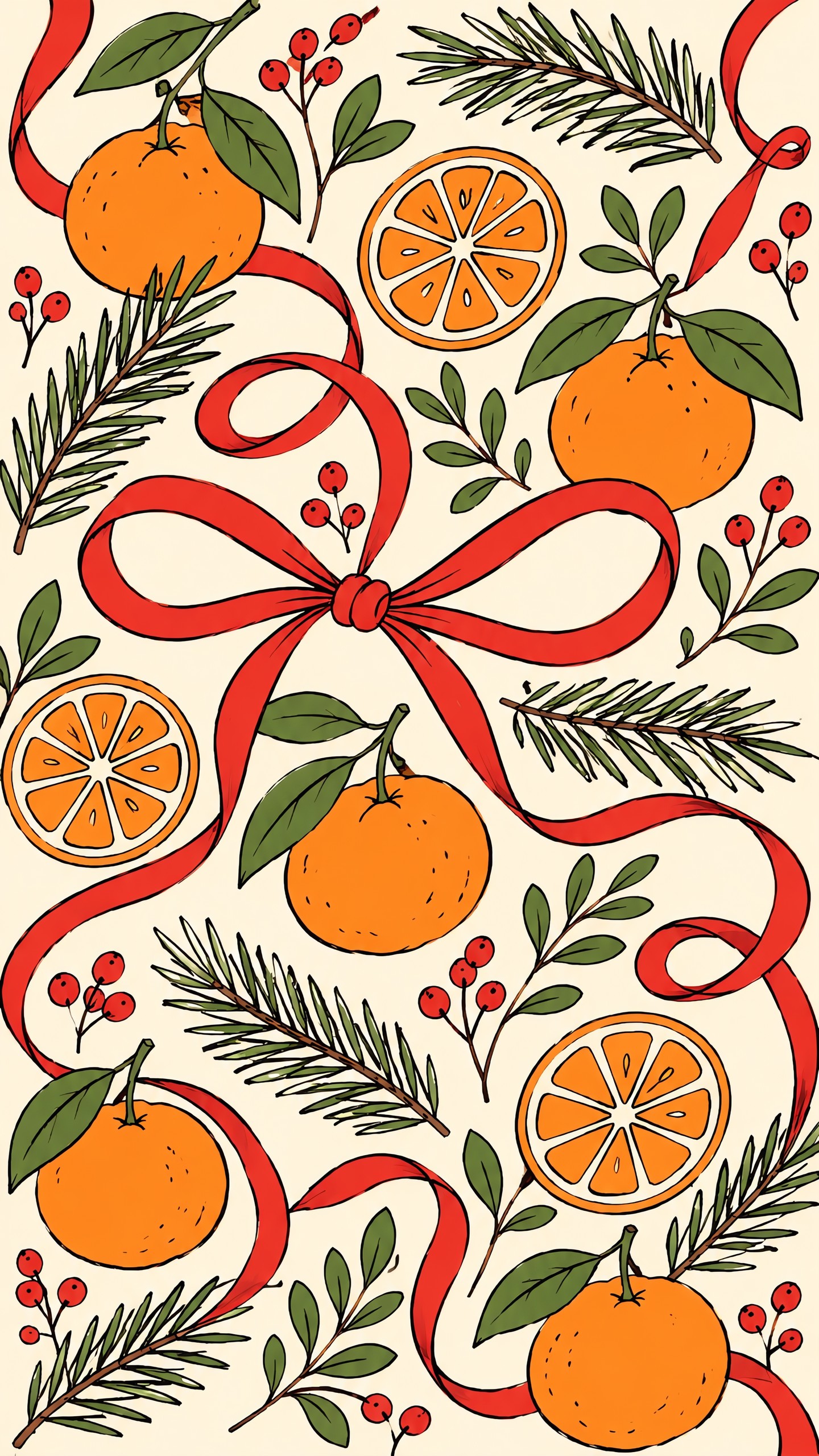
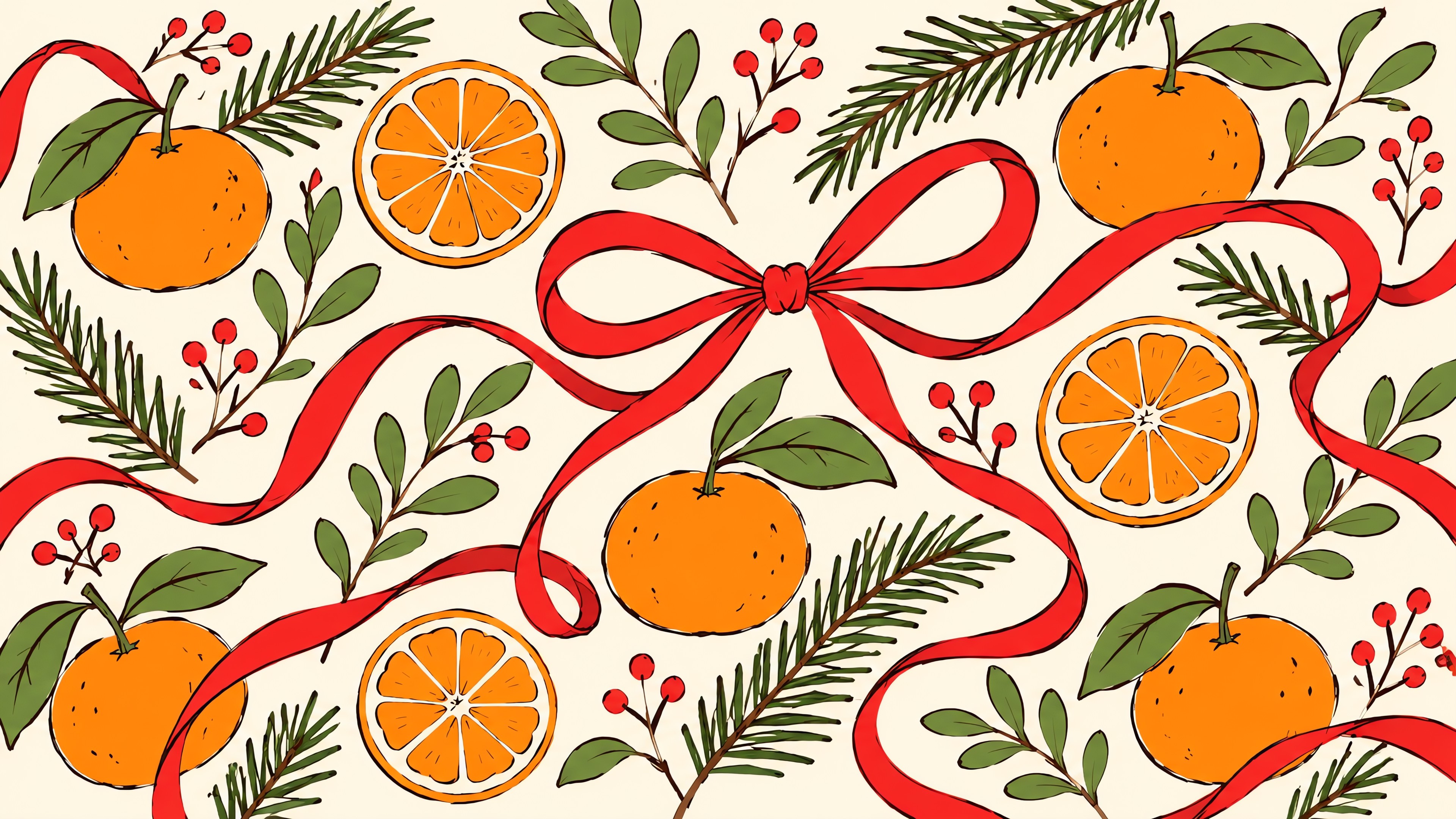
- Christmas Citrus Ribbon: oranges, whole and sliced, tangled in red ribbon with pine and berries on cream. A brighter take on vintage.
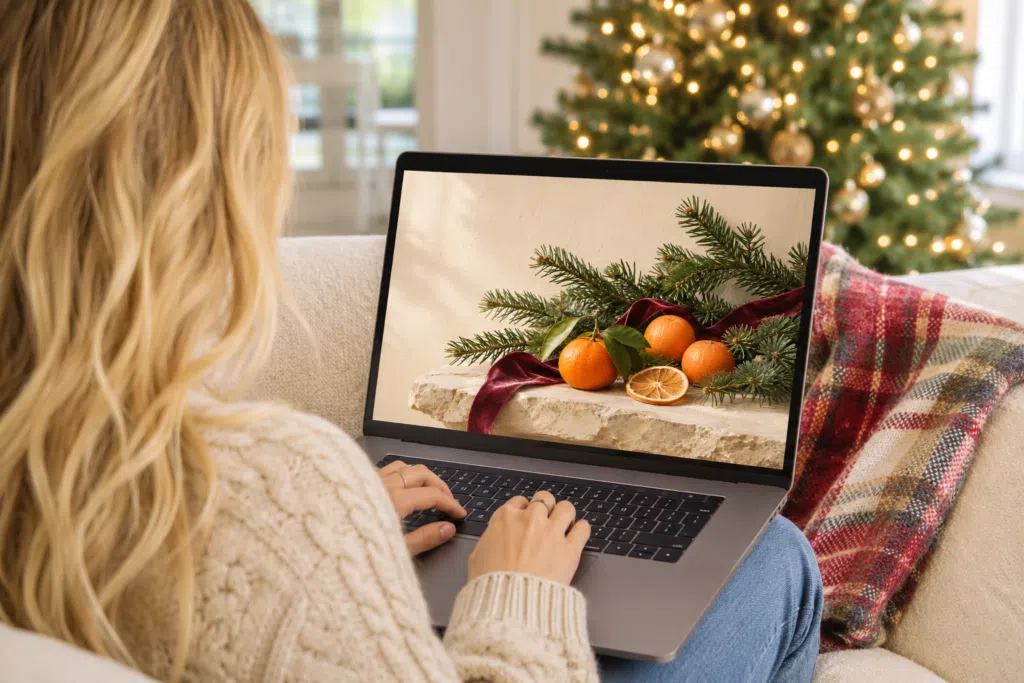
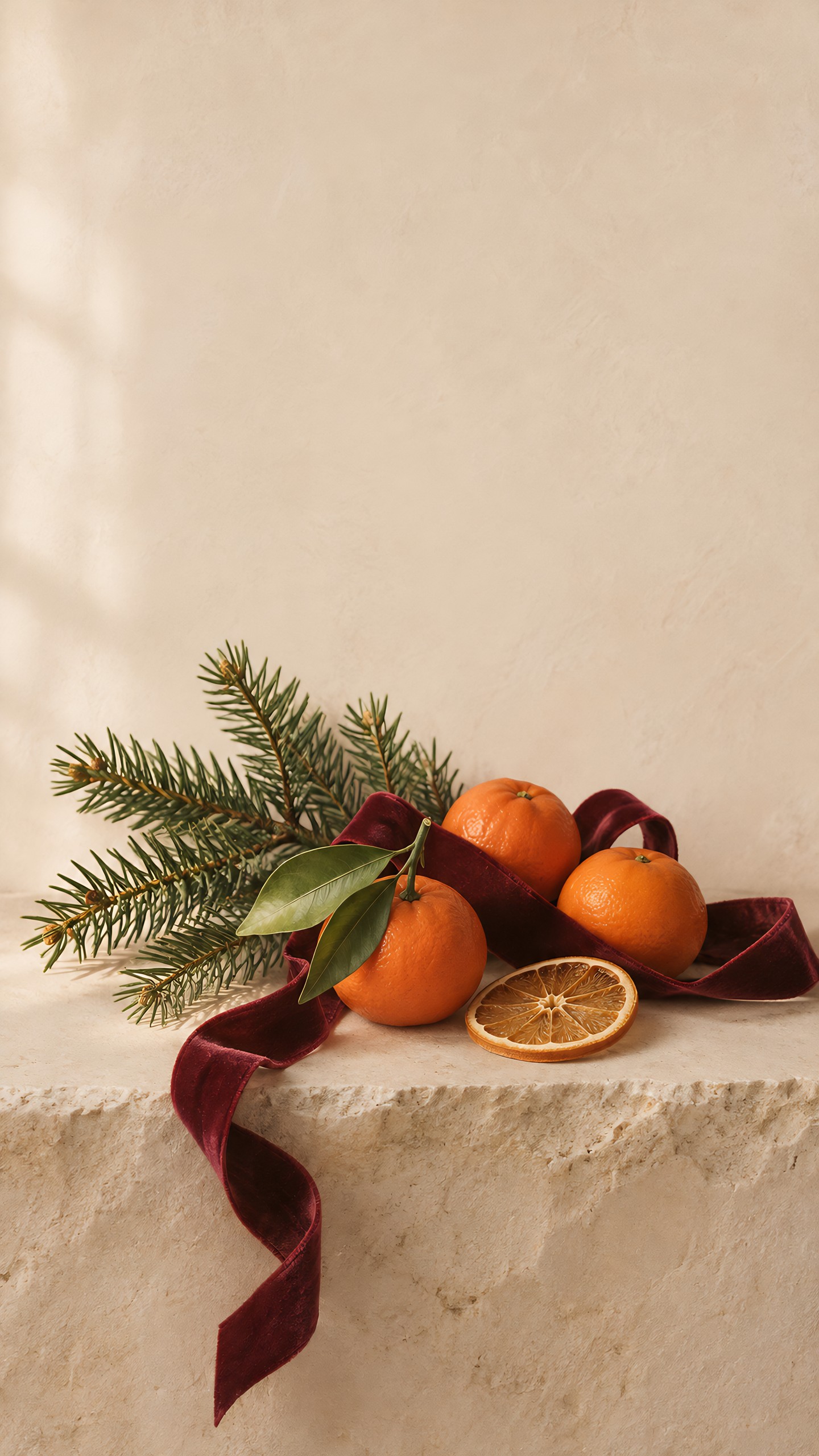
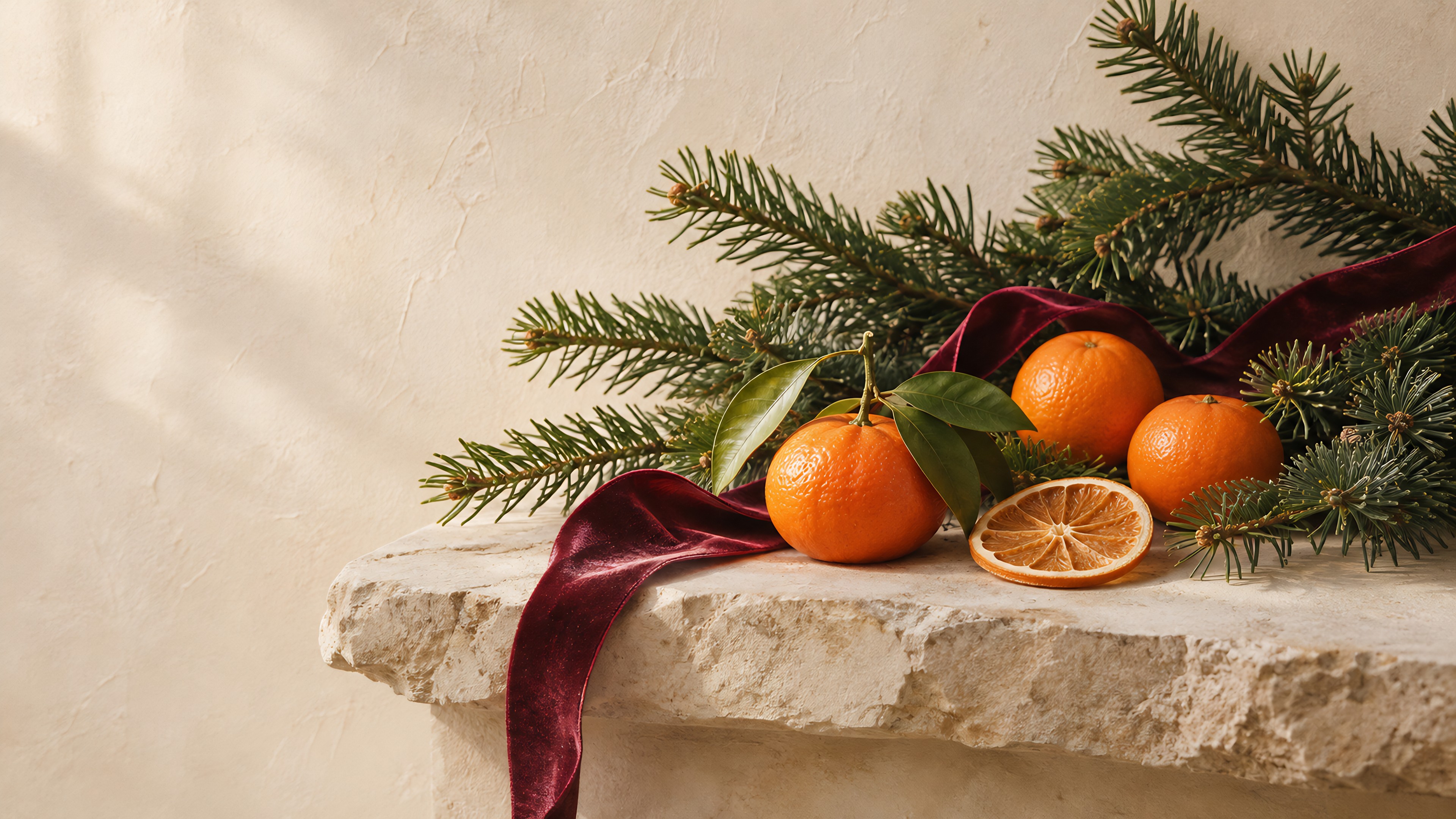
- Winter Citrus: a still life of mandarins, a pine sprig, a dried orange slice and a burgundy velvet ribbon on a plaster ledge in soft window light. It’s the only design here that looks like a photograph, and the plain wall above the fruit leaves lots of room for your clock.
Folk Art Christmas Patterns
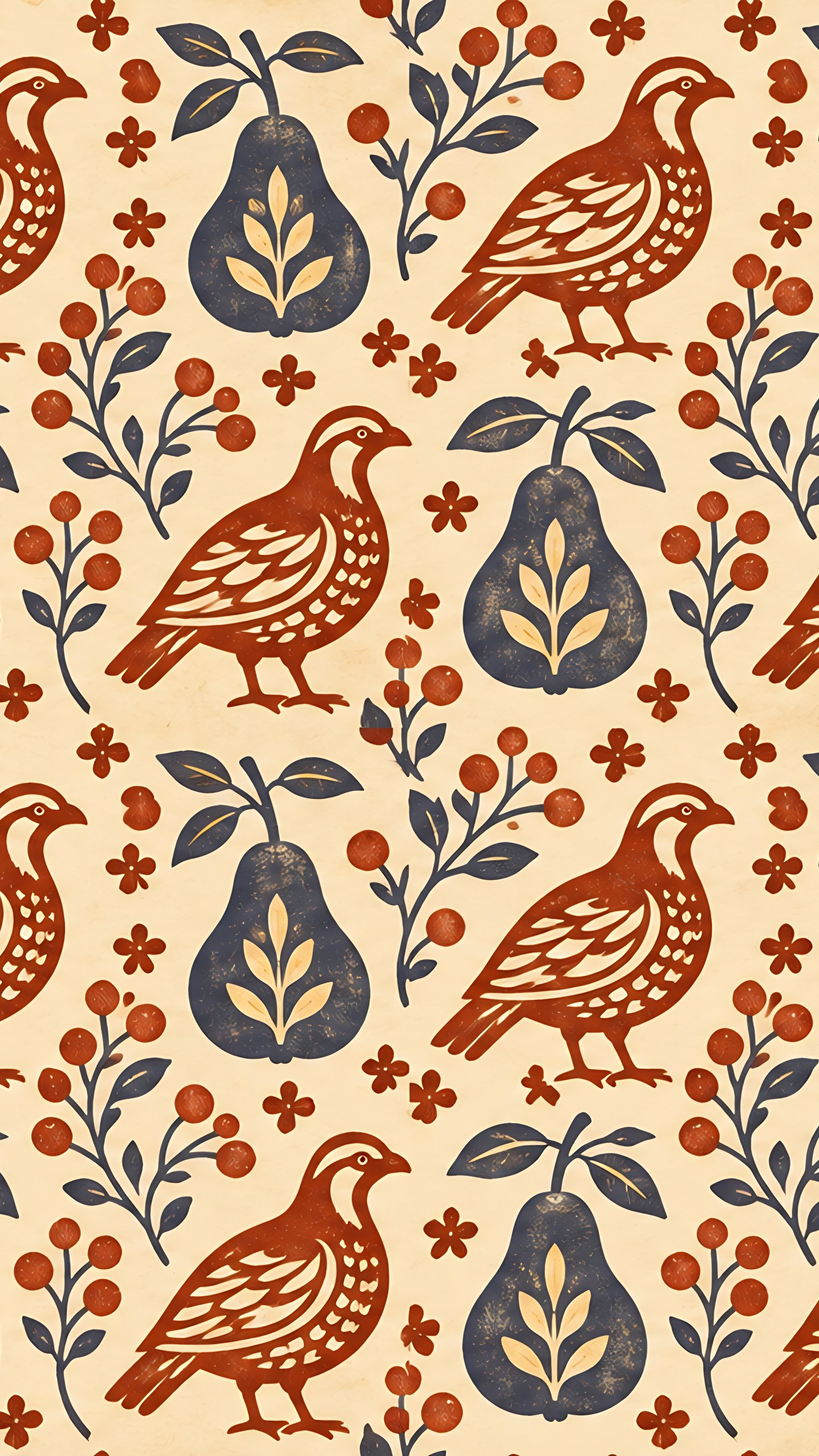
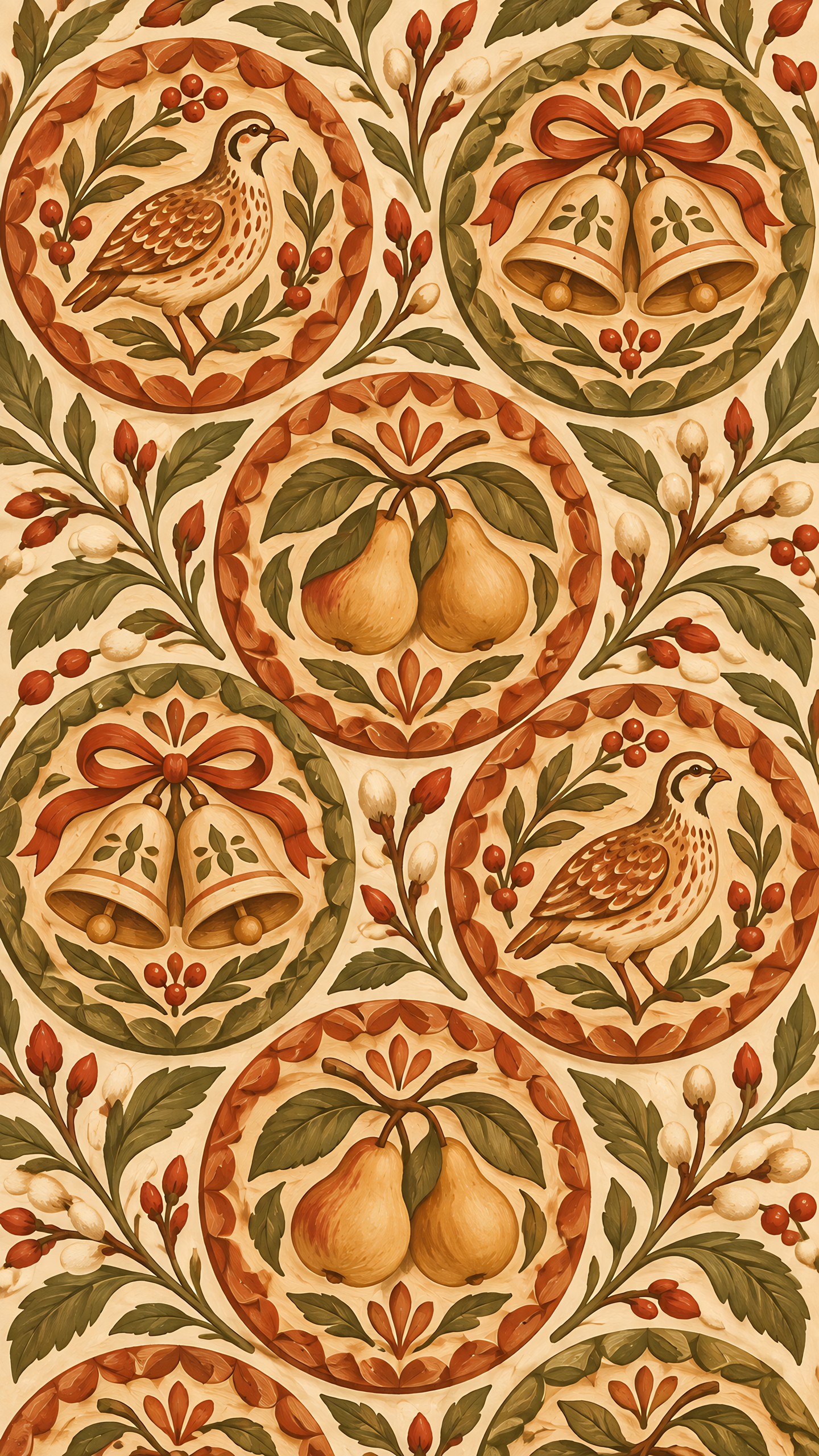
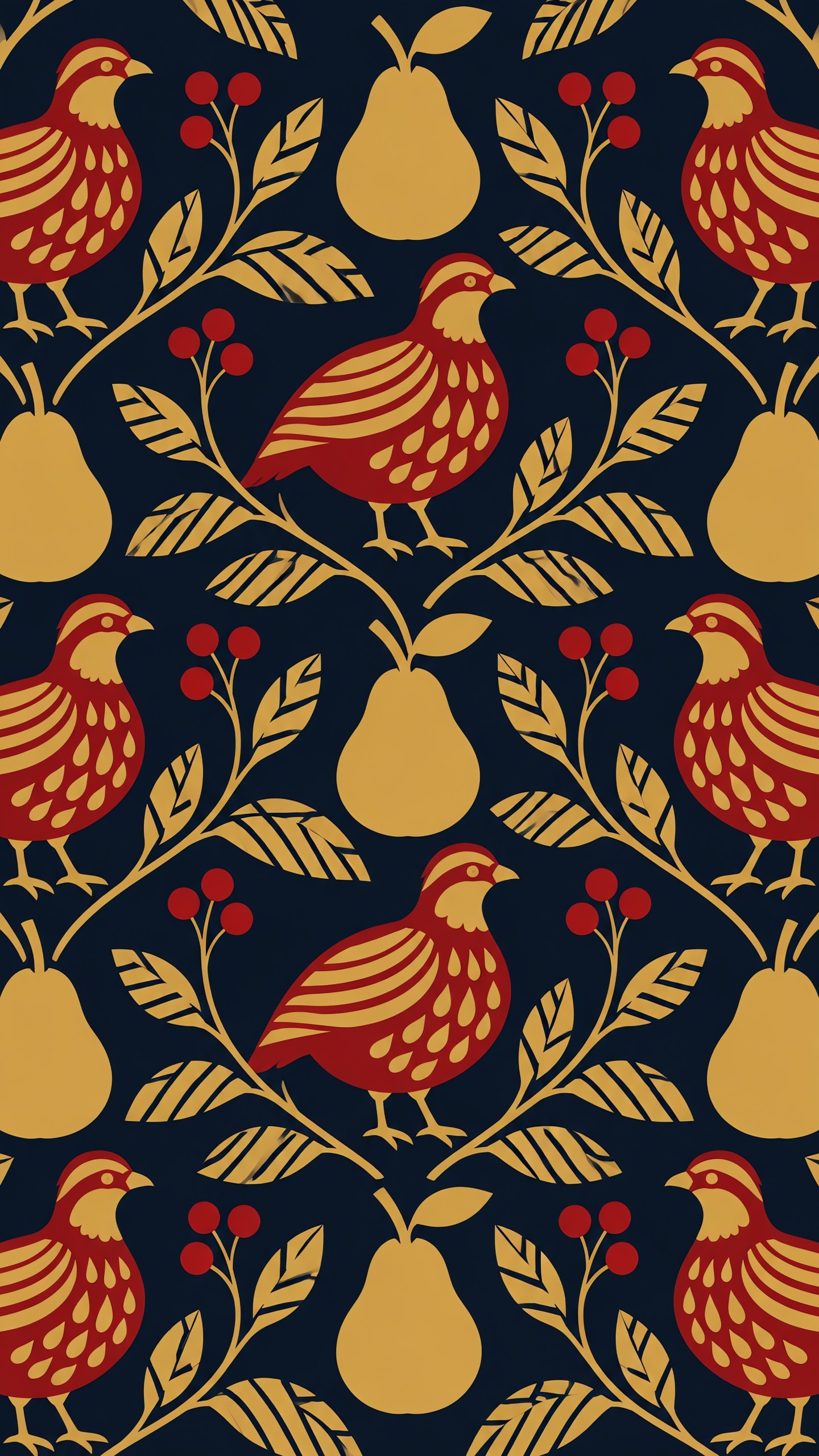
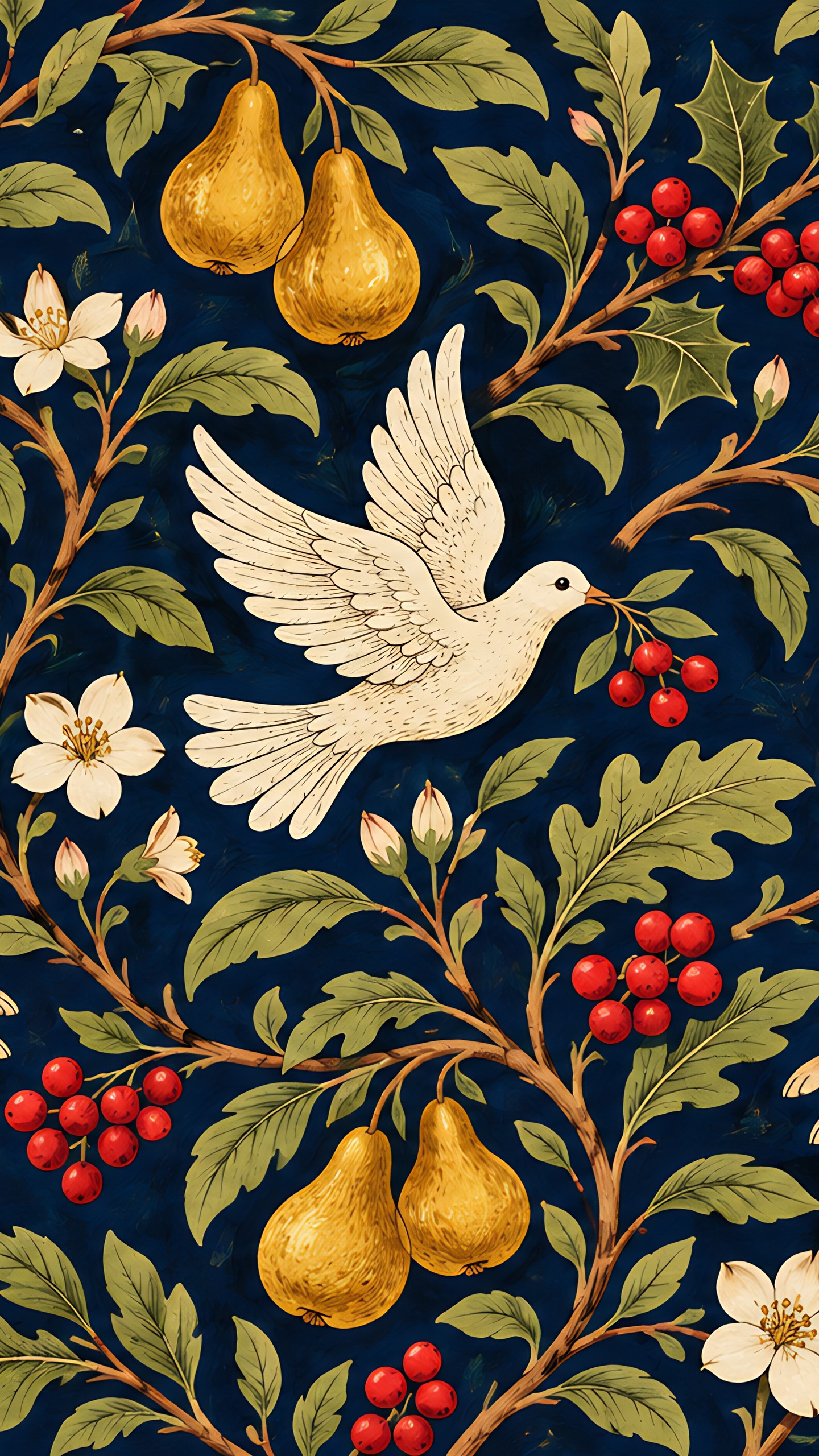
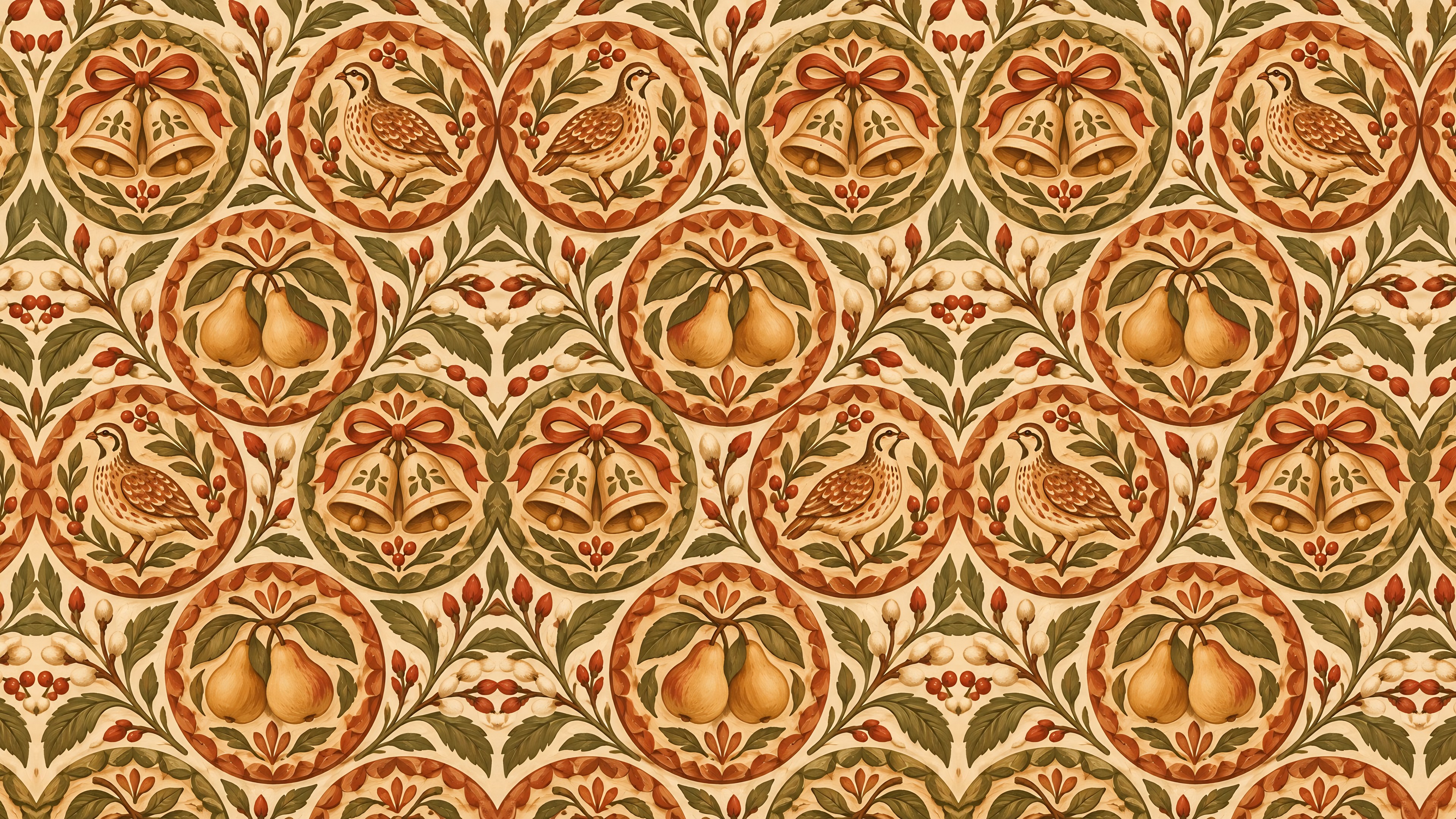
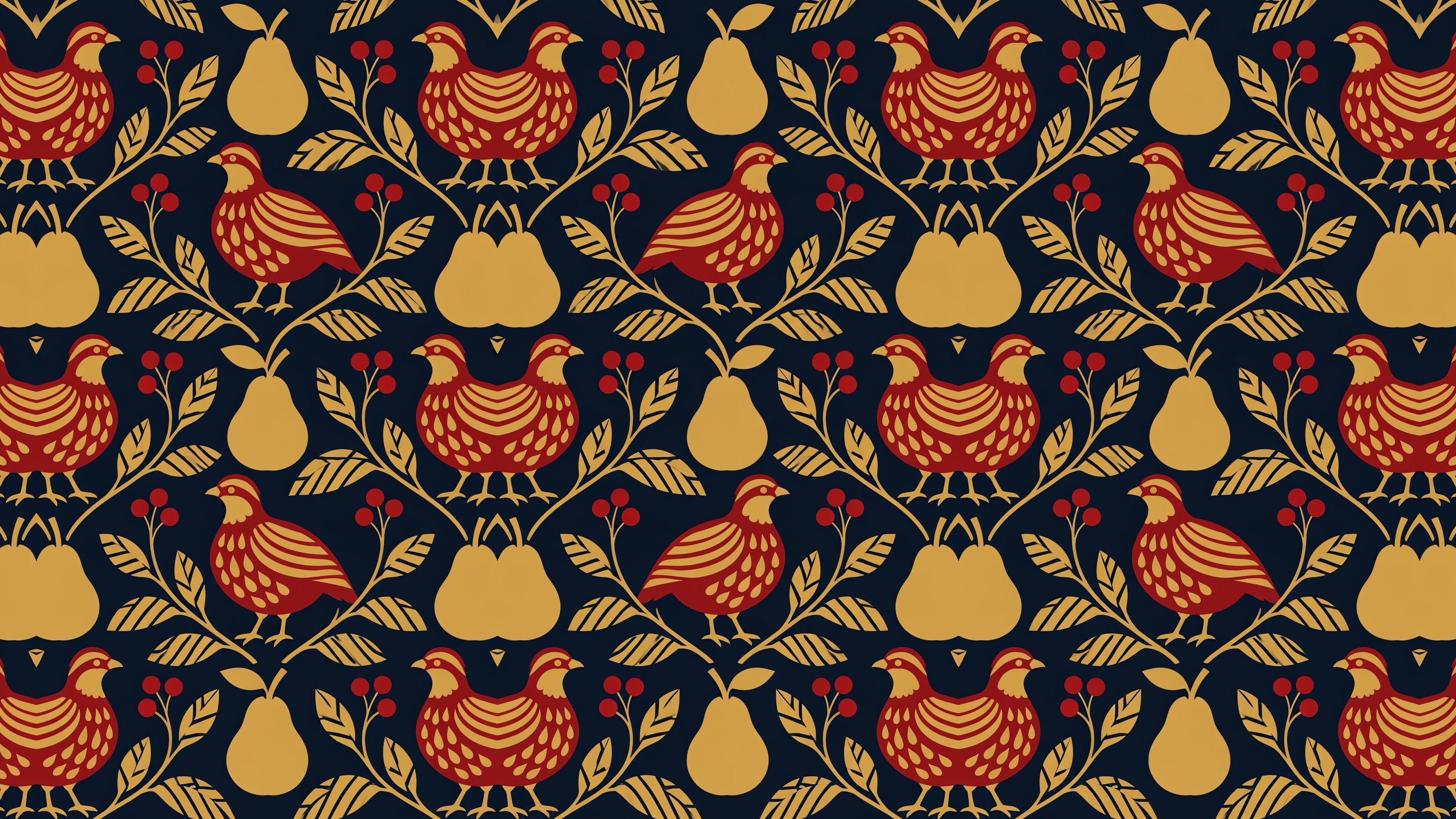
Partridges and pears (plus a few doves), drawn in the flat, stylized look of folk art. These are all-over patterns, which makes them easy wallpapers: nothing important gets cut off, however your phone crops them.
Folk Art Christmas Phone Wallpapers
Folk Art Christmas Desktop Wallpapers
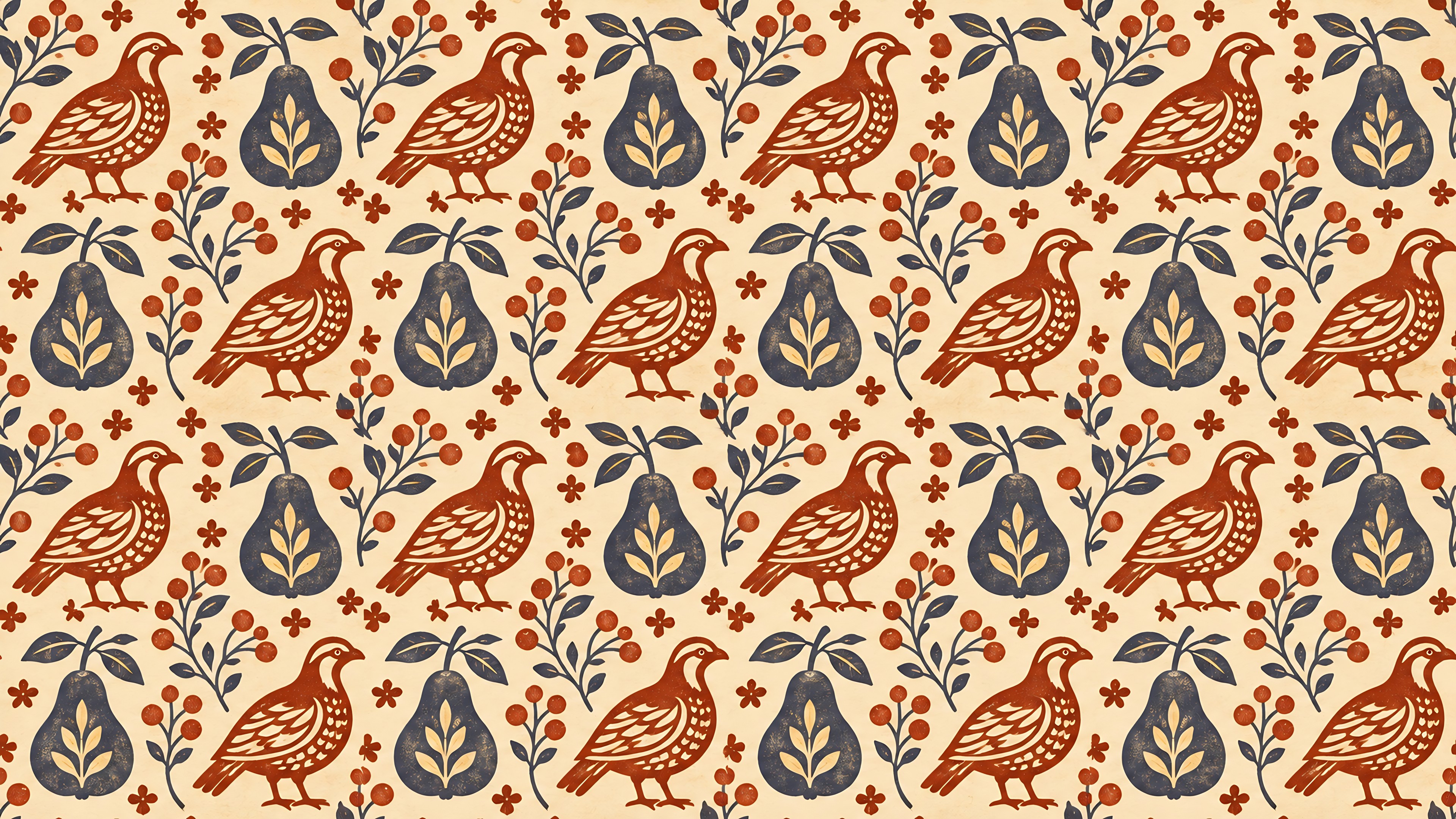
- Clove and Pear: rust partridges and blue-gray pears in a tidy repeat on cream, the lightest of the four.
- Partridge Medallions: round medallions packed with partridges, golden pears and bells in rust, olive and gold, like an old stamped tin.
- Partridge Parade: the same partridges and golden pears marching across deep navy. Pair it with Clove and Pear for a Lock Screen and Home Screen that match without being identical.
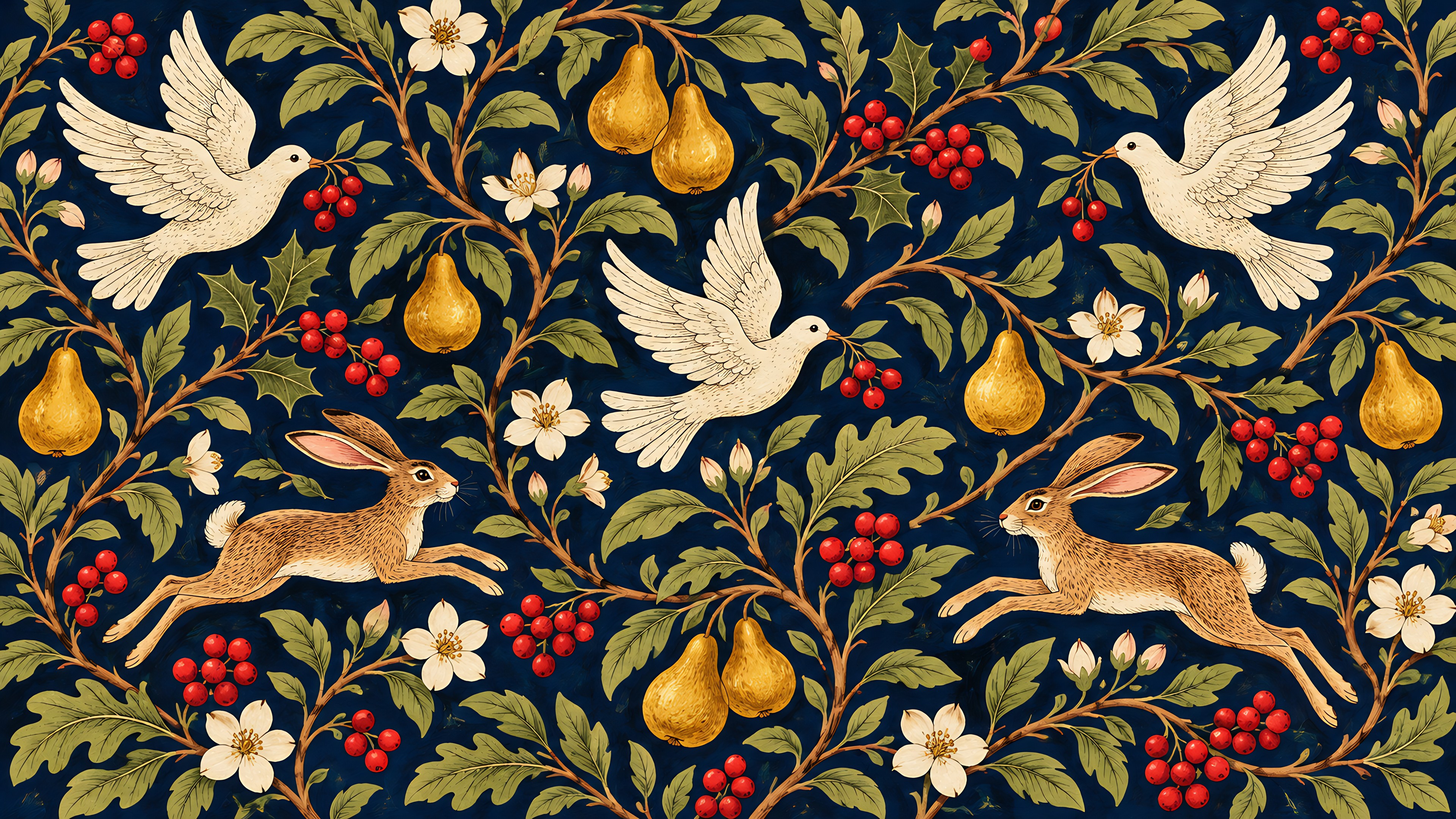
- Midnight Folk Garden: white doves, golden pears, red berries and little white flowers on midnight navy. The desktop version adds a pair of leaping hares.
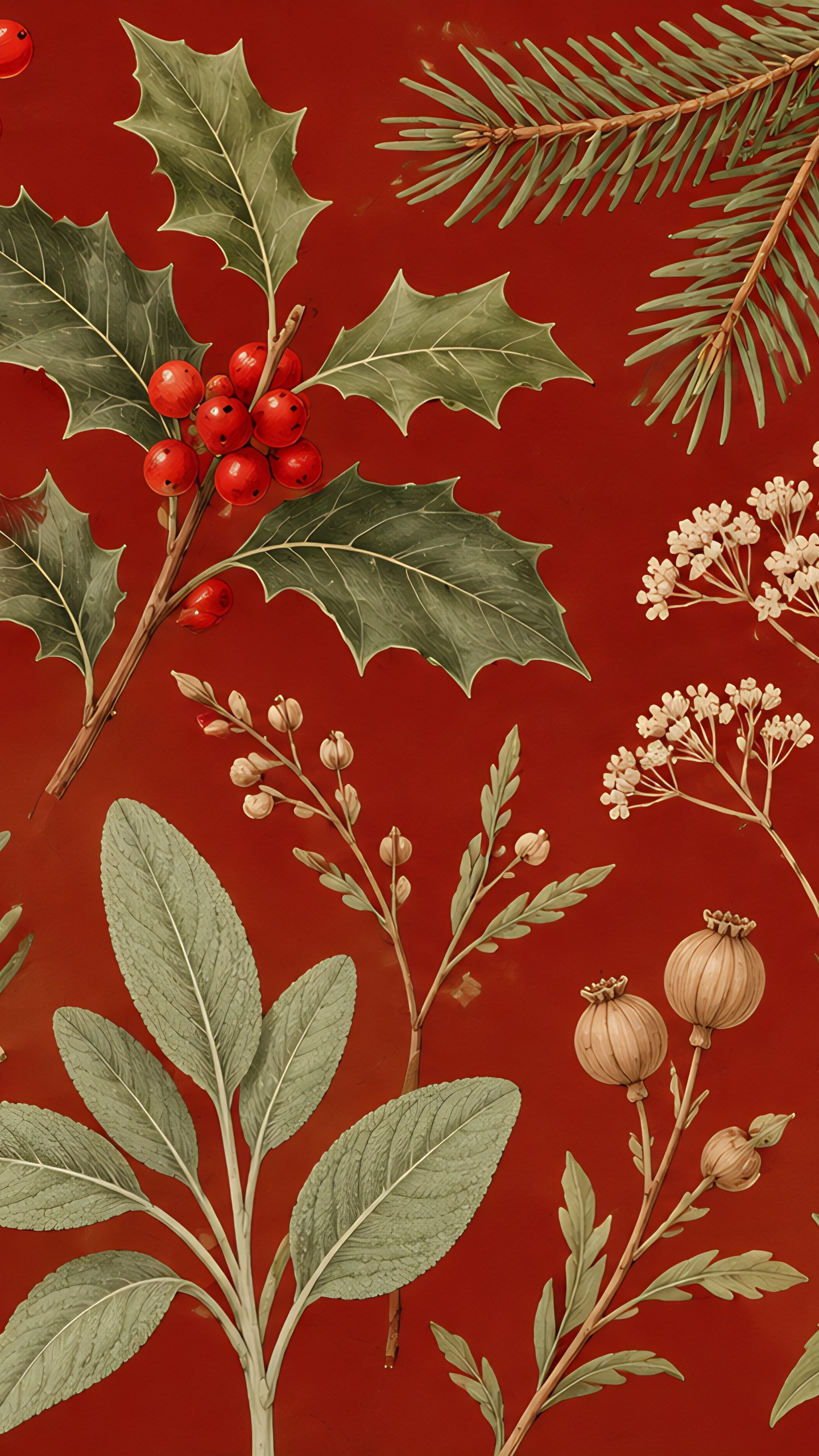
Dark and Moody Christmas Wallpapers
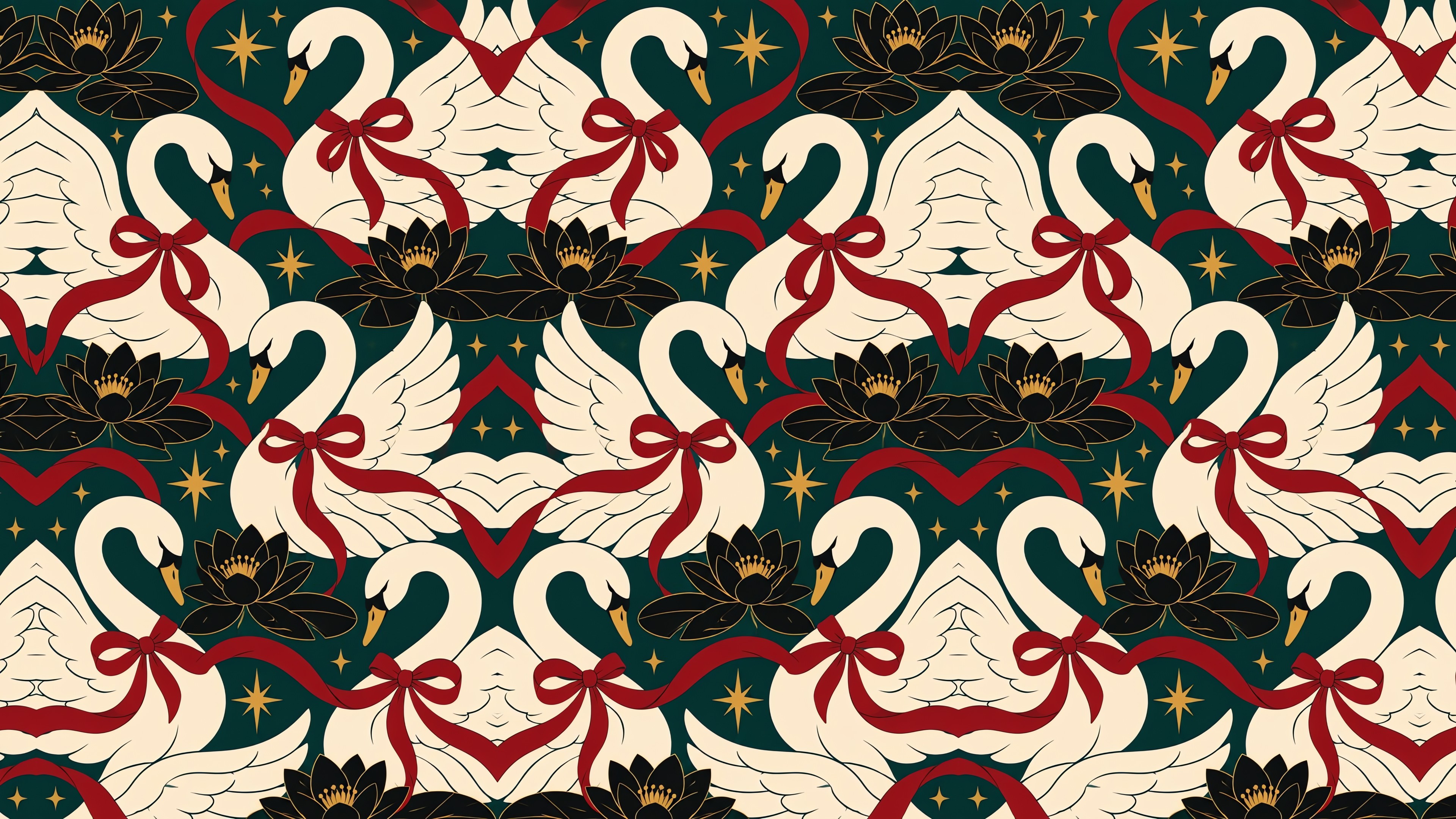
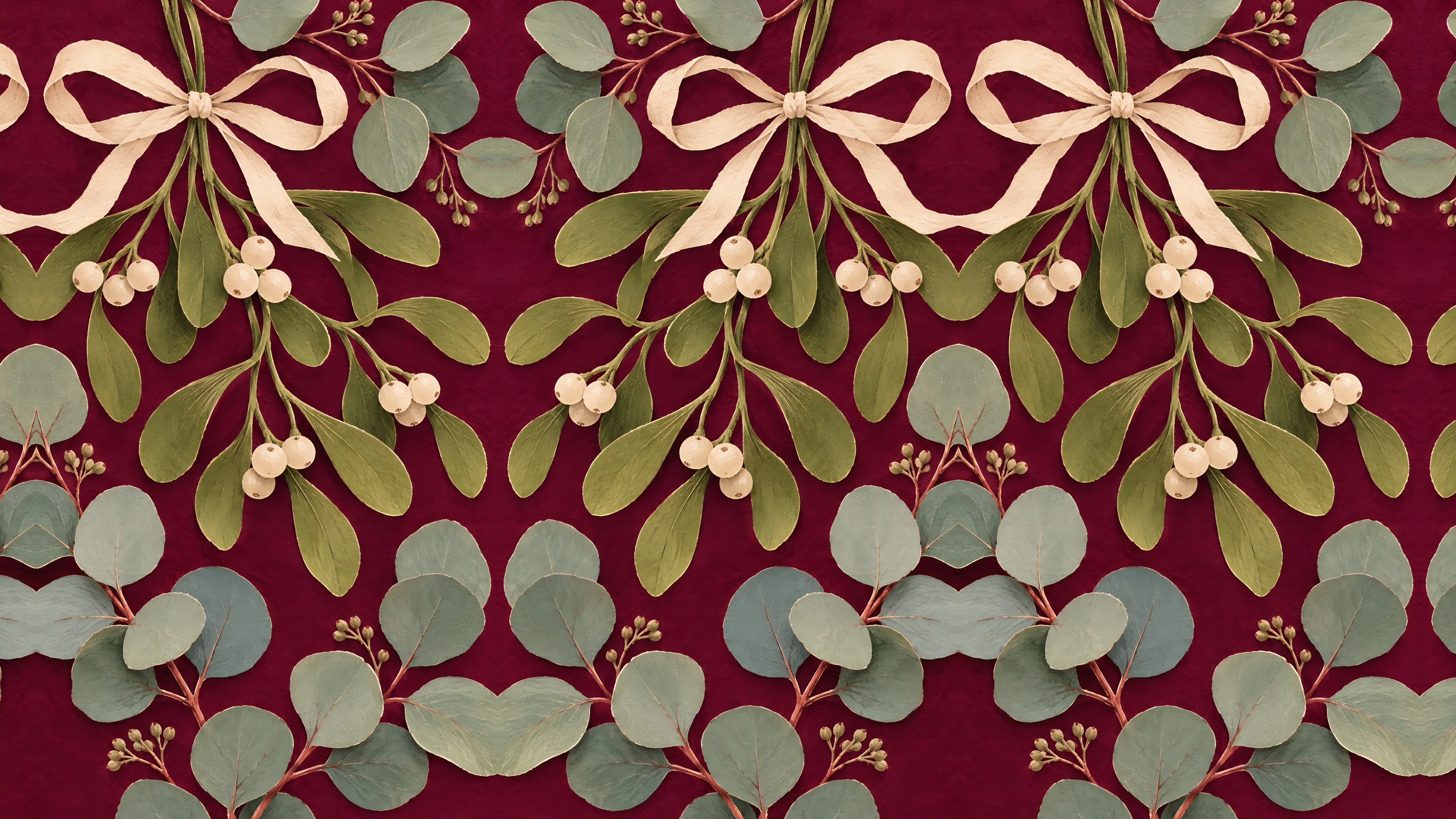
If bright red and green feel like a lot, these dark Christmas wallpapers are the quieter, richer option. They look especially good in dark mode, and white text stays easy to read on top of them.
Dark Christmas Phone Wallpapers
Dark Christmas Desktop Wallpapers
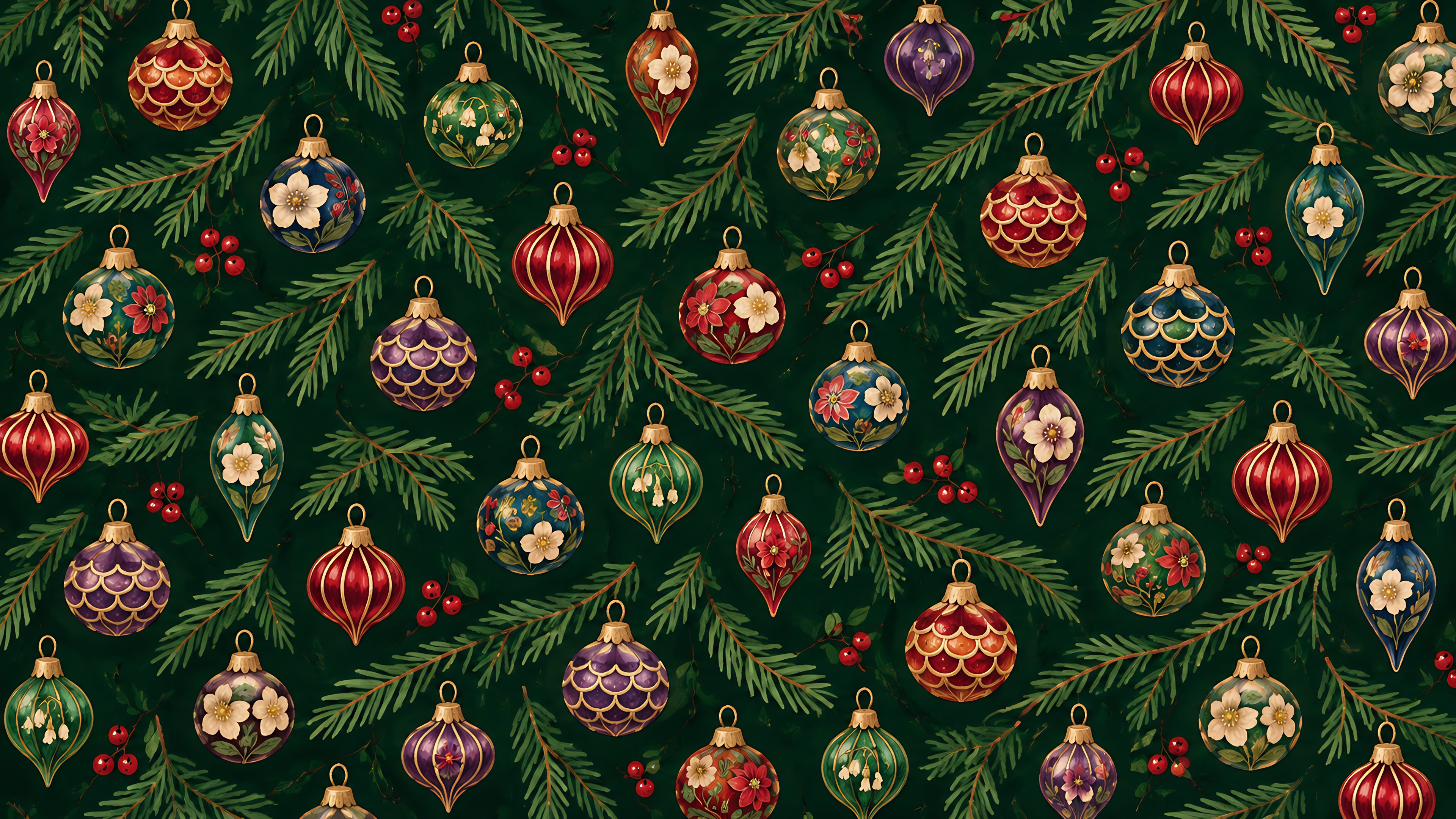
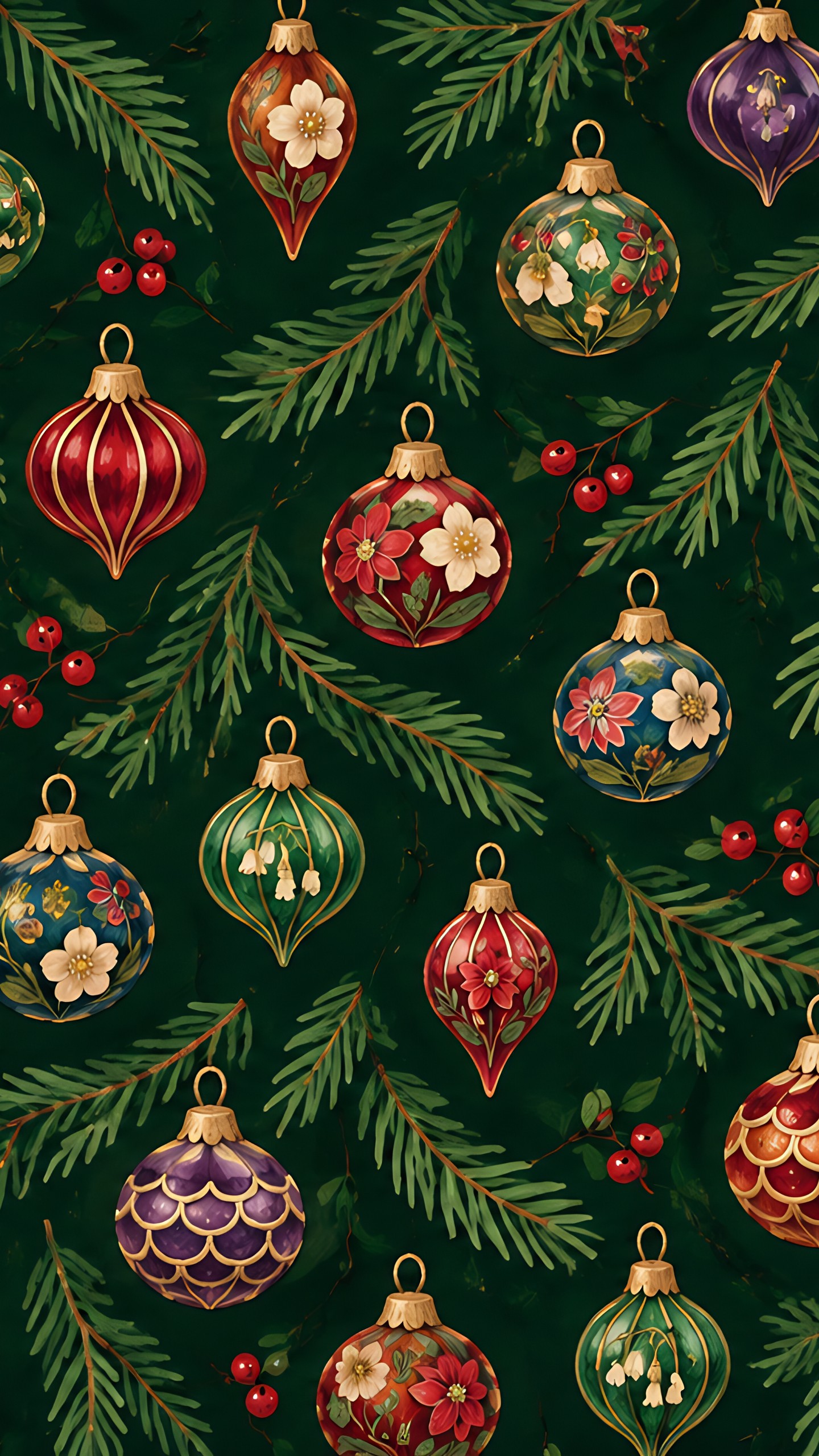
- Jewel Box: jeweled glass ornaments in ruby, emerald and amethyst tucked into pine on deep green. From arm’s length, it reads as a rich, dark green.
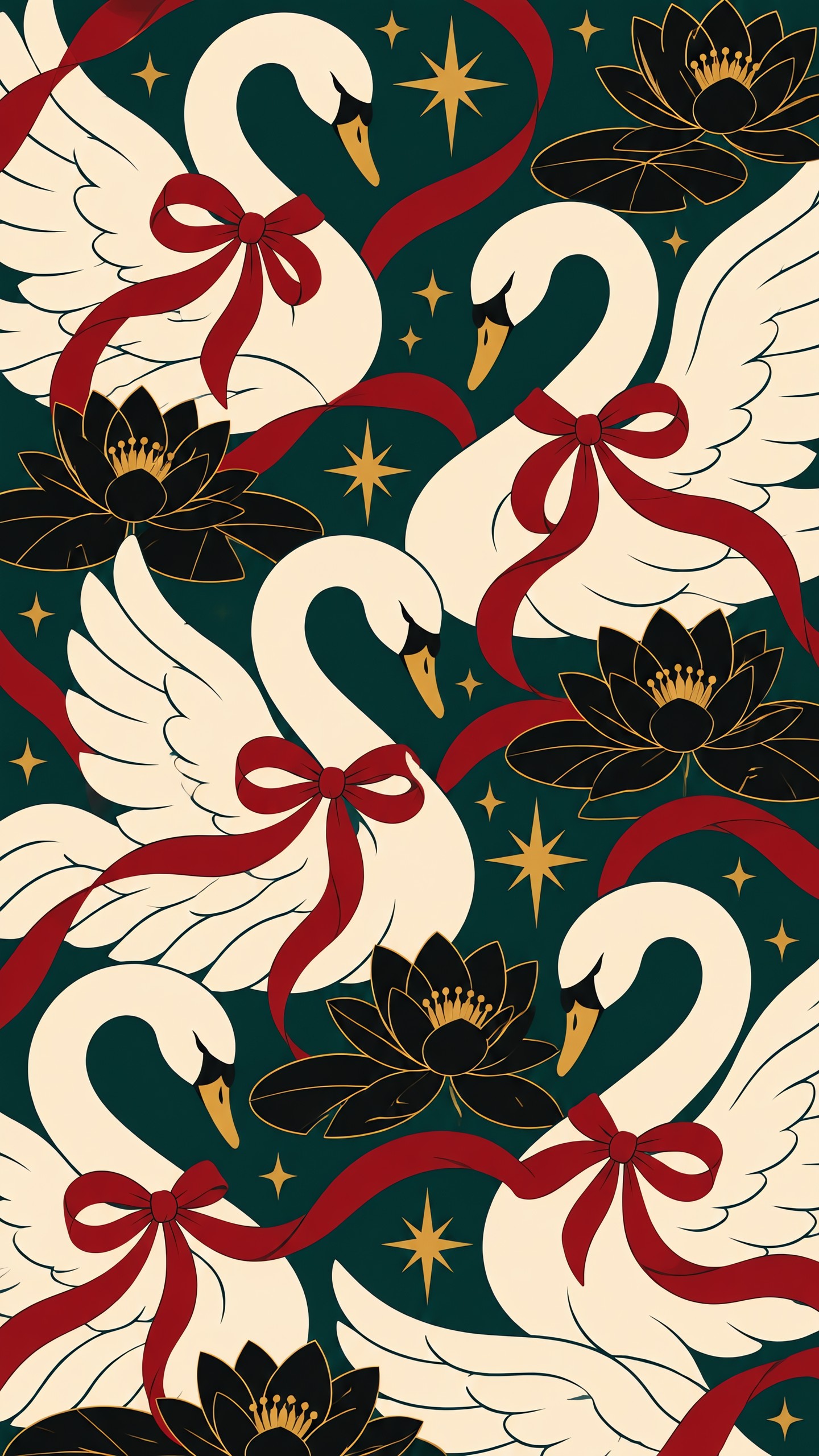
- Swan Masquerade: white swans wrapped in red ribbons, with black water lilies and gold stars on deep green. The boldest design in the set.
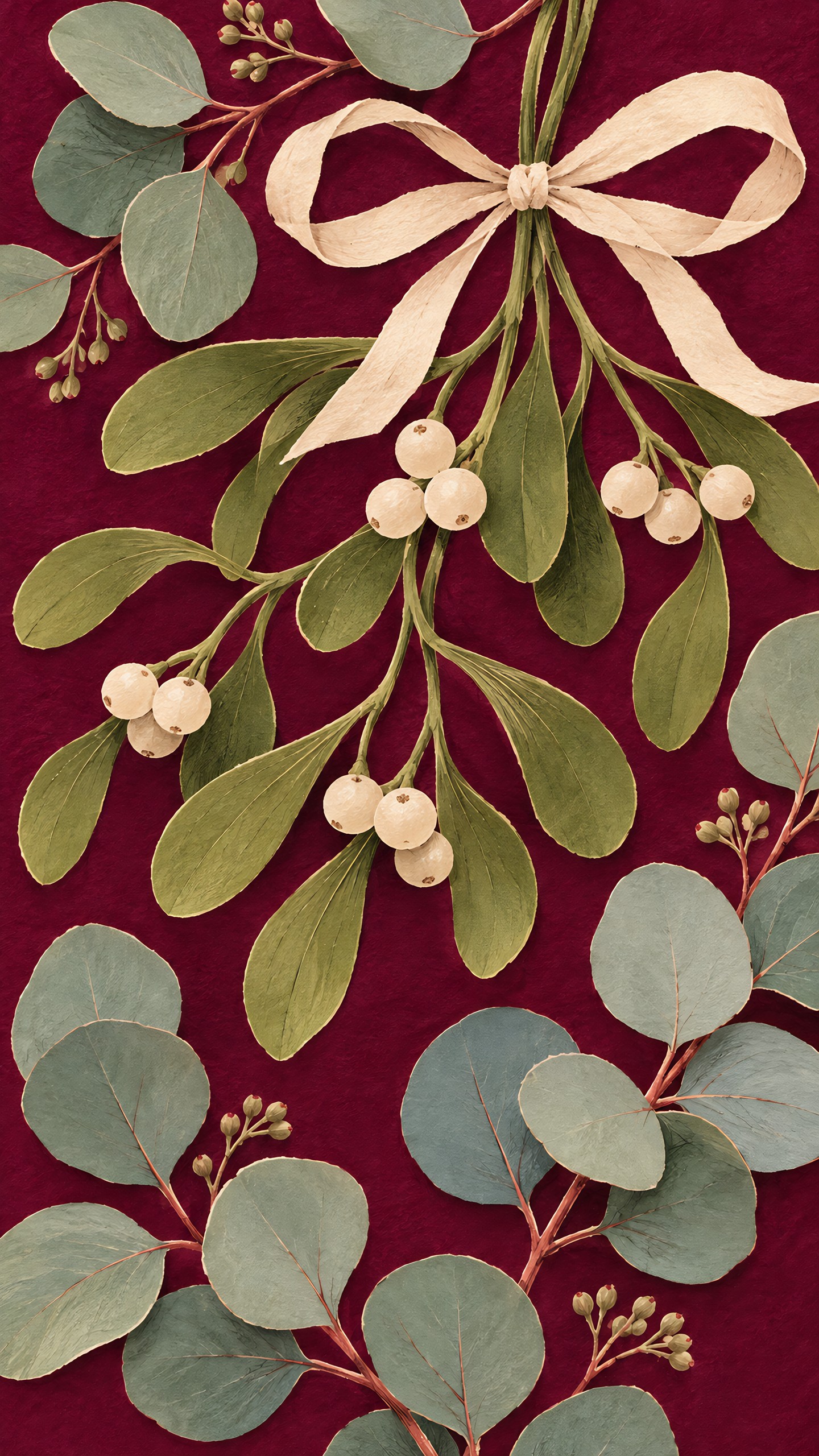
- Mistletoe on Mulberry: mistletoe, eucalyptus and a cream bow on rich mulberry. It’s red without being Christmas red, so it carries into January nicely.
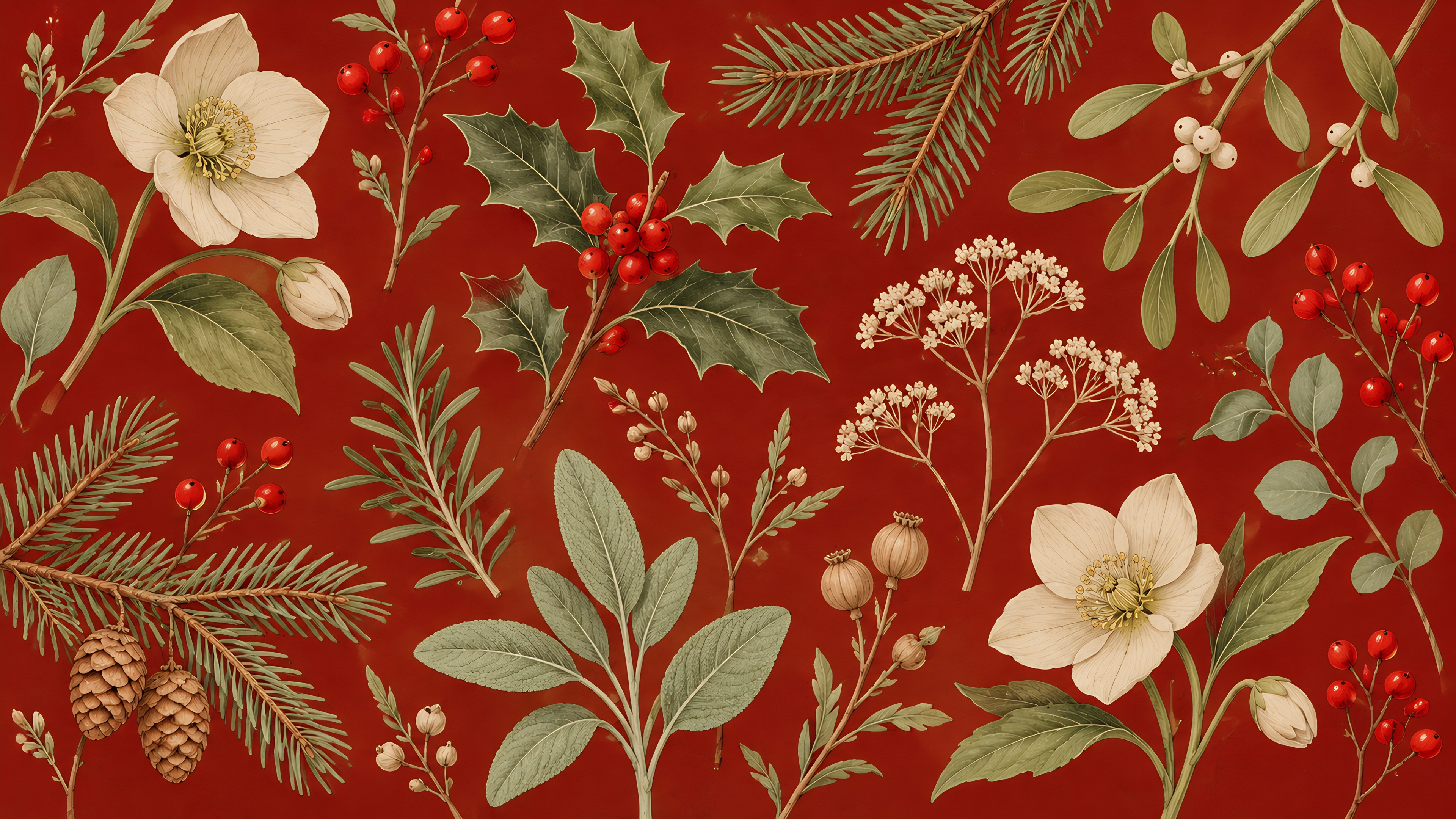
- Winter Herbarium: holly, pine, sage leaves, tiny white wildflowers and seed pods drawn like an old botanical print on deep red.
Simple and Minimalist Christmas Wallpapers
These simple Christmas wallpapers are mostly empty space, and that’s the point. The top of the screen stays clear for your clock, and nothing fights with your notifications. If you’re picking one for your Lock Screen, start here.
Simple Christmas Phone Wallpapers
Minimalist Christmas Desktop Wallpapers
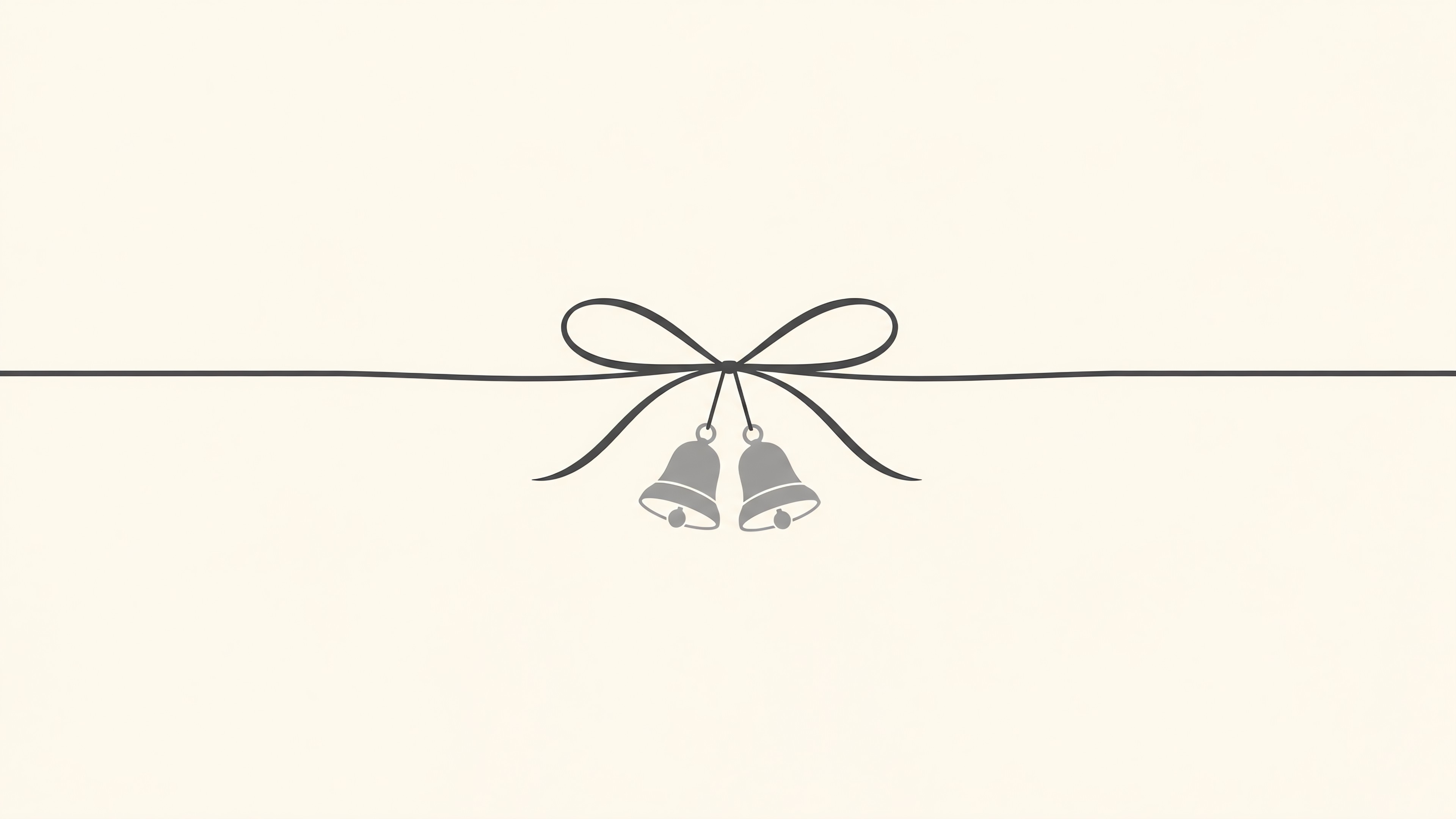
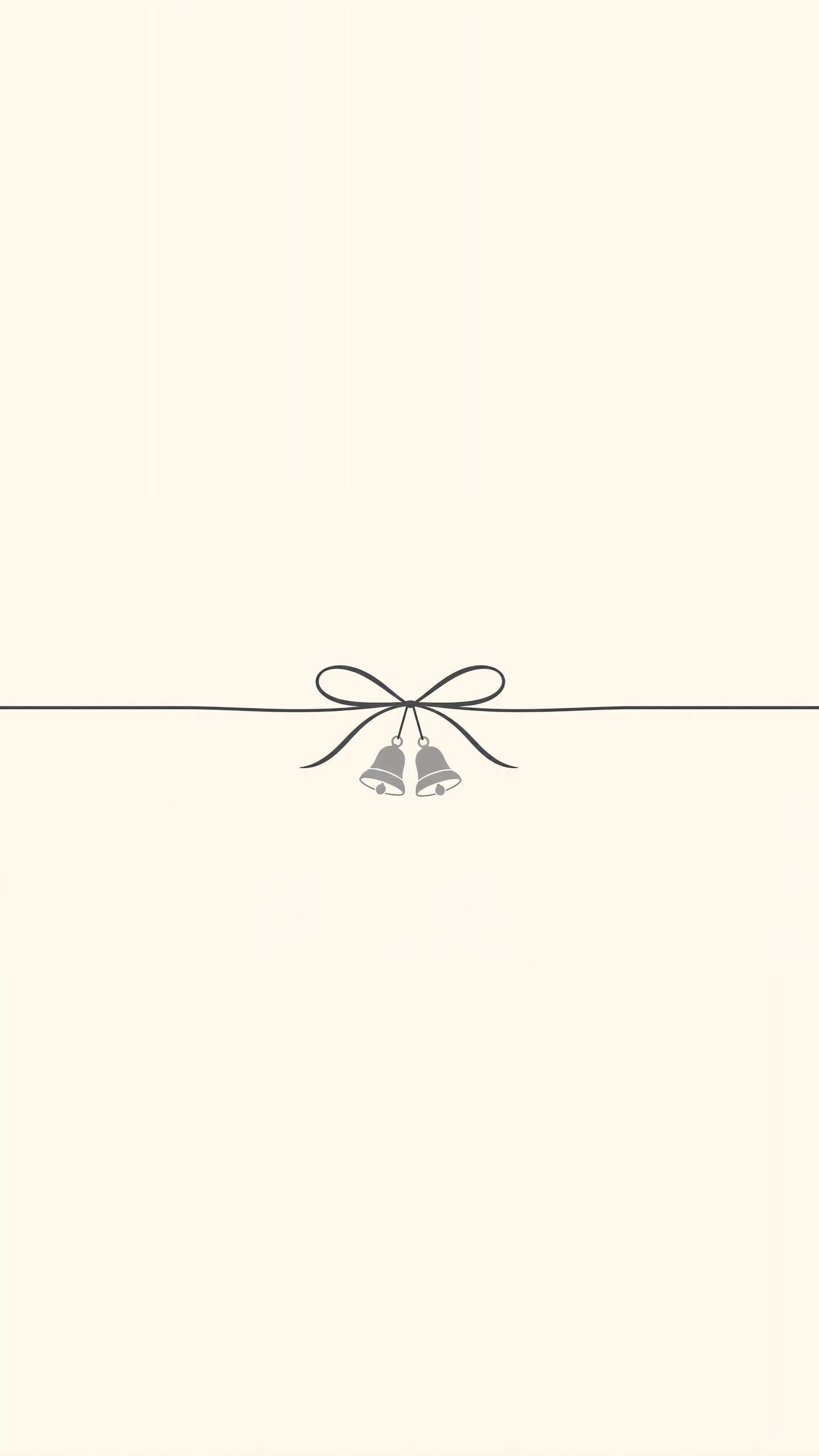
- Silver Chime: one fine line across cream with a tiny bow and bells in the middle. It’s the closest thing to a blank screen that still feels like Christmas.
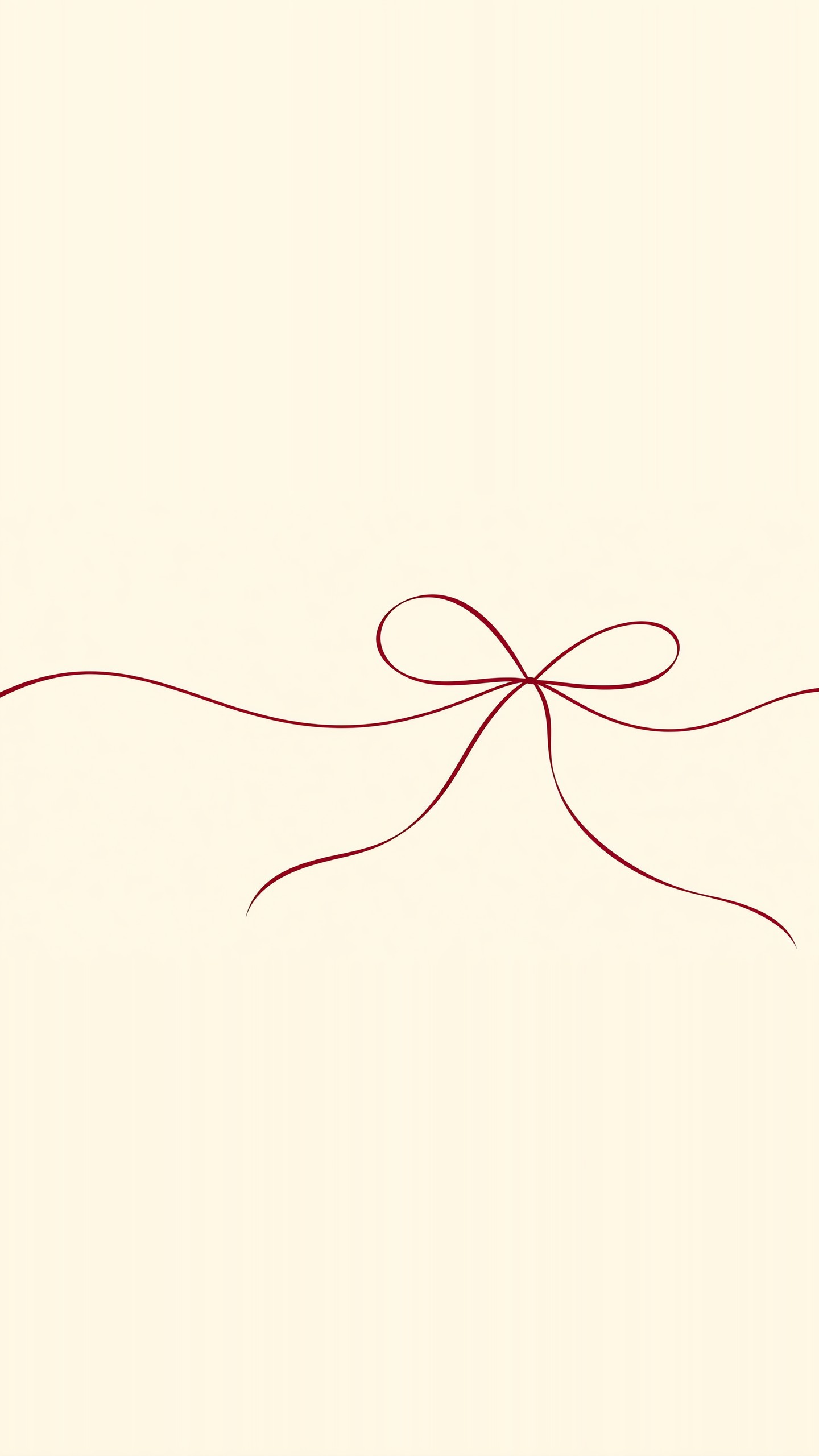
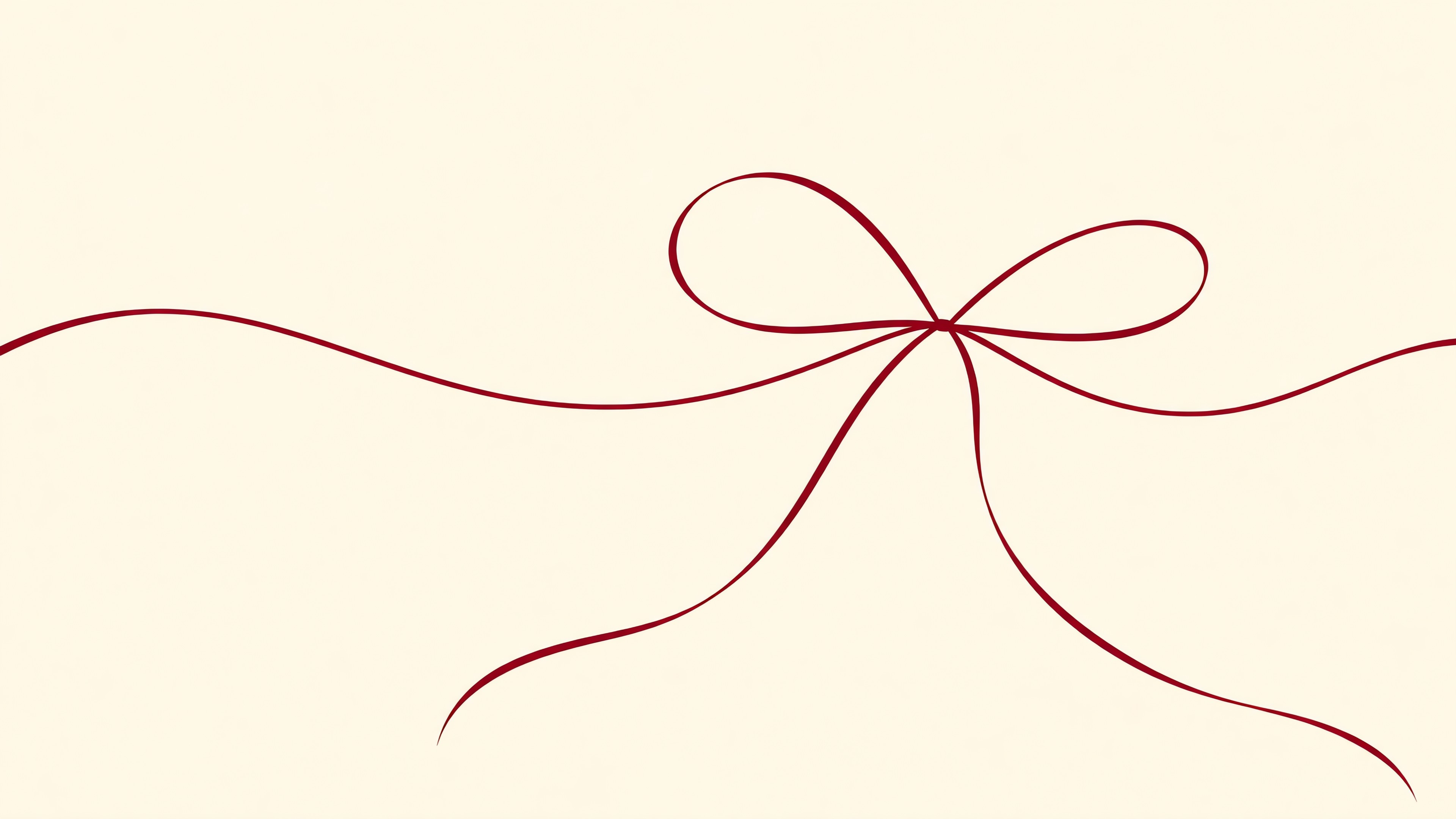
- Velvet Thread: a single red thread tied in a loose bow across cream. It pairs well with Silver Chime.
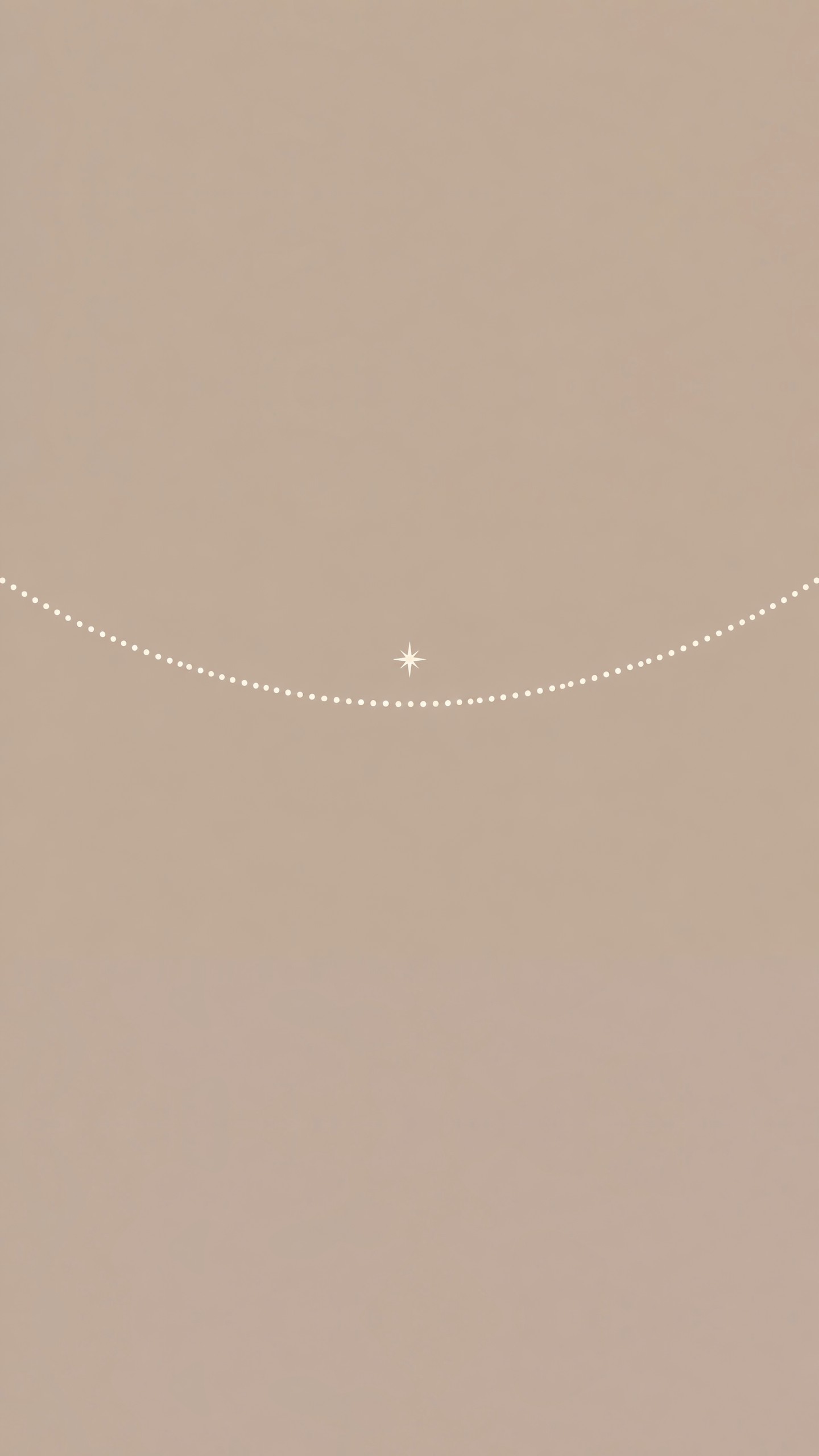
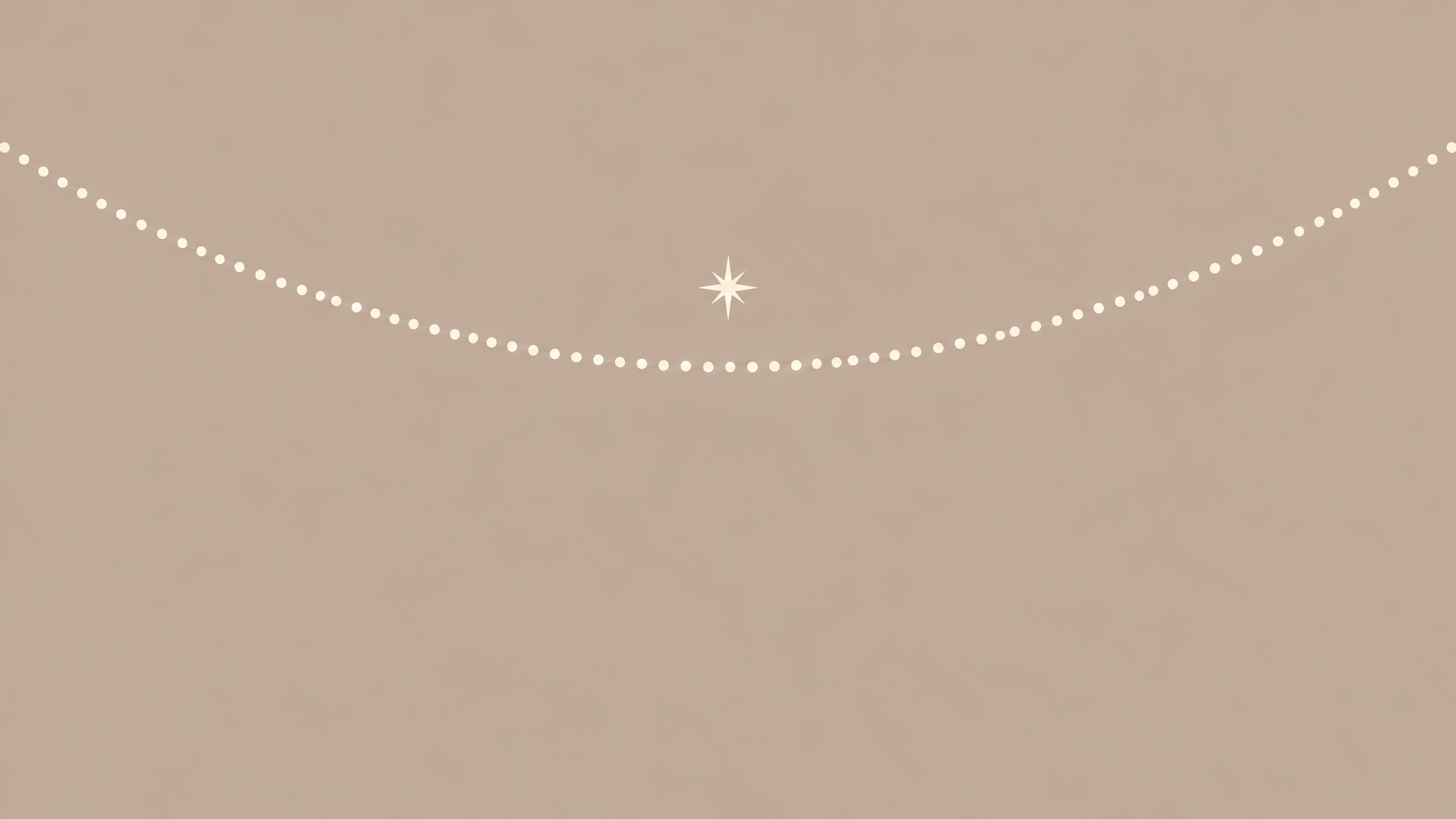
- Pearl Garland: one strand of pearls draped across warm taupe, with a tiny star at the center. For anyone who loves neutrals.
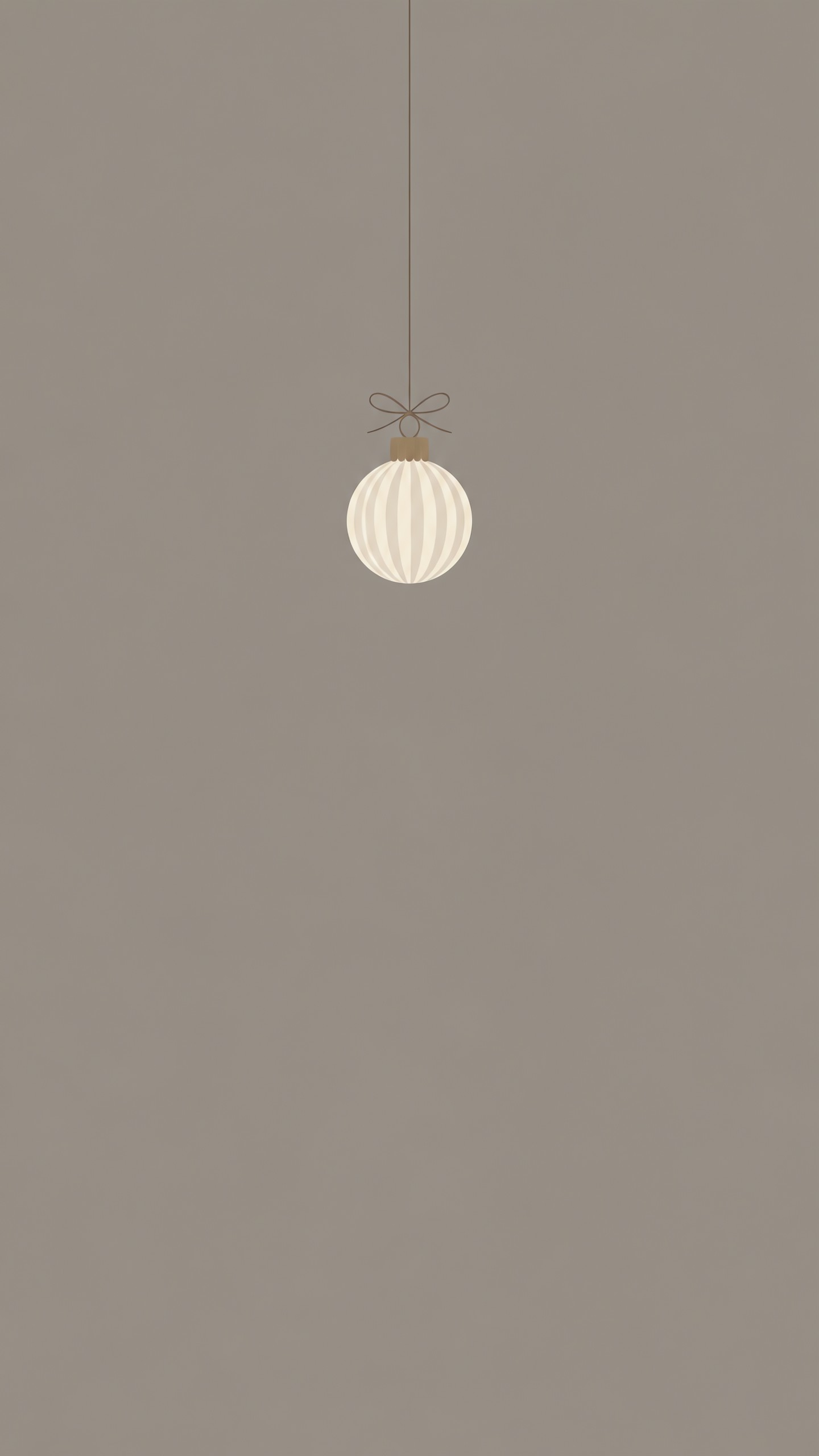
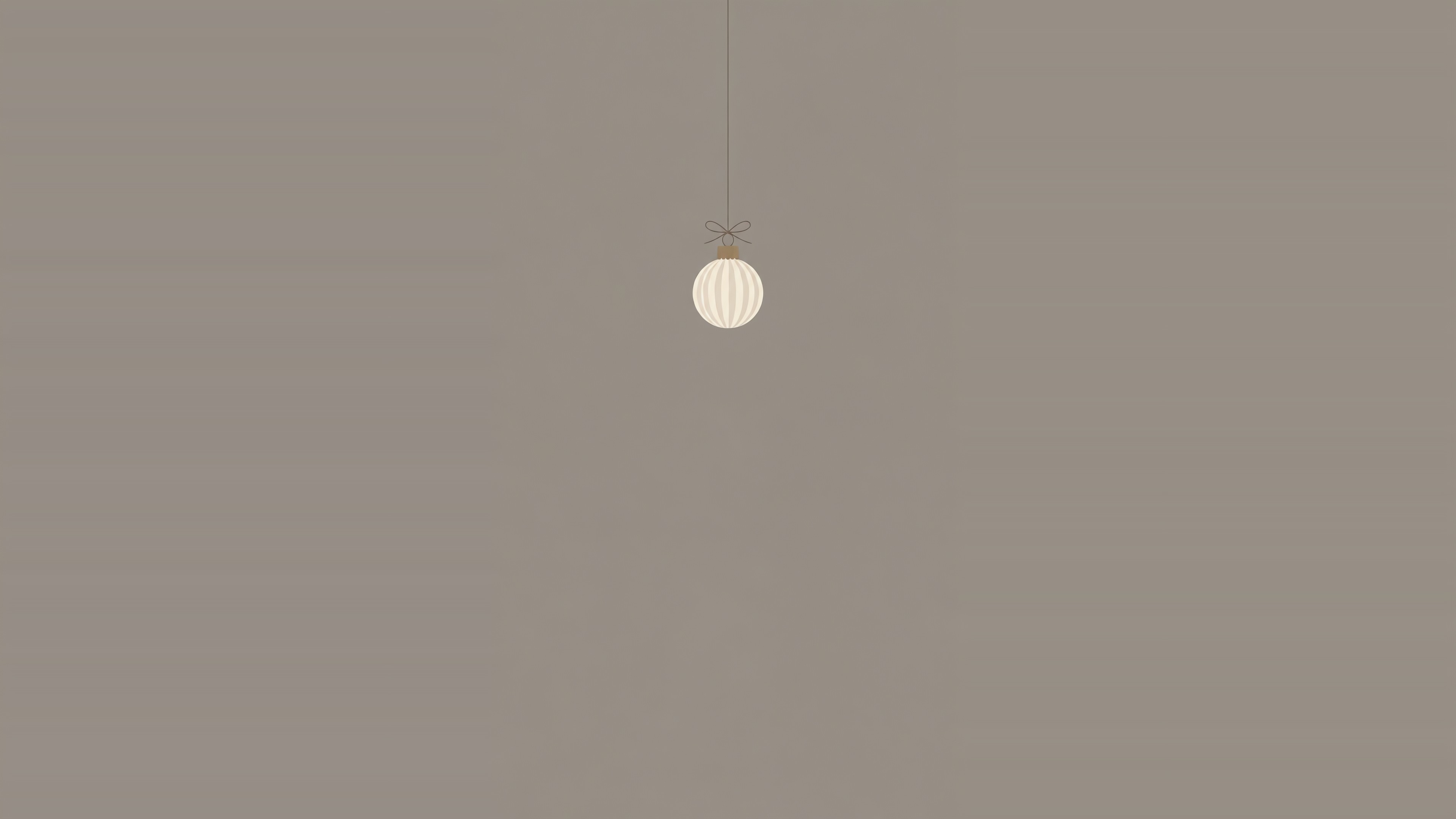
- Milk Glass: a single ribbed milk glass ornament hanging from a thin string on warm gray. It hangs just below where your clock sits.
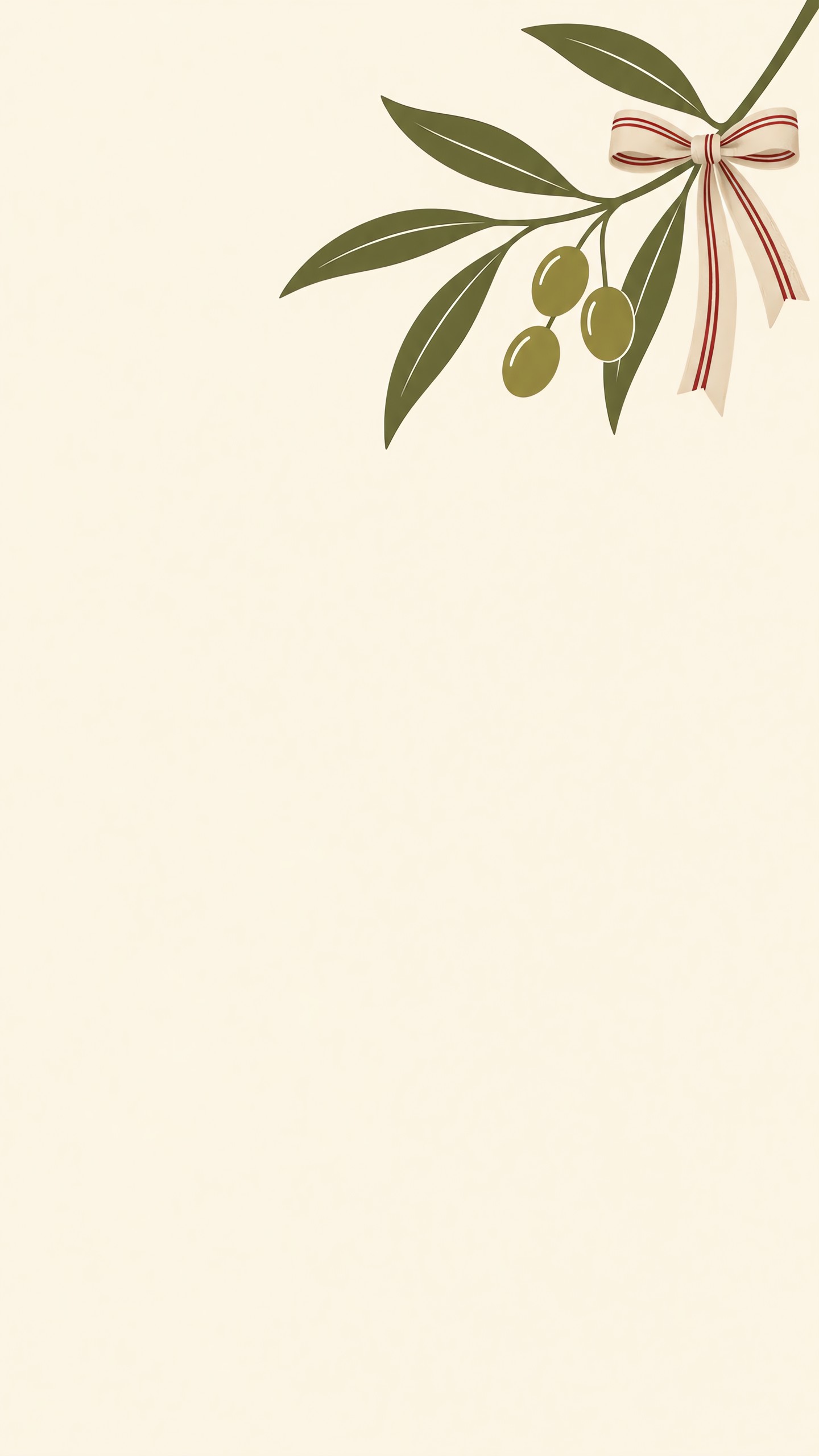
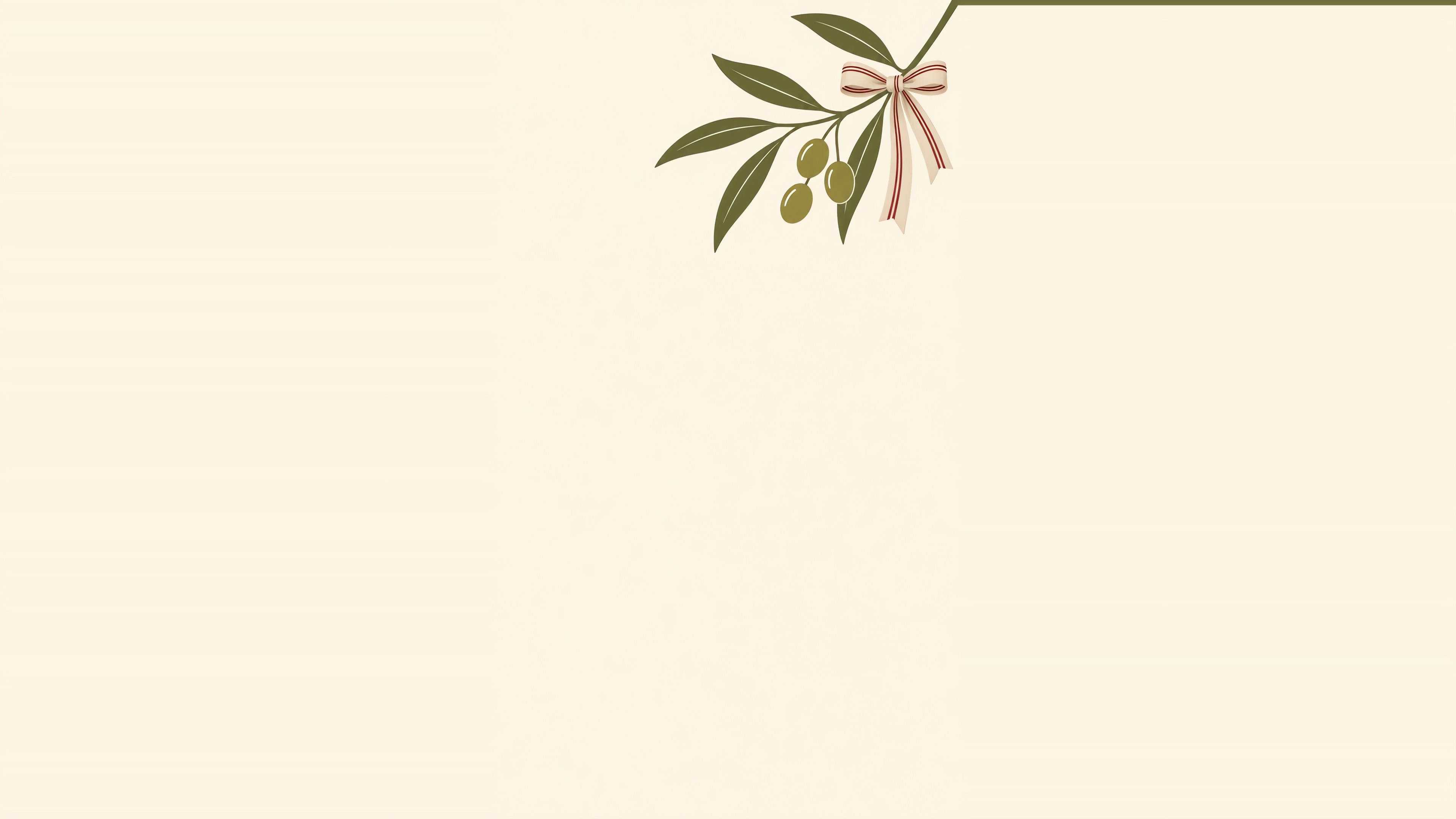
- Quiet Olive: a small olive branch with a blush bow tucked into the top corner of cream. If your phone trims the branch, drag the image a little to the left before you tap Add.
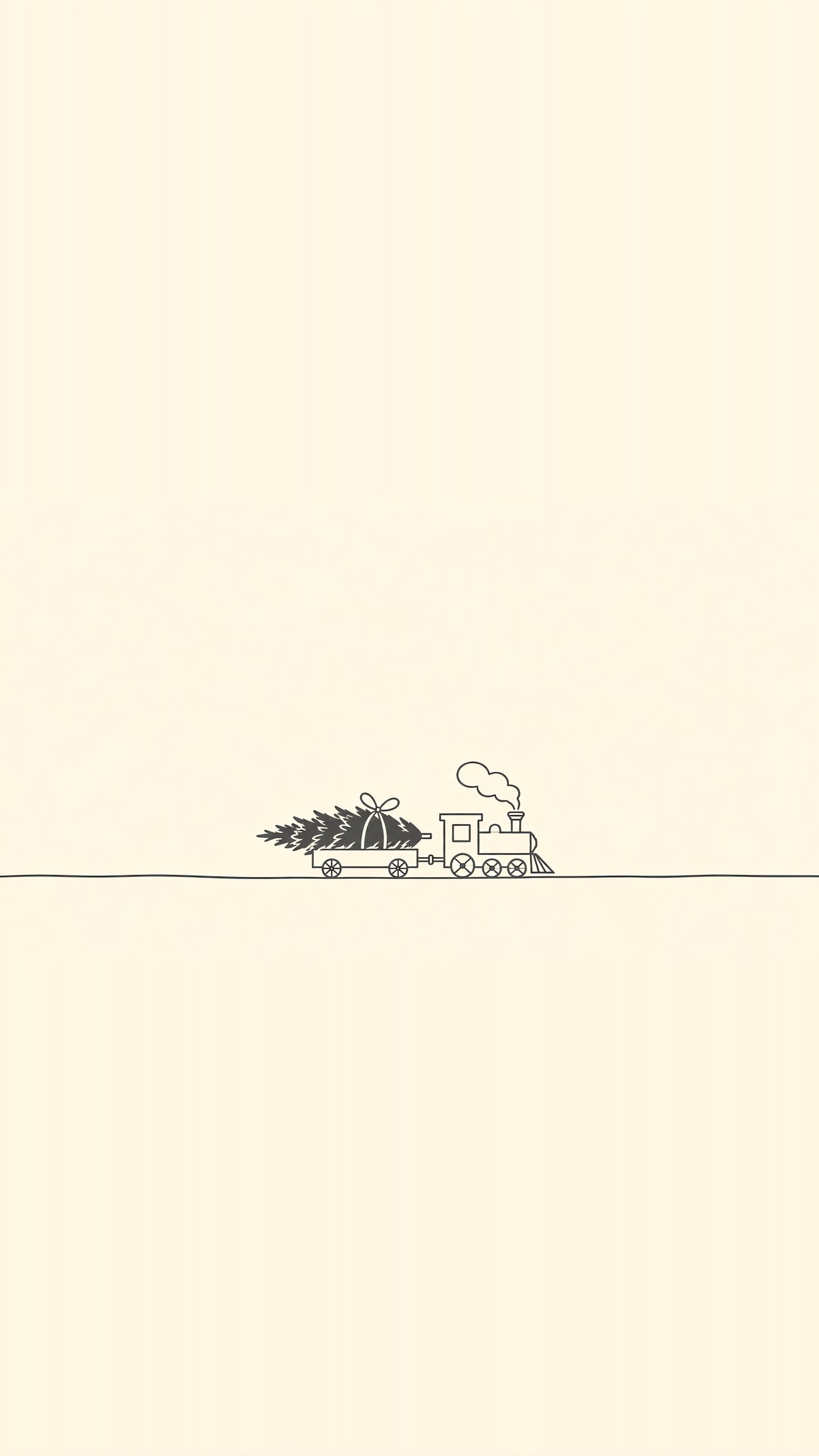
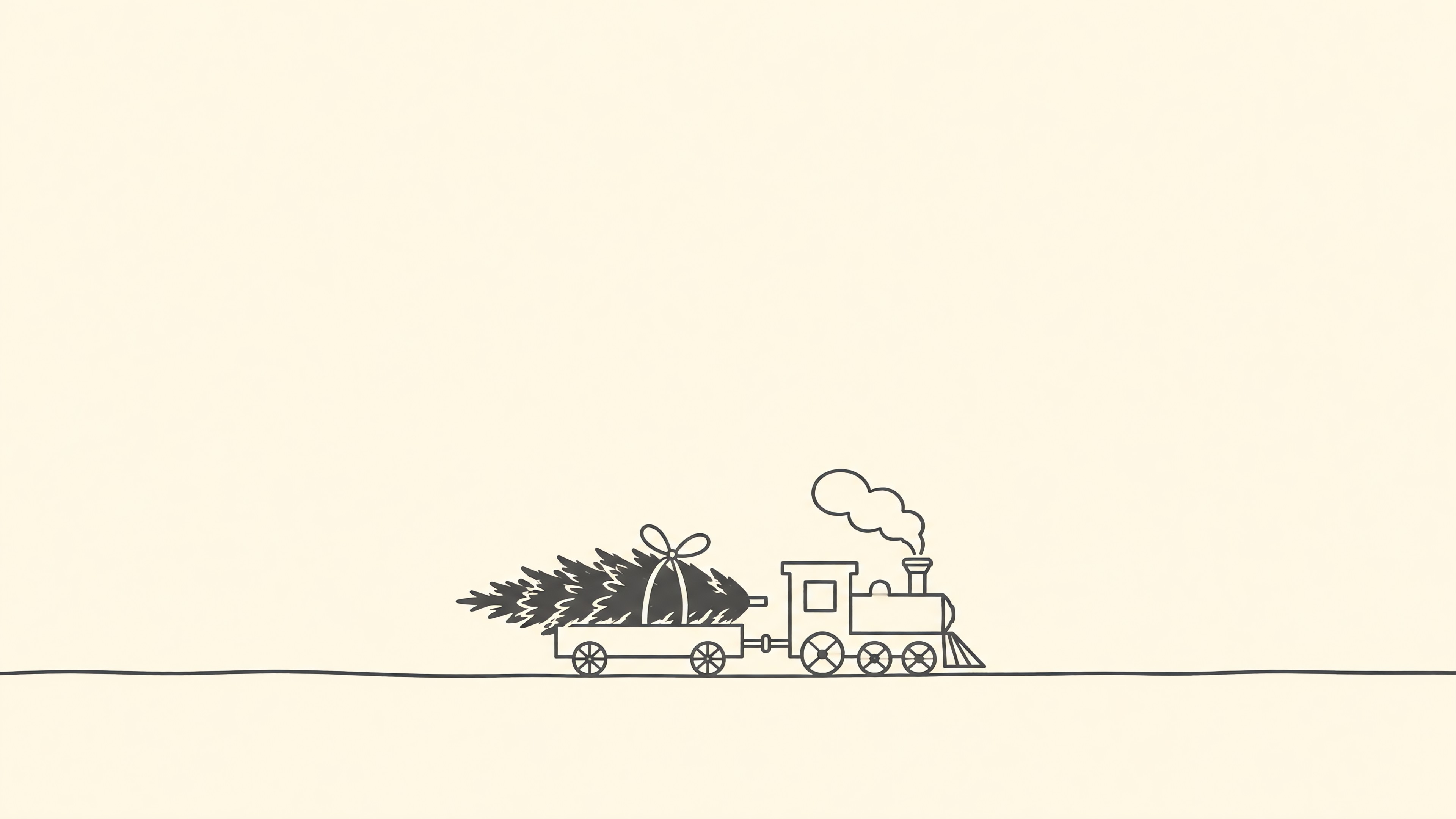
- Snowbound Train: a tiny line-drawn train carrying a Christmas tree across an empty cream landscape. Most people won’t spot it until the second look.
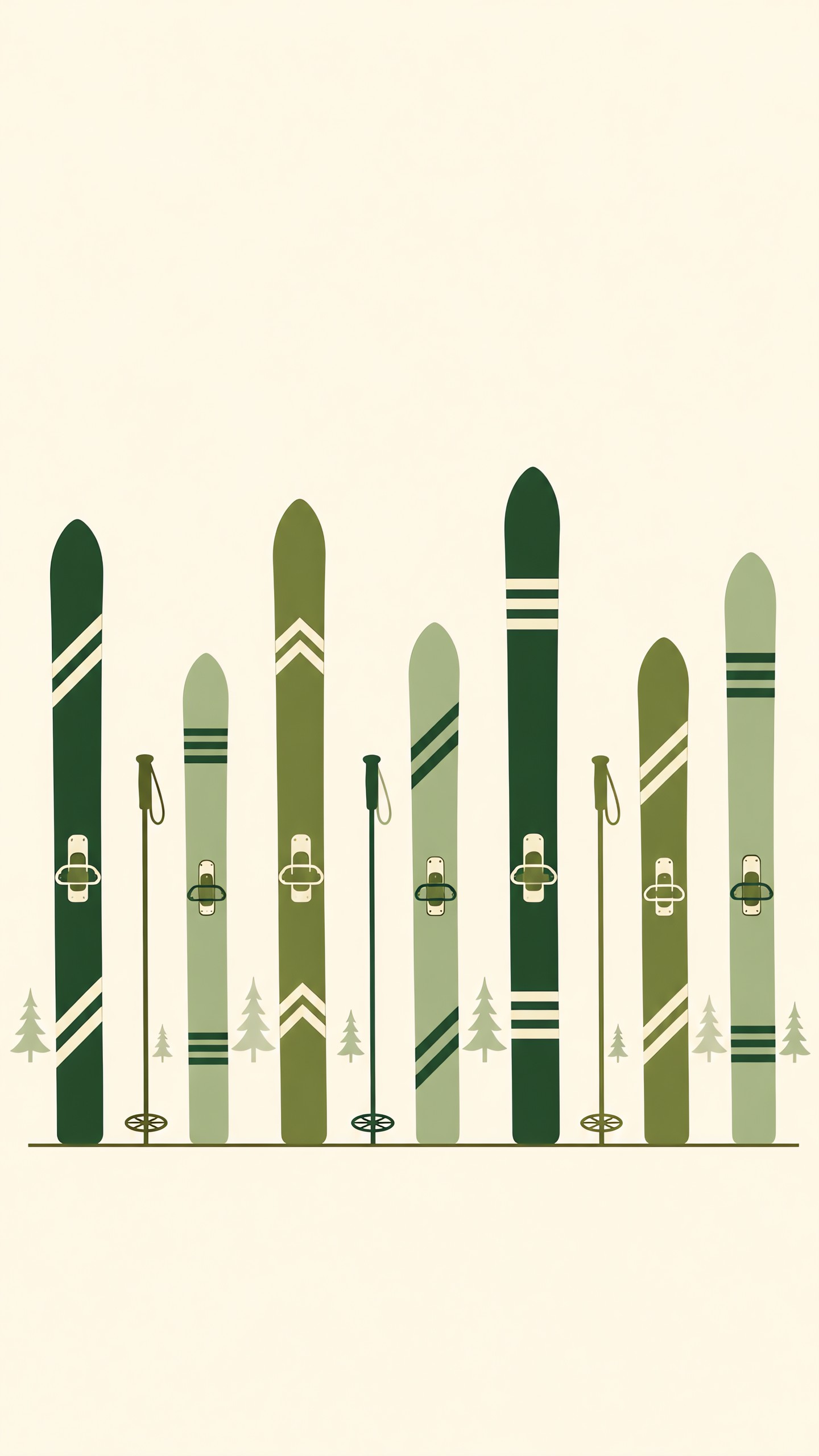
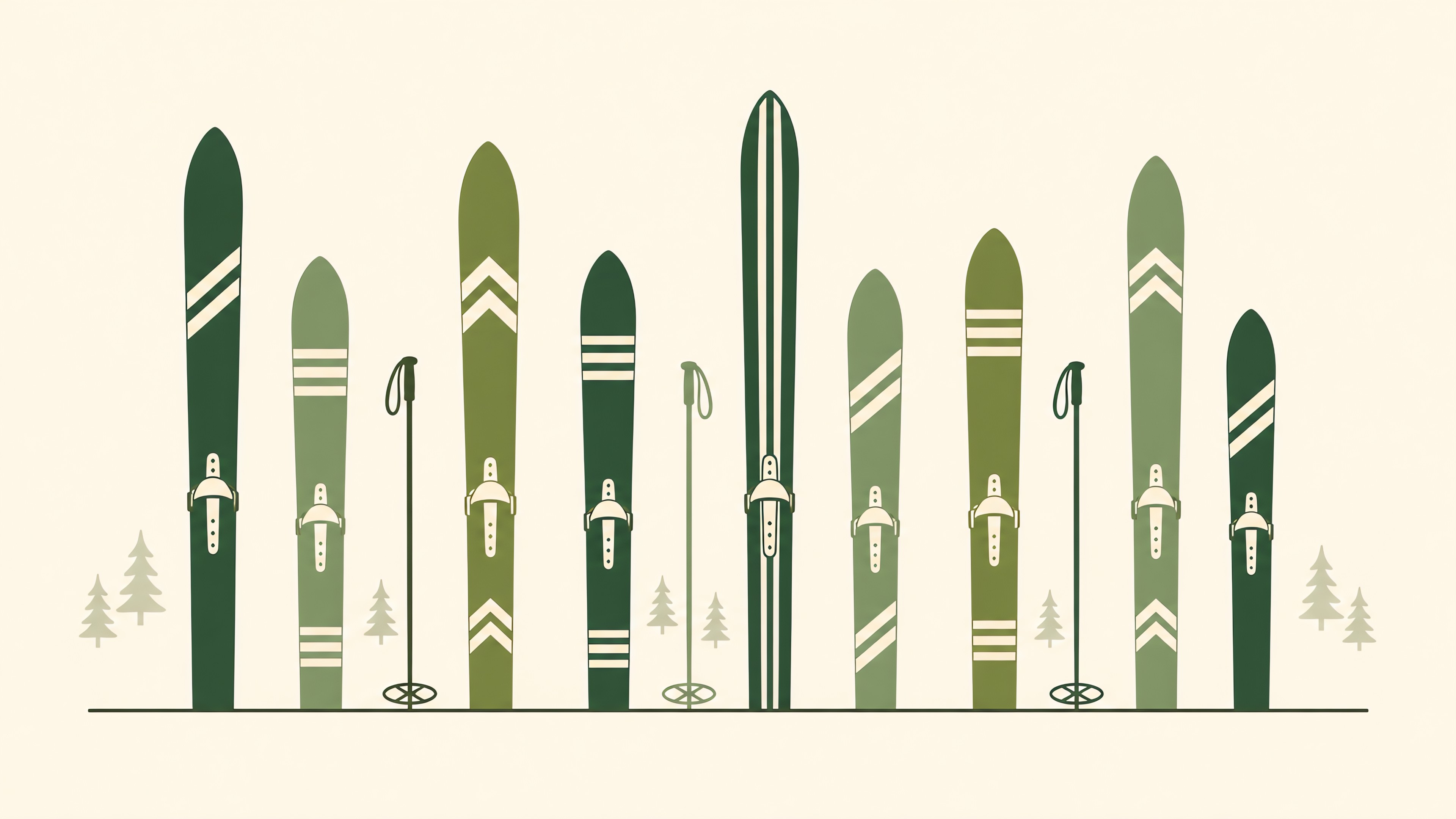
- Pine and Sage Skis: a row of vintage skis and poles in forest green and sage, with a few tiny trees. There’s open space above the skis for your clock, and it works all winter.
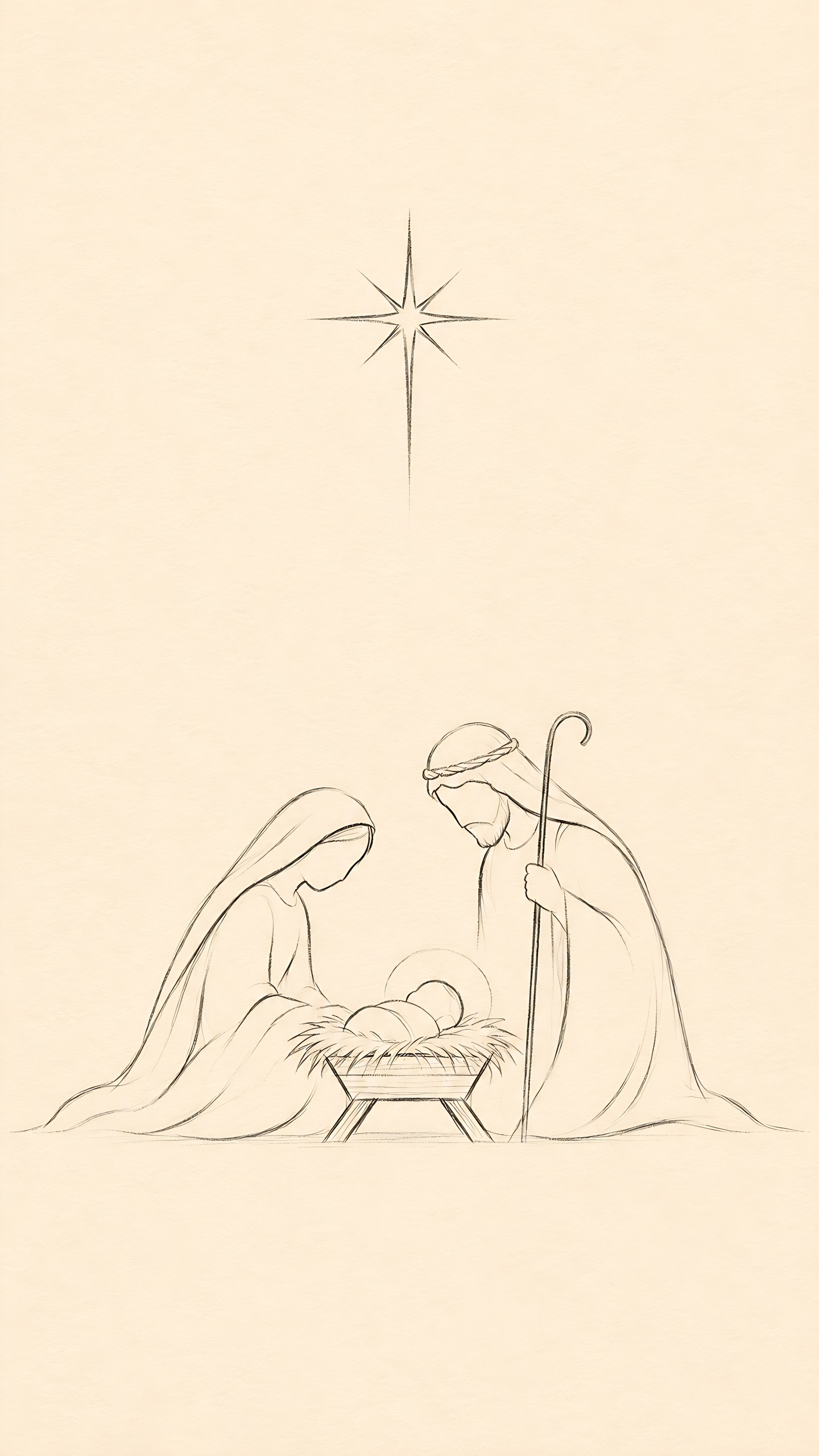
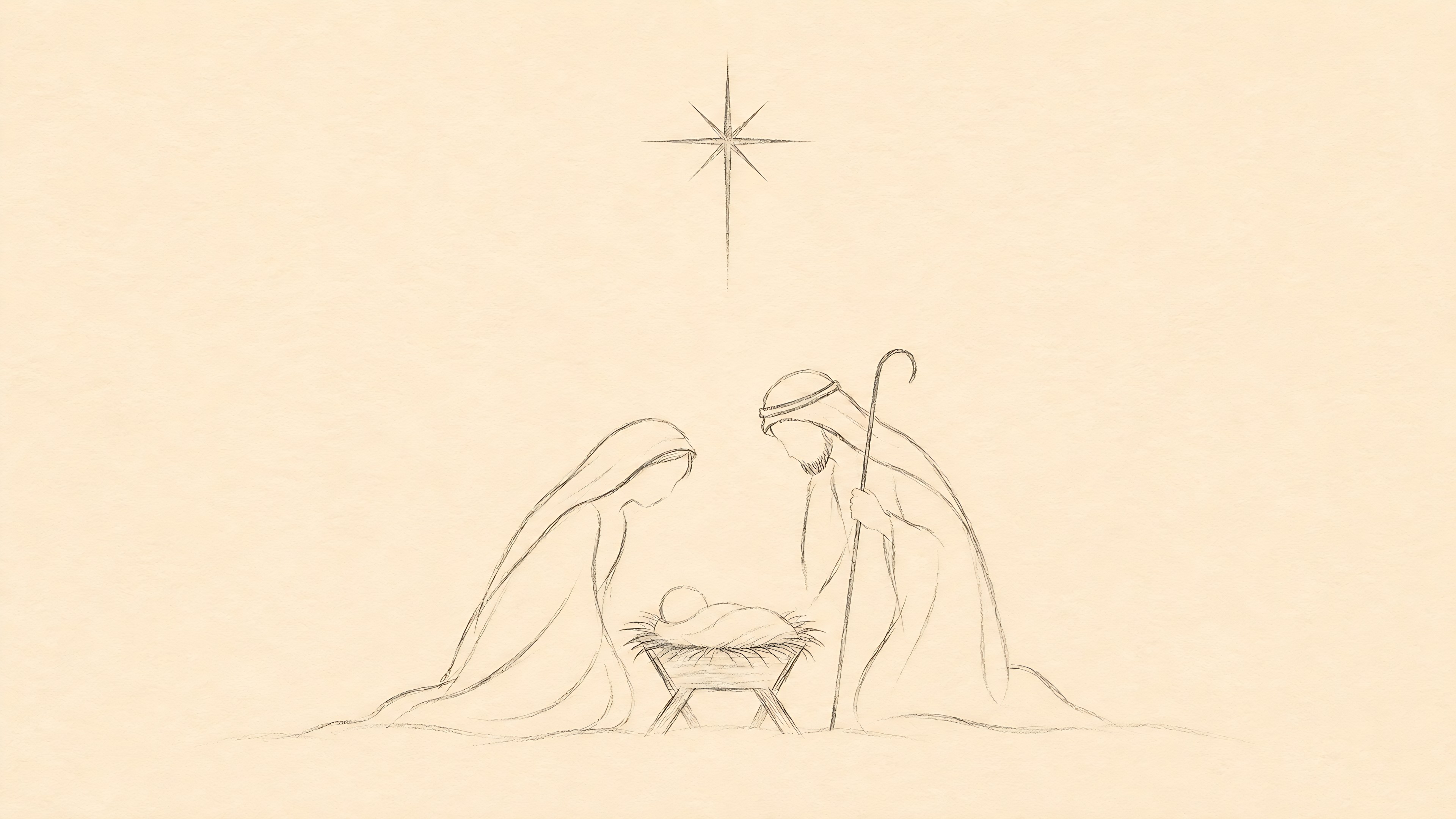
- Bethlehem in Pencil: a soft pencil sketch of Mary, Joseph and baby Jesus in the manger, with the star overhead. If you want a Christian Christmas wallpaper that keeps the focus on the nativity, this is the one.
Christmas Wallpapers You Can Leave Up Through January
Not ready to go back to your regular wallpaper on December 26? These have no Santas, stockings or ornaments, so they work all winter: Snowdrop Fir, Pine and Sage Skis, Willow Tartan, Quiet Olive, Winter Citrus and Mistletoe on Mulberry.
How to Set a Christmas Wallpaper on Your iPhone
- Open this post in Safari on your iPhone and tap the phone version of the design you want. The full-size image opens in a new tab.
- Touch and hold the image, then tap Save to Photos (on older versions of iOS, it says Add to Photos).
- Open Settings, tap Wallpaper, then tap Add New Wallpaper.
- Tap Photos and choose the wallpaper you saved.
- Pinch and drag to position it, then tap Add.
- Tap Set as Wallpaper Pair to use it on both screens, or tap Customize Home Screen to blur it or choose a different design for your Home Screen.
A shortcut: open the image in the Photos app, tap the Share button and choose Use as Wallpaper.
Rotate Your Christmas Wallpapers With Photo Shuffle
If you can’t pick just one, save a few and let your Lock Screen rotate them. Go to Settings, then Wallpaper, then Add New Wallpaper, and choose Photo Shuffle. Tap Select Photos Manually, choose your wallpapers, then tap the three-dot button to pick how often they change: on tap, on lock, hourly or daily. Set it to daily and you’ll get a new one every day until Christmas.
Show More of the Pattern With the Compact Clock (iOS 27)
On iOS 27, you can shrink the Lock Screen clock so it tucks up beside the date and more of the wallpaper shows. Press and hold your Lock Screen, tap Customize, tap the clock, then tap the icon with two lines in the top corner of the Font & Color panel. This is the trick that makes the busiest patterns, like Christmas Arcade and Parcel Tower, look their best.
How to Set a Christmas Wallpaper on Android
- Open this post in Chrome on your phone, tap the phone version of the design you want, then touch and hold the image and tap Download image.
- Open the image in Google Photos (or the Gallery app on a Samsung).
- Tap the three-dot menu, then tap Use as in Google Photos or Set as wallpaper in Samsung Gallery.
- Choose your Home screen, Lock screen or both.
Menus vary a little from phone to phone. If you get stuck, touch and hold an empty spot on your Home screen and look for Wallpaper or Wallpaper & style.
How to Set a Christmas Desktop Wallpaper on a Mac or PC
On a Mac: click the desktop version of a design, then Control-click the image and choose Save Image As. Find the file in Finder, Control-click it and choose Set Desktop Picture. You can also add it in System Settings under Wallpaper.
On a Windows PC: click the desktop version, right-click the image and choose Save image as. Then right-click the saved file and choose Set as desktop background, or go to Settings, then Personalization, then Background.
The desktop versions are 16:9, the shape of most laptops and monitors. A MacBook screen is a little taller than that, so your Mac trims a sliver off the sides, which the all-over patterns hide easily.
So Which Christmas Wallpaper Should You Start With?
If you can’t decide, choose two. Put the design you most want to look at on your Lock Screen, and give your Home Screen something calmer (or the blurred version) so your app labels stay easy to read. A few pairings that work well: Partridge Parade with Pearl Garland, Peppermint Chevron with Silver Chime, and Madder Ribbon Trellis with Velvet Thread.
I keep coming back to Winter Citrus, the one on my laptop in the photo above. It feels sophisticated, and it’s inspiring me to host more and keep my space clean, cozy and festive all season.
Save a handful tonight, set Photo Shuffle to daily, and let your phone count down to Christmas with you. If you’re posting your own Christmas photos this month, my Christmas Instagram captions are ready to copy, and if your card is still blank, here’s what to write in a Christmas card. Everything else lives on my Christmas page.
Christmas Wallpaper FAQ
Yes. All 35 designs are free for personal use on your own phone, tablet and computer, and there’s no email sign-up. Please don’t sell them or re-upload them anywhere; if you want to share them, share a link to this post.
Tap the phone version to open the full-size image, touch and hold it, and tap Save to Photos. Then go to Settings, Wallpaper, Add New Wallpaper, Photos, and pick it.
The simple and minimalist set has the most open space at the top. The Tree Lot, Winter Citrus and Ribbon and Bells also keep the top of the screen clear.
The phone versions are 9:16, and most newer phones are a little taller and narrower than that, so your phone trims a sliver from each side. Pinch and drag to position it before you tap Add; the all-over patterns don’t lose anything that matters.
Yes. On Android, save the phone version and set it from Google Photos or your Gallery app. On an iPad, use the desktop version; since an iPad shows your wallpaper upright and sideways, the all-over patterns crop best.
Use Photo Shuffle. Go to Settings, Wallpaper, Add New Wallpaper, Photo Shuffle, select the wallpapers you saved, and choose how often they change: on tap, on lock, hourly or daily.
Jewel Box, Swan Masquerade, Partridge Parade and Midnight Folk Garden all have deep green or navy backgrounds that look good in dark mode.